Hello,
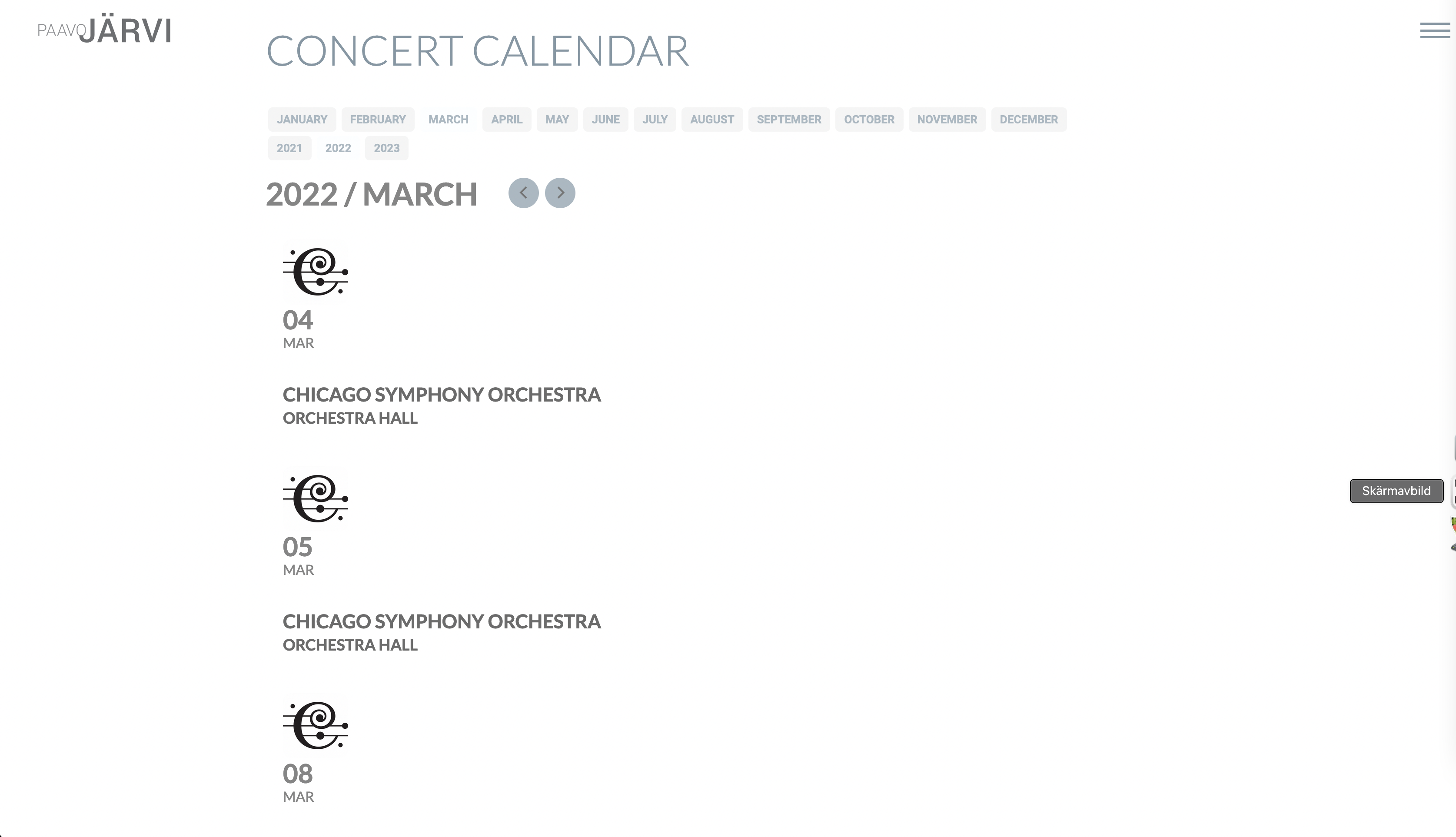
Unfortunately that was only partly useful. I want a compact design (see screenshot attached) because I’m listing all events on the main page of the site, not on a dedicated events page. The new design takes up way too much space.
Thanks!
David
Hello ashan thanks for the help
i only have one question about the action user and virtual event time, then i am happy
https://helpdesk.ashanjay.com/ticket/virtual-event-time-in-action-user/
Regards
Mark
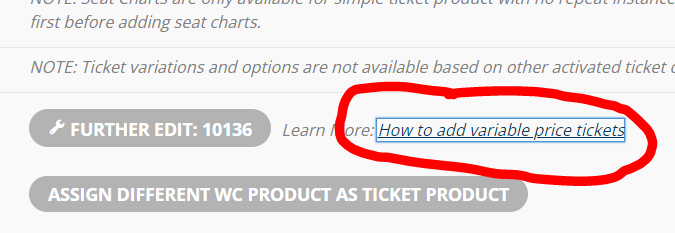
Just so you know, the reason I did it in the backend is because this article link reference doing it in the back end. And I had clicked on that when I went to set it up intially.
Ahhhh, got it.
Thanks for clarification!
Thank you for your quick reply.
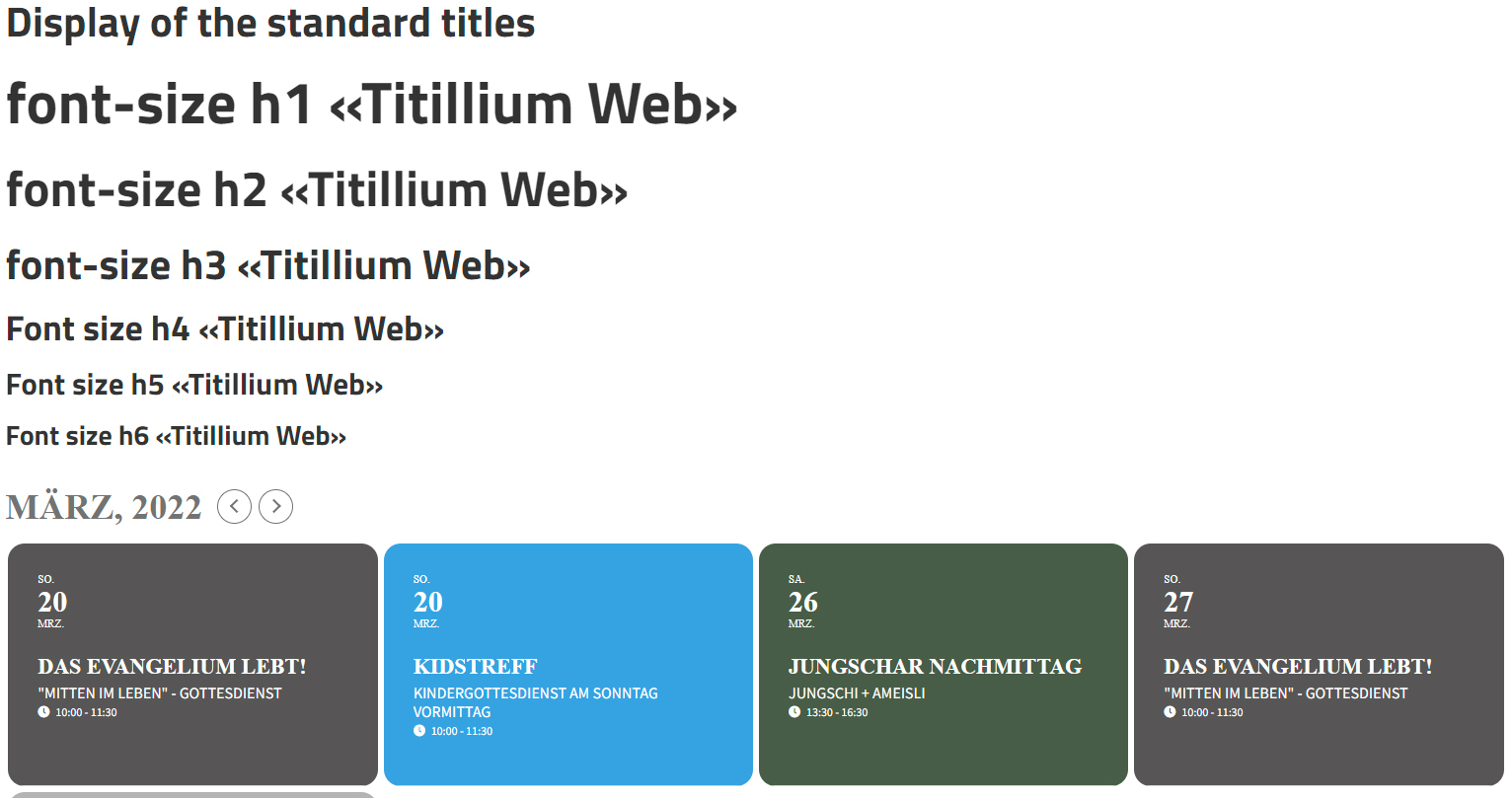
The font was already installed. I installed the recommended Google plugin for installing fonts and reinstalled the font (Titillium Web).
The titles in the created pages are displayed correctly.
The EventOn plugin still shows a replacement font in the titles. The body font is displayed correctly.
I have deleted the entries at “Custom CSS” again.
Edi
Hi Ashan
Thank you so much for letting me know. I know you are all swapmed with requests for work but if you do open up your requests for customizable work please let me know as they would be more than happy to pay and help contribute to resources for the feature. Thank you and have a great weekend.
Best Wishes
Roger
Hello,
Please send us wp-admin access to your site as a private message for us to further assist your situation.
It’s looking better – I played around some more after I sent this support ticket…
BUT how can I get rid of the ‘Event Has Started‘ notice at the top please and
The ‘Time‘ is showing as 7:45pm on March 9 until 10pm on Dec 28 which is obviously not right otherwise it’s be one heck of a long event 😀
It’s also showing squashed up on my iPhone (in fact all the event cards are – how does it look on your mobile – not mobile view on desktop but on an actual phone).
it appears you have created the variable within editing the product where as you want to activate the variations on the event itself
so after you create an event with tickets activated you then see the variation options on the event see video below