Ashan,
This does work on our test site, but doesn’t on customer’s.
https://www.lazarola.com/wp-admin/post.php?post=369861&action=edit
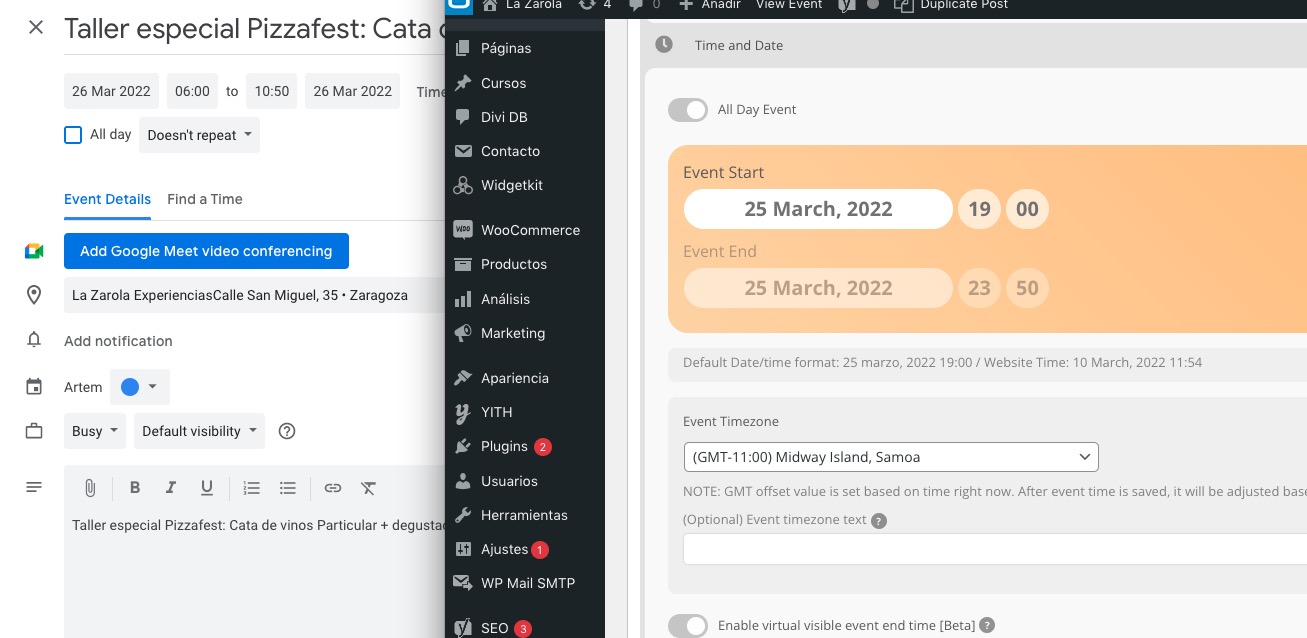
https://dev2.myeventon.com/wp-admin/post.php?post=29791&action=edit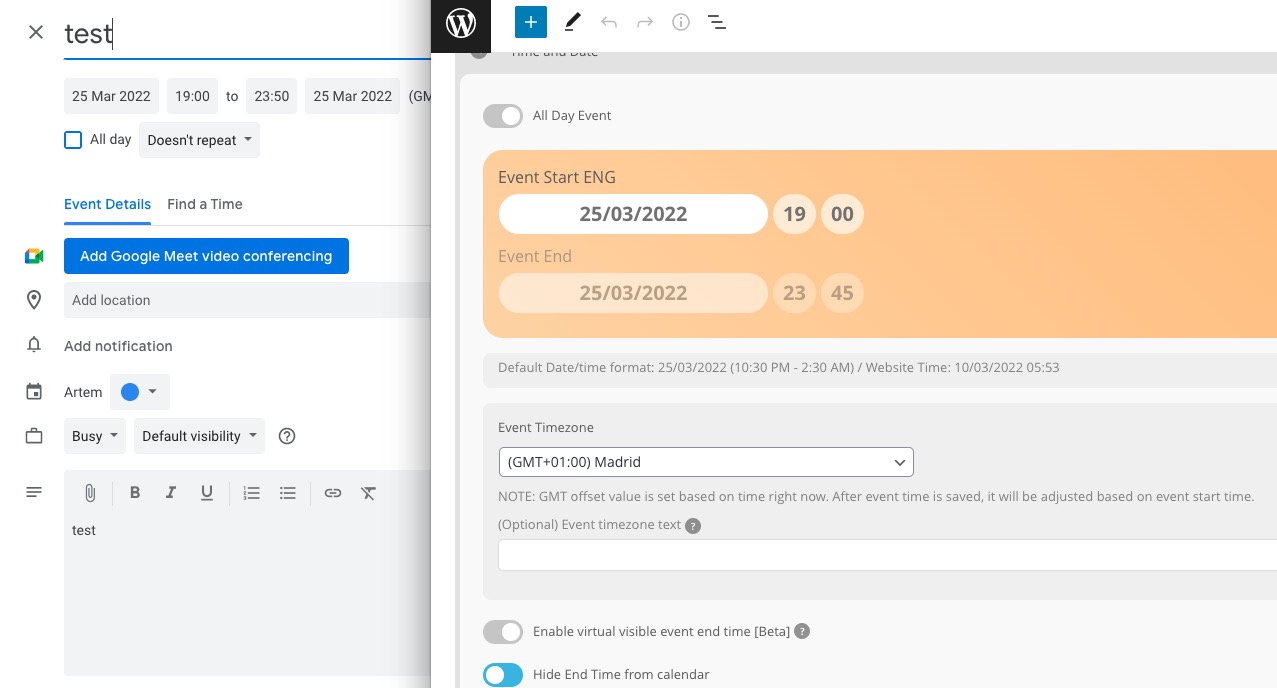
Replies for tickets on suppota
Ashan,
This does work on our test site, but doesn’t on customer’s.
https://www.lazarola.com/wp-admin/post.php?post=369861&action=edit
https://dev2.myeventon.com/wp-admin/post.php?post=29791&action=edit
Hello,
Thank you for your messages, I am going to assign this ticket to Ashan and he will be able to take it from here and find you a solution. Please allow some time for him to get back to you, we greatly appreciate your patience and thank you for being a eventon customer! Also please disable any IP blocking on your site if there are any.
I solved it.
Thanks a lot for your help!
Top! Thank you for the good support and quick response. Good day. Gr.Frank
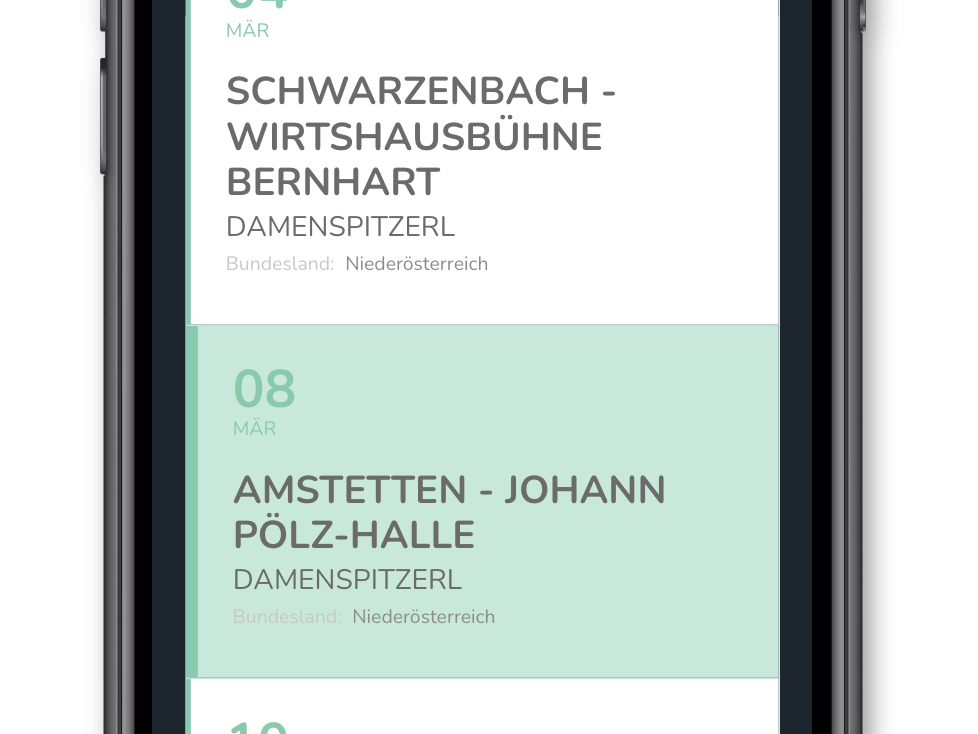
Thanks for your quick response. But it didn´t change anything. It’s still not in the same line.
Hello,
is there any news yet?
I would like to use the eventslider to give customers the possibility to buy event entries via action user.
But this is only possible if the slider works properly.
Hello,
Please try the custom CSS code below:
@media (max-width: 568px){
.eventon_events_list .eventon_list_event .evcal_desc{margin-left: 3em; margin-top: -3.8em;}}
Add the code in Appearance > Customize > Additional CSS
simply add
lang=”L2″
to the shortcode for english example [add_eventon event_count=”4″ show_limit=”yes” ux_val=”3″ show_et_ft_img=”yes” etc_override=”yes” eventtop_style=”1″ lang=”L2″]
and
lang=”L3″
to the shortcode for German
IMPORTANT
when copying and pasting from this site always paste into the html section not visual for page buildiers and you probably should redo each “
sorry, we removed the calendar that did not work for the public
these pages are the problem children
https://freifallxpress.de/kalender/
https://freifallxpress.de/kalender2/
https://freifallxpress.de/?page_id=8371&preview=true
Please login with the account we provided you to see the last one
But that’s the thing; the filtered calendar works perfectly fine, while the normal one does not!
Hi Ashan,
we just have to activate again and then the customer in your possession can renew?
How do we activate?