I have just looked and the putting it to a different query of anything uploaded in the last 12months seems to have worked – I am guessing we have so many events that it is looking at events that are older and the calendar is unable to cope with that?
Archives: Replies
Replies for tickets on suppota
Reply to: tickets(409348)
Sorry I forget to write that it gets stuck if you click through at about August and September and then won’t keep going from there.
I will have a look at the PHP code errors now
Reply to: tickets(408960)
I believe that originally your shortcode was add_eventon. Since your current shortcode is Event Lists: Ext, you can limit number of events shown to increase the performance.
Do you have some kind of cache plugin installed on the server?
Could you try installing
https://wordpress.org/plugins/wp-fastest-cache/
We also have this guide:
https://docs.myeventon.com/documentations/why-my-site-and-eventon-page-loading-slow/
Reply to: tickets(409364)
Hello,
No issues on my side:
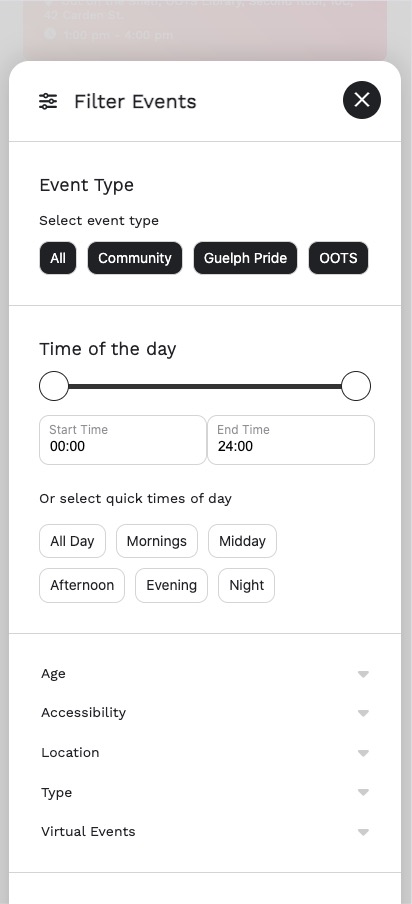
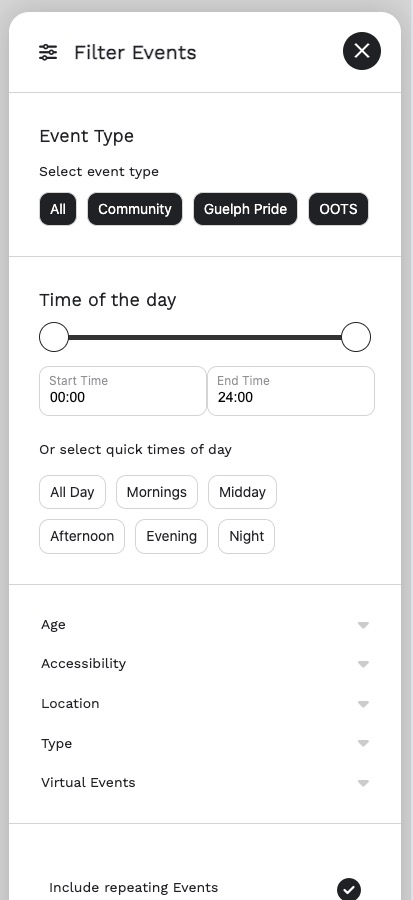
Could you send us a screenshot?
Reply to: tickets(409285)
Ashan,
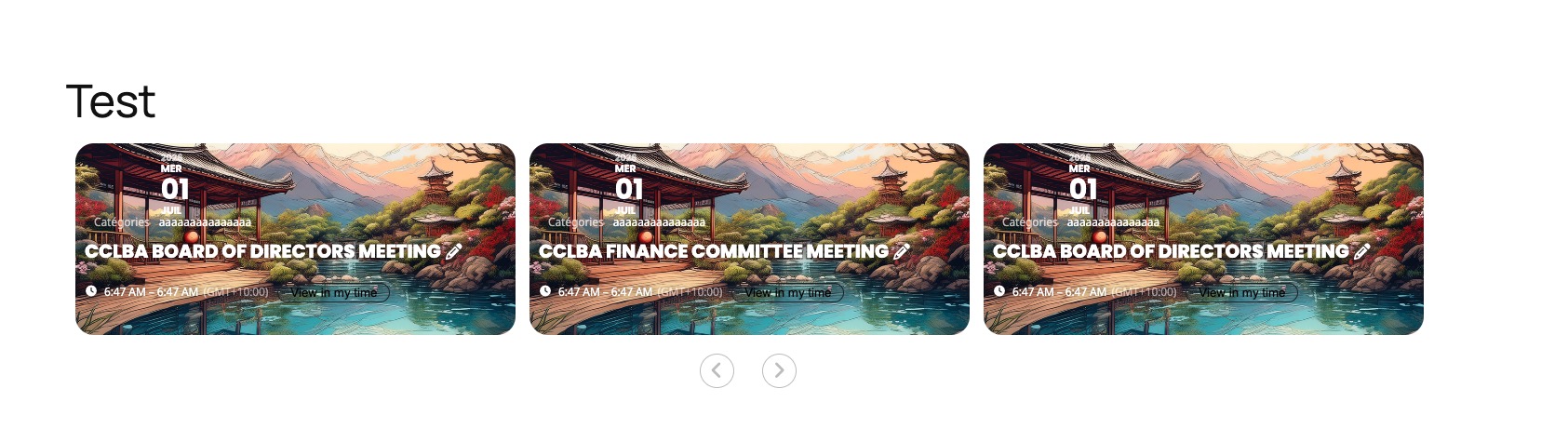
The same on dev2:
https://dev2.myeventon.com/test-252/
https://dev2.myeventon.com/wp-admin/post.php?post=75307&action=edit
https://dev2.myeventon.com/wp-admin/post.php?post=75306&action=edit
Reply to: tickets(409285)
Thank you for your messages!
I am going to escalate this ticket to development to help in here. Please allow us some time to address this, and we truly appreciate your patience. Thank you for being a valued EventON customer!
Additionally, if your site has any IP blocking or security restrictions in place, kindly disable them temporarily to facilitate our support process.
Reply to: tickets(409350)
Hello,
I have limited access to your website:
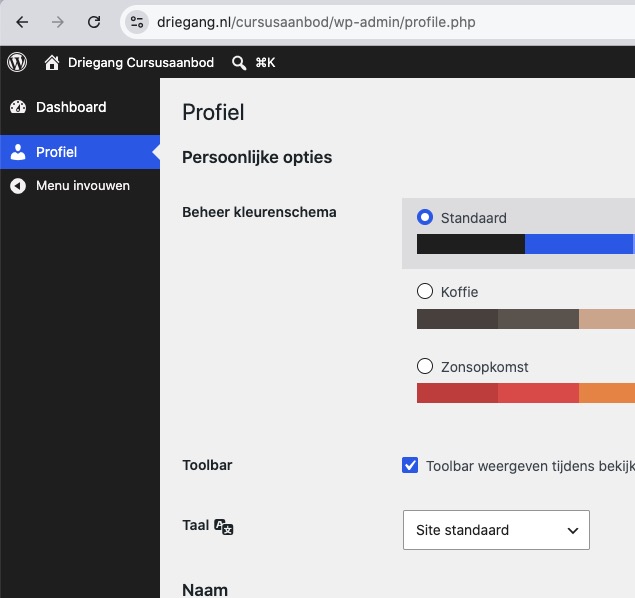
Could you allow Pages, EventON Settings, Events?
Please also make sure that you have enough events per months to show the load button.
Reply to: tickets(406710)
Since you verified your purchase, autoupdate should be available starting from 5.0.10. Sorry for inconvenience, but currently we are still working on moving from CodeCanyon, so some issues may appear.
Reply to: tickets(409333)
Thank you for your messages!
I am going to escalate this ticket to our account manager to help in here. Please allow us some time to address this, and we truly appreciate your patience. Thank you for being a valued EventON customer!
Reply to: tickets(406710)
I ended up starting again and identifying that it was only enabled on 2 subsites. I disabled on both and was able to upgrade. (I did this previously but for some reason it wasn’t working). Solved now. Still I don’t understand the ethos or politics in not making your plugin available for autoupdates. Previously we were able to get around this by using the Envato API to retrieve updates when they were available automatically. Since the plugin is now maintained locally is there an alternative API option to update? We are likely to stop supporting your plugin if an automated option can’t be provided. There are competing options now available for free and offer better functionality (particularly in the User Action space which allows multi events to be added in a more sophisticated manner).