Hello,
Please send us wp-admin access to your site as a private message for us to further assist your situation.
Replies for tickets on suppota
Hello,
Please send us wp-admin access to your site as a private message for us to further assist your situation.
Hello,
Please go to EventON Settings > try different Select calendar event content filter type.
Please also make sure that your version of EventON is 4+.
To update eventon to latest version: If you are unable to do autoupdate, you can go to codecanyon your account > download and get the latest eventon version as zip file. Then you can go to your website, deactivate old eventon, activate (Do not delete eventon settings & data when EventON is uninstalled) from eventon settings, delete old eventon, install new one and activate. This link will further explain the process it. Also you can follow us on twitter to get real-time announcements on updates!
Here is the old website showing all events — https://hamptonbeach.org/2021/
Code above not showing, trying with < code > tags
iframe
<code><iframe style=”display:block;border:none;margin-left:auto;margin-right:auto;” src=https://players.brightcove.net/5639141747001/experience_6220e1ebd60ad70023e02930/index.html allow=”autoplay; fullscreen; geolocation; encrypted-media” allowfullscreen webkitallowfullscreen mozallowfullscreen></iframe></code>
JS
<code><div data-experience=”6220e1ebd60ad70023e02930″></div><script src=https://players.brightcove.net/5639141747001/experience_6220e1ebd60ad70023e02930/live.js></script></code>
Screenshot attached
PD: I don’t received your last response by email : “…Please check now and let us know.”
Yes, now it is ok. What have you changed?
Please check now and let us know.
Ashan,
It seems that this only happens after installing and/or updating to 4.0:
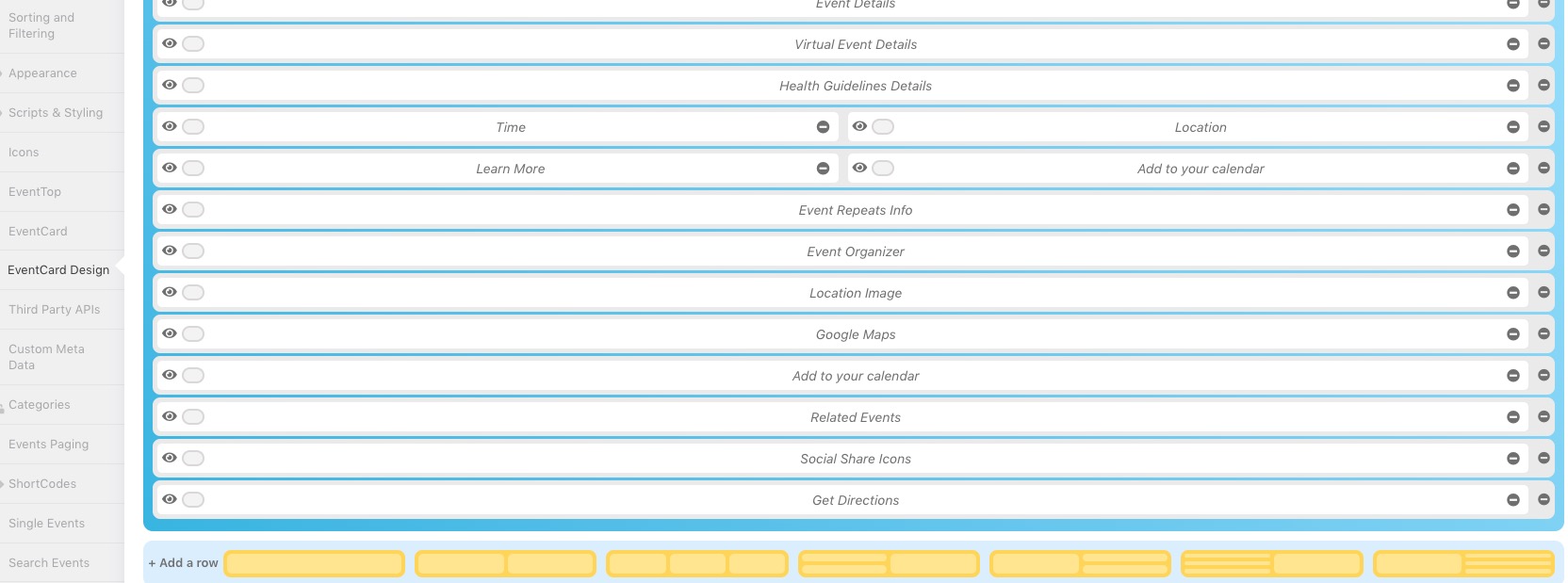
That’s great, thank you. Can I also hide the ‘Event has started’ bit at the top? The event hasn’t really started, you see, as each week is its own individual bookable event. But it’s recurring every week.