Hello,
Please add pagination=”yes” events_per_page=”99″ to the shortcode:
[evo_event_manager pagination=”yes” events_per_page=”99″]
Replies for tickets on suppota
Hello,
Please add pagination=”yes” events_per_page=”99″ to the shortcode:
[evo_event_manager pagination=”yes” events_per_page=”99″]
Spain.
Unfortunately, we unable to help with customizations.
Hello,
Please follow the instructions in this documentation to activate debug in your site to see any PHP errors recorded that can provide insight on to whats going on. Please reply with a link to debug.log file. If you are not able to do this please send us FTP access to your site so we can do this for you.
Hello,
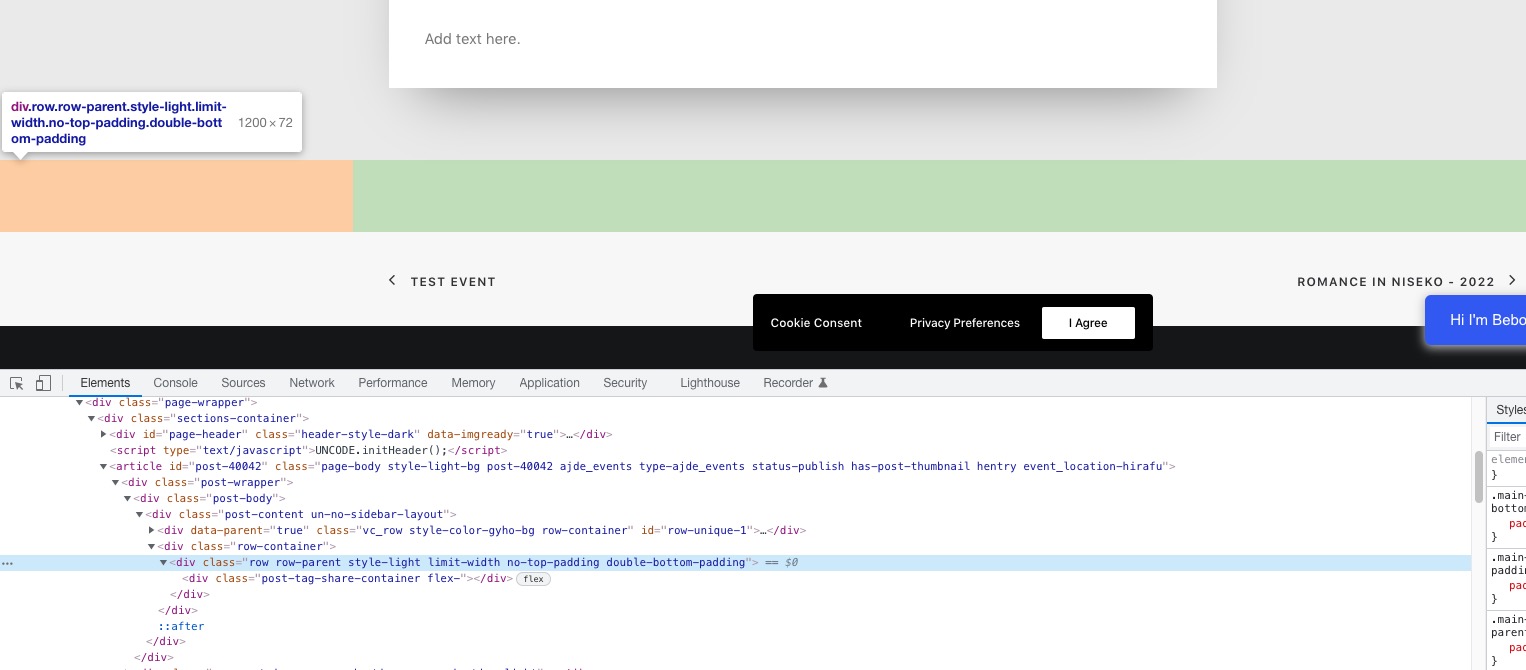
When you enable “Stop using eventON single event template for single event pages”, EventON stops using it’s own template and uses theme’s one instead.
Please contact the theme developer and ask about the issue:
Hi Team,
I have just upgraded your permissions.
Please take a look when you can.
Thank you very much.
Best Regards,
Alister
Hi, I have the same problem ?
It was the only reson bought the PDF, to get the QR code on the pdf.
you are using events list which shows however many months you want to show where as you should be using the Main calendar shortcode
go to myeventon>>>>settings>>>>>shortcodes
and click the blue button to generate your shortcode- choose main calendar instead of events list to get your arrows
Please send us wp-admin access to your site as a private message for us to further assist your situation.
and where is this warning located (where do you see it or what actions do you take for the error message to appear)
I am sorry, the access information you have provided did not work for us. Please check them and post the correct login information as a private message, thank you!
we would need to see whats going on in the backend