Archives: Replies
Replies for tickets on suppota
Reply to: tickets(225515)
I would like to request an update on this please. Thank you for your time.
Reply to: tickets(268719)
Just a quick note – Tablet in Portrait mode has the same problem as Smartphone mode
Reply to: tickets(268557)
hello, I update from version 1.9.4 and also update the qr-code version from version 1.1.6
the site is live and I would prefer not to test that, because I receive several purchases per hour and I would not like there were any problems.
I have set up a staging version at this address
https://staging31.lapalestradelcibo.com/smt2019/
pw: admin
password: SMTpastaefagioli2020
there are the old versions of the plugins.
The same problem (I had already opened a ticket about it) happens if I update the version of eventon, all the formatting gets messed up and there is no way to put it back in order.
thank you
Reply to: tickets(268710)
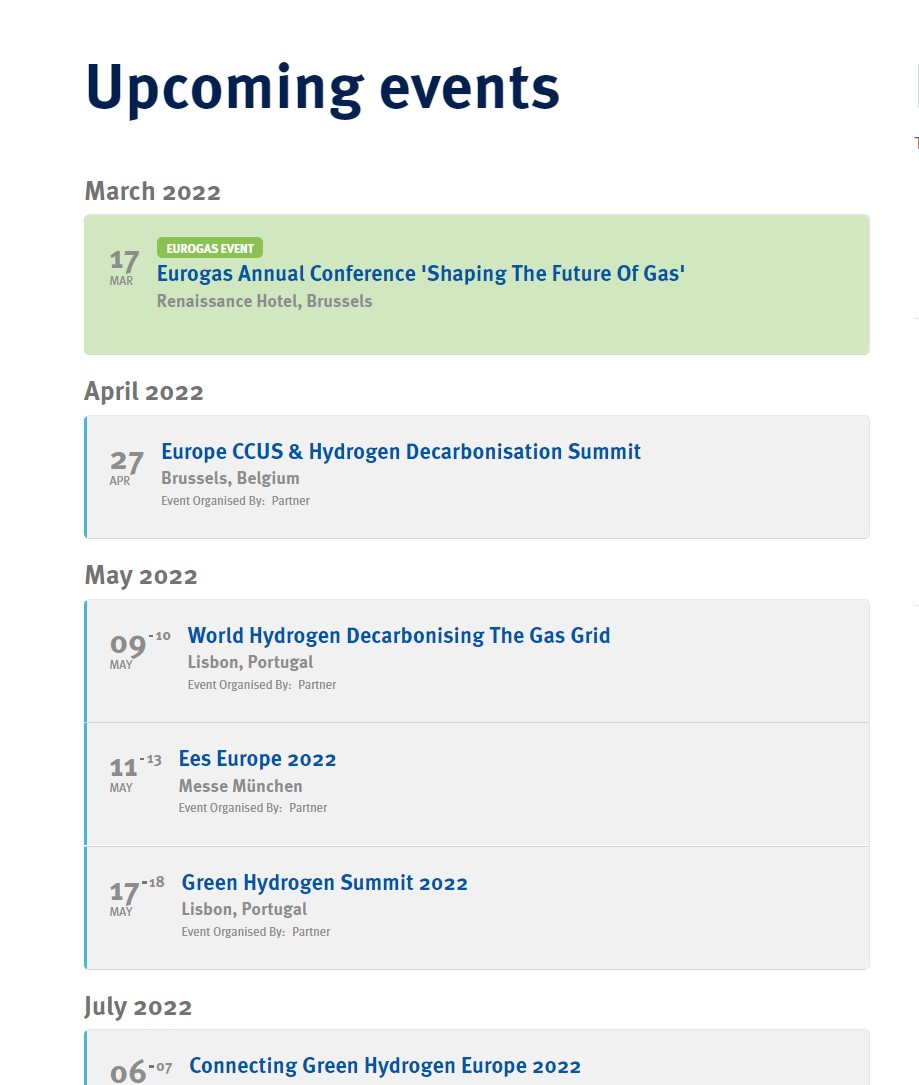
On a pc (the previous was an iphone)
Reply to: tickets(268710)

Here some screenshots
Reply to: tickets(268388)
Thank you! Please let me know if you need anything else from me.
Reply to: tickets(268429)
Hello,
Could you tell us more about how do you export the data from WooCommerce? Have you tried a third-party plugin for this?
Reply to: tickets(266287)
Everything seems to be working now. Could you check?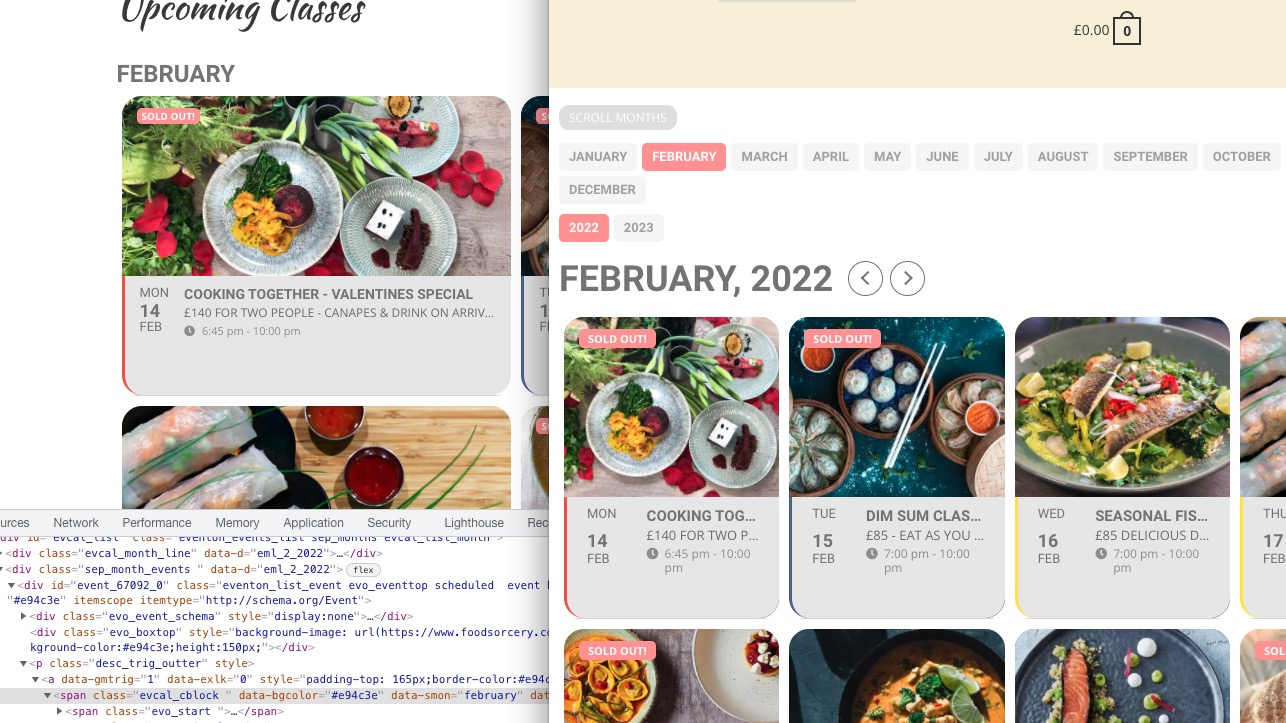
Reply to: tickets(268605)
Hello,
“Coming up Next in ___” altogether (so it only shows the live events).
Please add this CSS code to EventON > Styles (If you don’t see any change, EventON > Scripts & Styling > turn off Write styles to header > save settings > turn on Write styles to header):
.evo_eventon_live_now_section .evo_eventon_now_next h3 { display: none !important; }
…to have a countdown timer that counts down to the start time of the event?
Please take a look at Countdown add-on https://www.myeventon.com/addons/event-countdown/
How it looks like: https://dev2.myeventon.com/events/countdown-5/
Try on https://dev.myeventon.com/wp-admin/