Hi Tomas,
Thank you for your message, I am going to assign this ticket to Ashan and he will be able to take it from here. Please allow some time for him to get back to you, we greatly appreciate your patience and thank you for being a eventon customer!
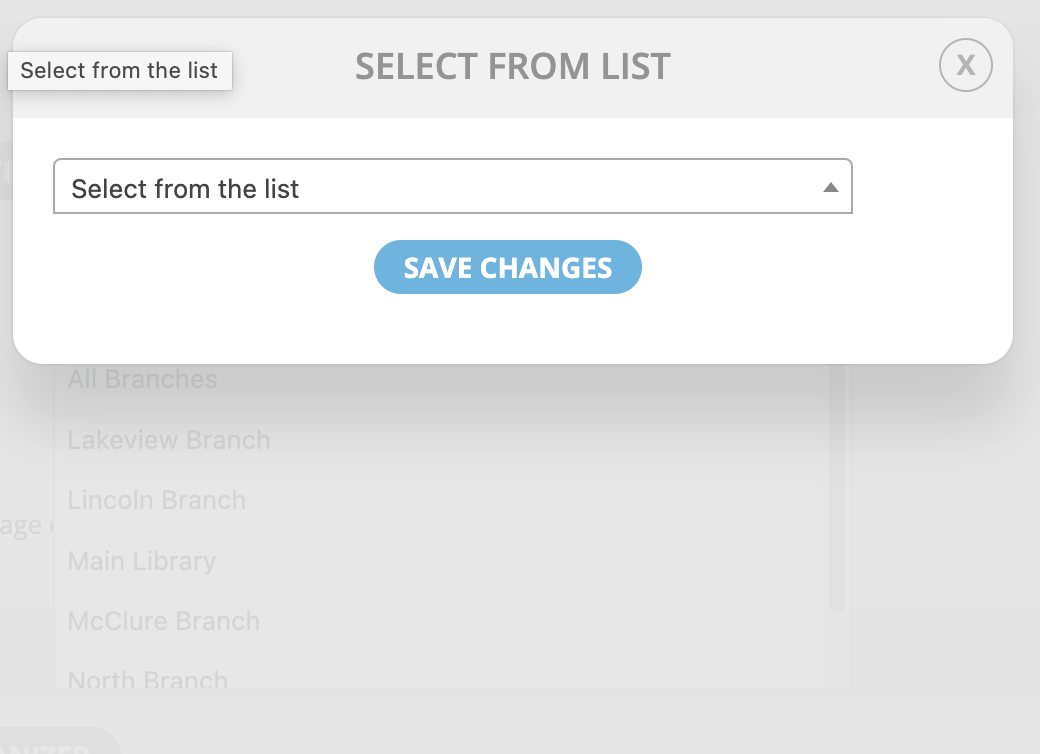
I am experiencing the same issue again with another EventOn setting.
When I click on the Select A Location button, the list of locations actually pops up behind the drop-down menu and is not accessible.
You can see this anomaly in the attached screenshot.
This seems to be a new “Feature” since I updated the plugin.
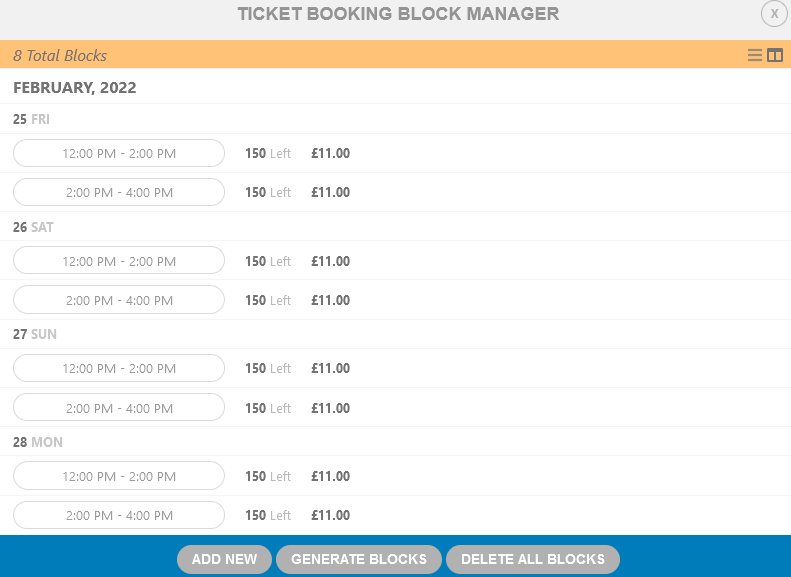
Hi, the plugin has been updated but the problem persists.
In the example image, I generated blocks for the 25th to 26th with variations. Then I generated a second block, the 27th to 28th with variations. This results in the earlier 25th and 26th events losing their variations.
We are sure it is not a memory problem.
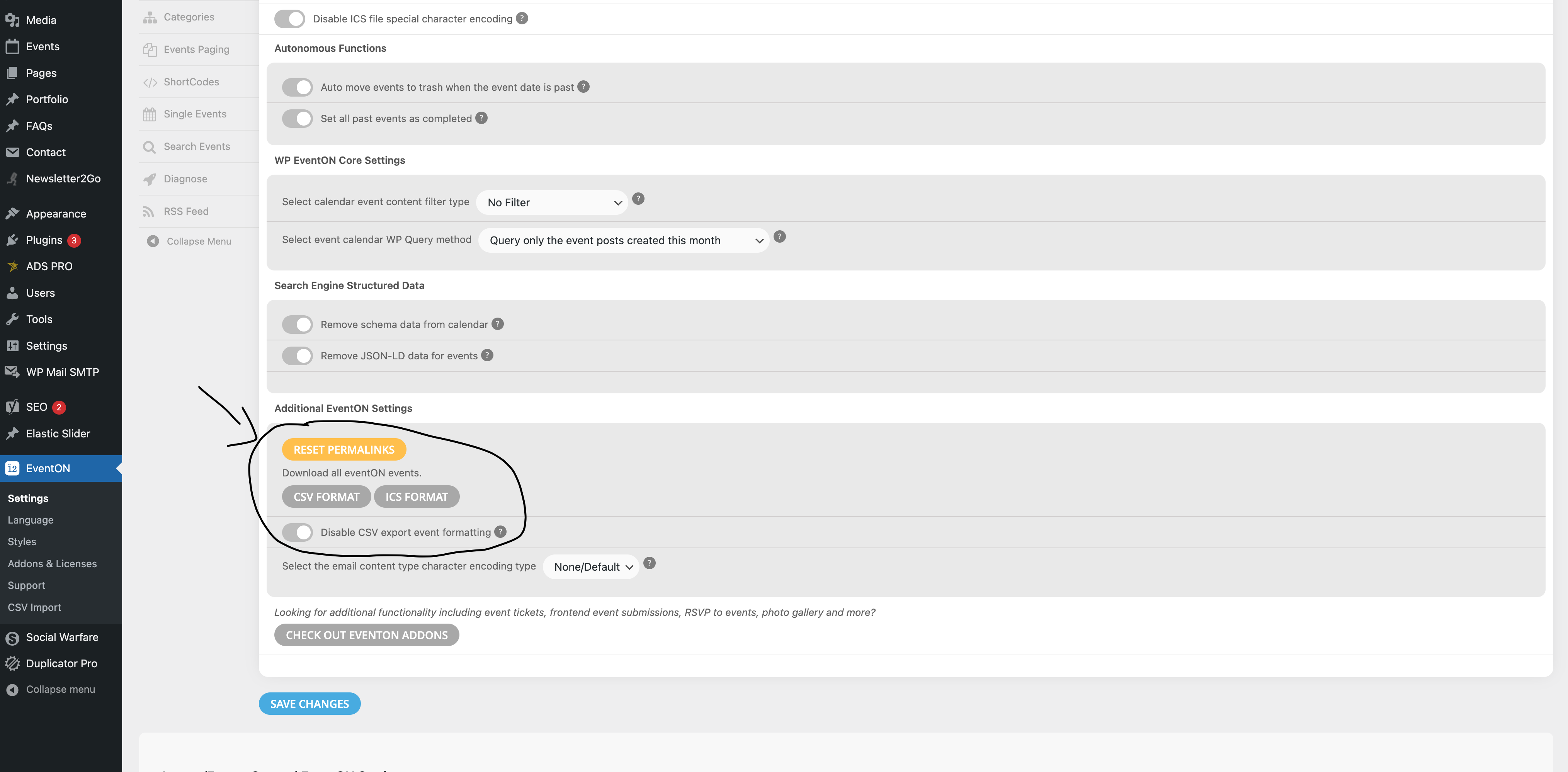
We need a way to save our events before reinstalling eventon.
Please give us a way besides the csv export in the settings menu which is also not working.
I can’t provide login because of 2FA.
Attaching screenshots of how it looks after updating.
The link you sent doesn’t work, I tried to deactivate Checkout Field Editor for WooCommerce but the problem it’s still there, what can you do to make it work as before?
Should I Enable all APIs or Any specific API? I have Enabled Direction and Places API but still not working.
Hello,
By default all auto generated PDF files will be saved in your media library. This is done so that it can be easily retrieved to resend or download without having to re-generate the PDF file.
The problem is in your current Checkout. Everything seems to be working correctly when you use the default WooCommerce’s checkout: https://www.cparityevent.com/171939-2/