Hello,
Which version of EventON are you using? Please update to 4.0.2.
To update eventon to latest version: If you are unable to do autoupdate, you can go to codecanyon your account > download and get the latest eventon version as zip file. Then you can go to your website, deactivate old eventon, activate (Do not delete eventon settings & data when EventON is uninstalled) from eventon settings, delete old eventon, install new one and activate. This link will further explain the process it. Also you can follow us on twitter to get real-time announcements on updates!
After the update go to EventON Settings > Event Top > Select Default Calendar EventTop Style: Clear with left border colors and gaps if you want to keep the old design.
What do you mean with activated correctly?
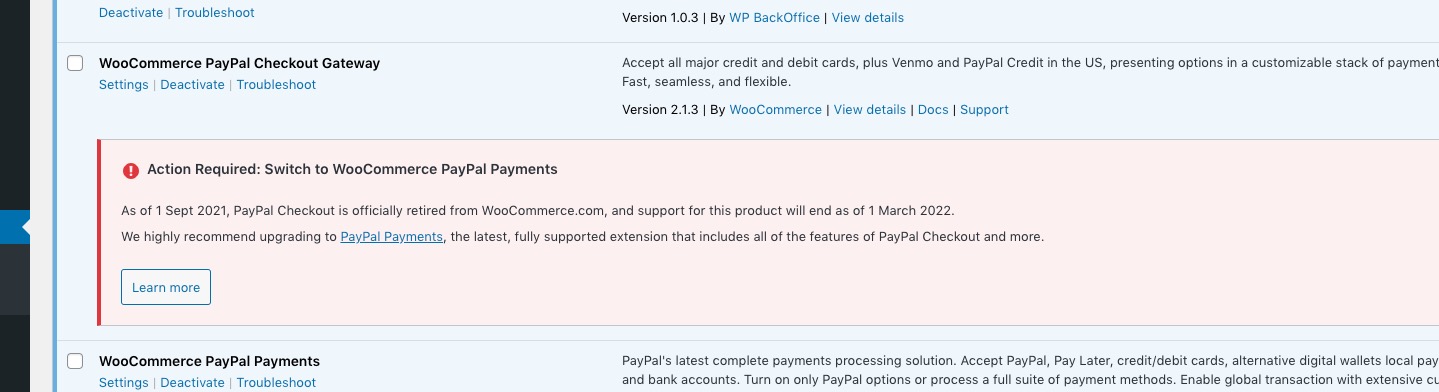
Should this plugin be activated and so on:
It seems that there are few plugin that should be deactivated.
As for the main issue. We need to turn off plugins one by one to figure our which one is causing the issue. Can we do this tomorrow the same time?
Now there is a new error:
Google Maps JavaScript API error: RefererNotAllowedMapError
https://developers.google.com/maps/documentation/javascript/error-messages#referer-not-allowed-map-error
Your site URL to be authorized: https://evenemangskollen.se/evenemang/helen-sjoholm-till-eskilstuna-med-en-ny-tid/
Could you fix it?
Please follow the instructions in this documentation to activate debug in your site to see any PHP errors recorded that can provide insight on to whats going on. Please reply with a link to debug.log file. If you are not able to do this please send us FTP access to your site so we can do this for you.
This may show the error, we can fix.
How do I get the newest version???
I’ve installed two versions on the staging site: old and new. Could you check if they work correctly?
all the formatting gets messed up
I went to https://staging31.lapalestradelcibo.com/smt2019/wp-admin/admin.php?page=eventon#evcal_004aa and selected Select Default Calendar EventTop Style: Clear with left border colors. Could you check and let us know if it looks better now?
This is normal behaviour unfortunatly
if you think of repeats as (regardless of the date) #0, #1, #2 , #3
by adding the event to the 20th you have set it as the second repeat and the ticket sales go to that
best to create a single event for new repeats
I am not sure what the repeat customizer has to do with the issue tho
what I can also do
I am going to assign this ticket to Ashan and we will see if he has any additional insight into the issue or even a fix. Please allow some time for him to get back to you, we greatly appreciate your patience and thank you for being a eventon customer! Also please disable any IP blocking on your site if there are any.
The same issue:
[23-Feb-2022 19:28:26 UTC] PHP Fatal error: Out of memory (allocated 899399680) (tried to allocate 4194328 bytes) in /homepages/0/d359350814/htdocs/FFX-ONLINE/wp-includes/wp-db.php on line 2128
We have already tried to fix the memory allocation memory by raising the memory to 1024M but it did not work.
Are you sure that you can do this? A lot of hosting providers doesn’t allow you to change server config files, so you cannot fix the issue yourself:
https://docs.myeventon.com/documentations/increasing-wordpress-memory-limit/
Also, are you sure that your server has enough physical memory?
can you turn the cache off for that page?
what version of eventon are you using? we are using 4.7.7 version