Hi
It was already set to go to Cart page, but I’ve chnaged it to go to Checkout, but the problem is when they are on the Checkout page. They make payment and nothing happens, no confirmation screen appears, so they keep pressing submit until it does, but this records an order each time they press submit.
I have created a test event to help:
https://awclondon.org.uk/events/test-event/
And also set Stripe to test mode, will this help?
Thanks
Richard
Can you please fix the problem? Until few days it all worked fine and I didn’t change anything on Checkout field editor. What do you mean with activated correctly? Please help me to fix it
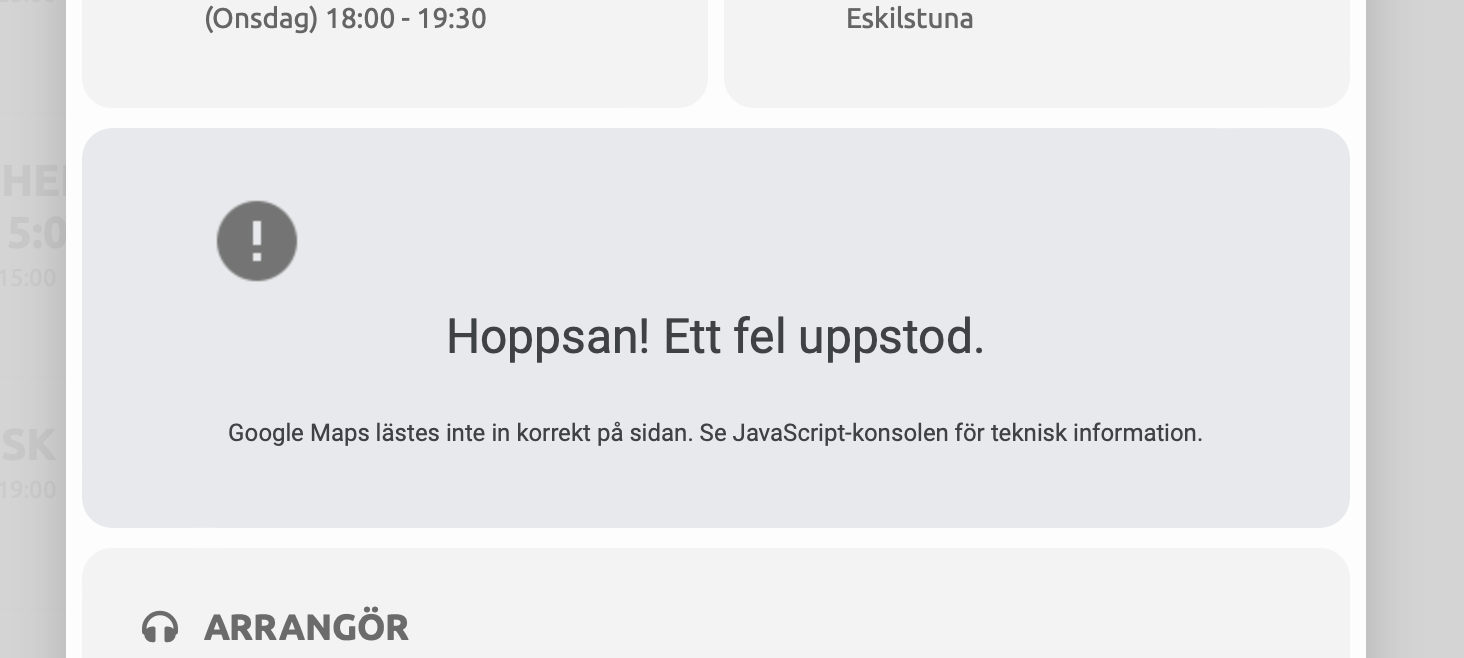
Tried a new restricted key with error or blank are of the map… :/
Hello,
deactivating sadly did not help. This is the new log https://drive.google.com/file/d/1roNuZBWeBQgl-jjZMBKsQL1dcBo3jNab/view?usp=sharing
To be clear, we cannot give you access to the FTP server due to security and privacy reasons as there are other files, too. But we can give you an access to the website as admin.
https://freifallxpress.de/wp-admin/
username: ffxDebug
password: C9*XfLW8wY38
Hello,
Could you update Tickets and Variations add-ons and check once?
To update eventon addons: You can download latest eventon addons from myeventon > my account. Then you can go to your website, deactivate old addon and install new one and activate then delete the old addon. This link will further explain the process. Also you can follow us on twitter to get real-time announcements on updates!
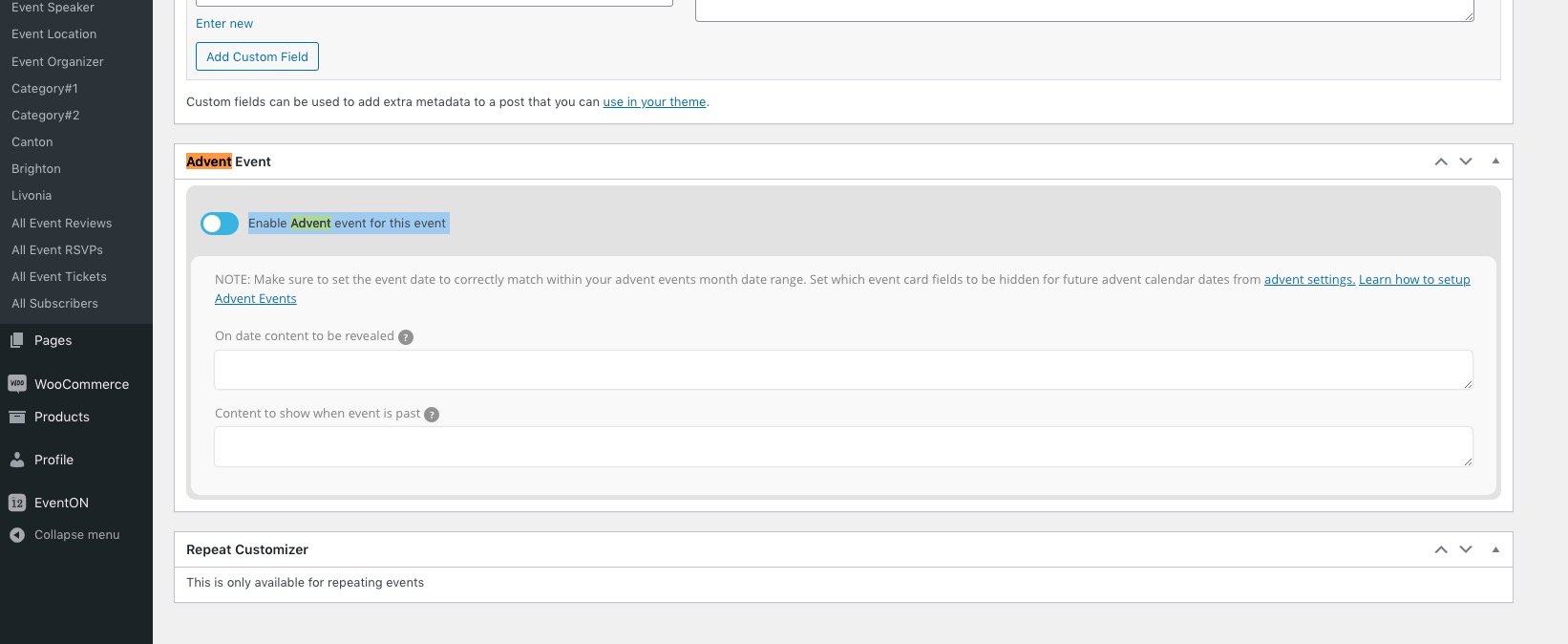
Advent can be activated on Add/Edit Event page:
This is the page I made
Could you resend this since we didn’t receive anything?
How to use Advent Calendar:
https://docs.myeventon.com/documentations/how-to-install-and-use-the-advent-calendar-addon/
Hello,
…but there is no confirmation or action from the site…
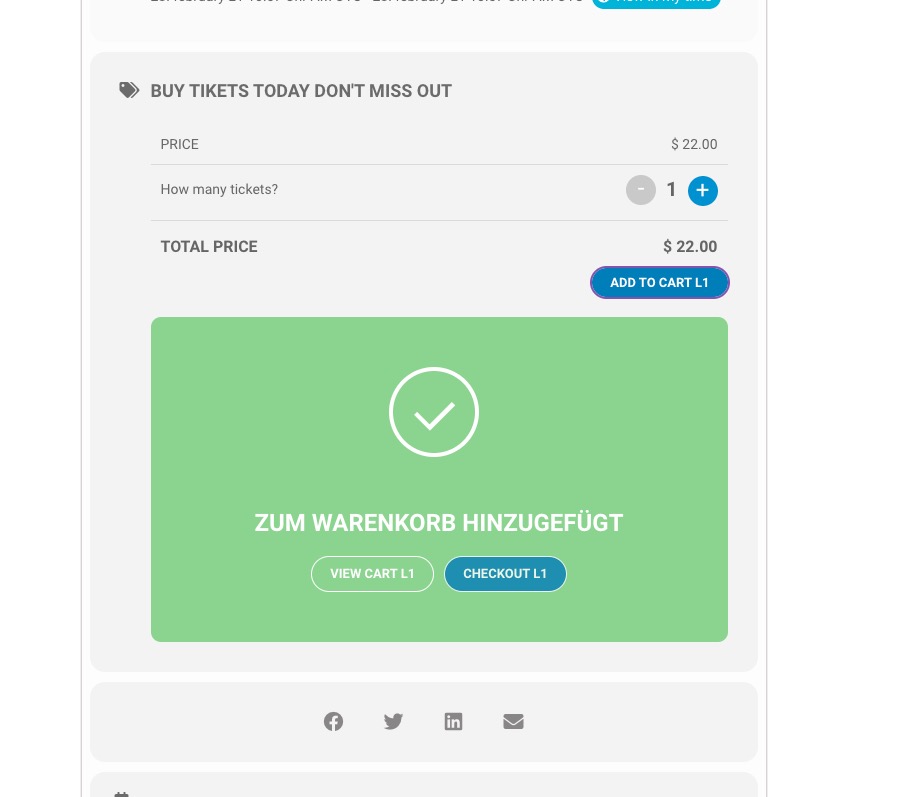
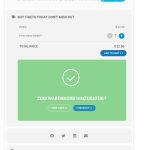
By default, after every “Add to Cart” it supposed to show this message where a customer can then move to Cart or Checkout:
I was able to add only one ticket:
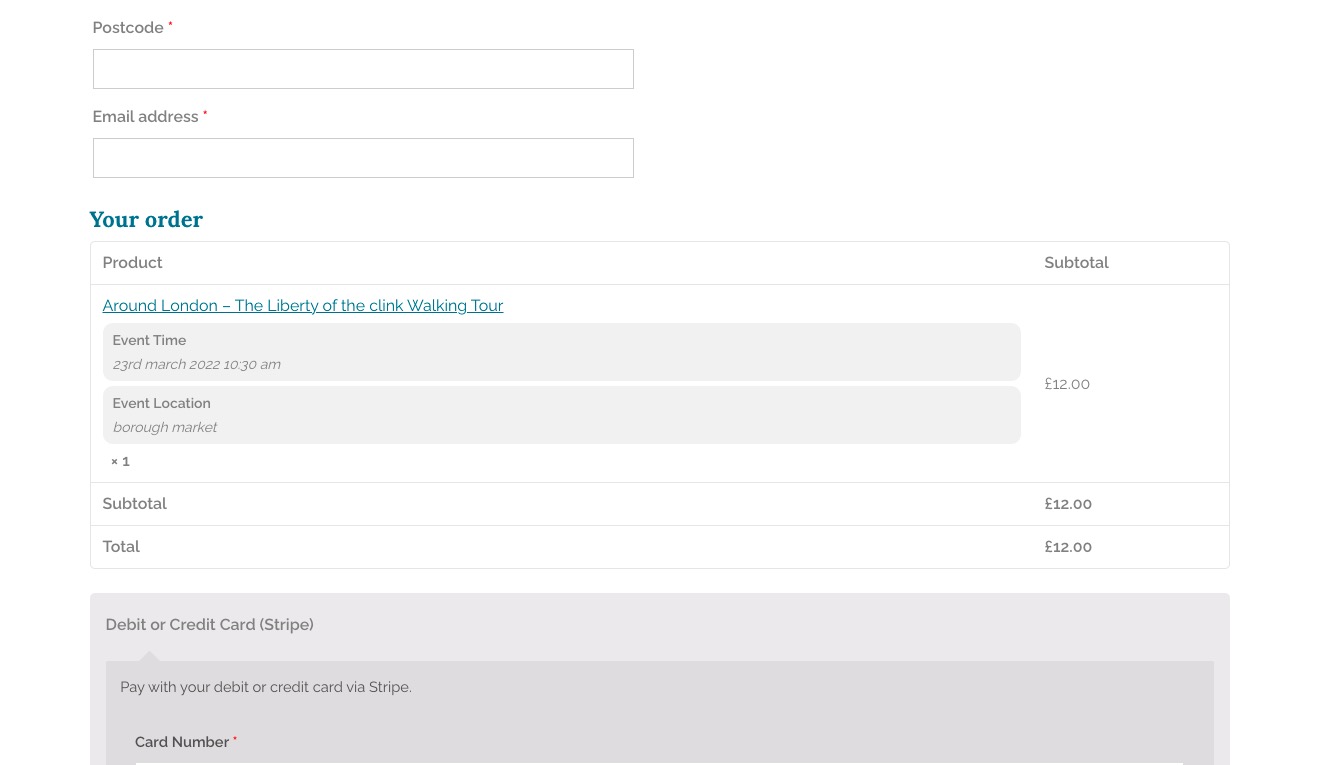
The only problem is that since this https://awclondon.org.uk/events/around-london-liberty/ event has only one ticket left, it shows that you cannot add more tickets, so I had to move to Cart manually.
Could you try fixing this by going to EventON Settings > Tickets > select Upon add to cart redirect customer to: Cart Page or Checkout Page?
Could you also make sure that all plugins are activated correctly?
It seems that one of your plugins and/or the theme are causing this:
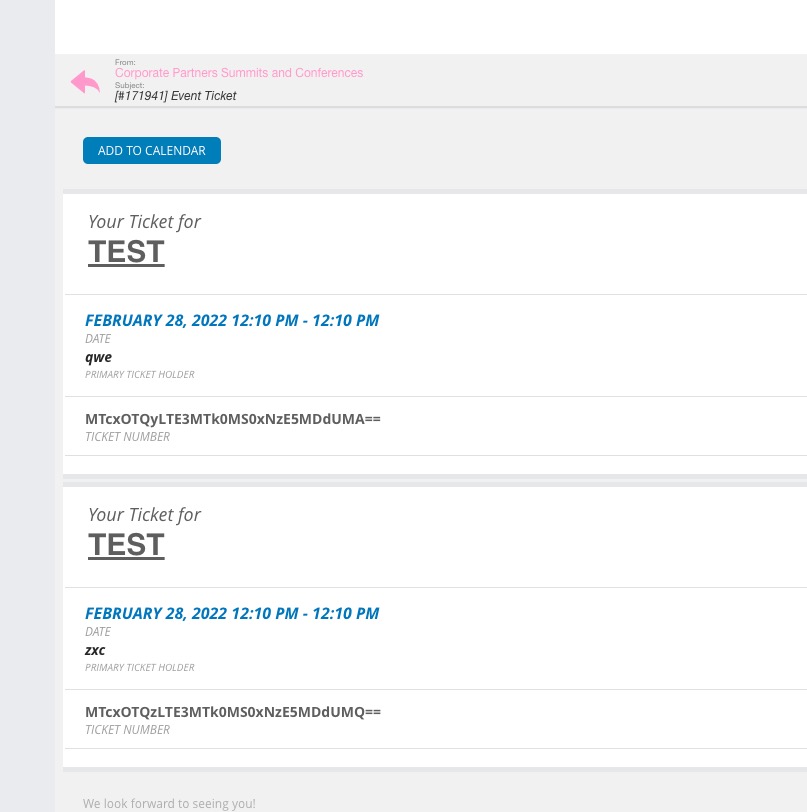
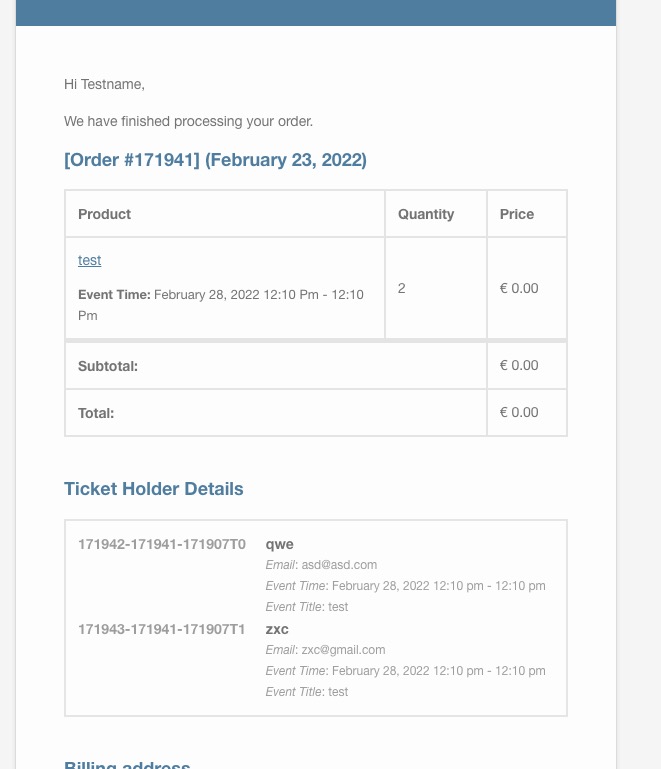
Order https://www.cparityevent.com/wp-admin/post.php?post=171941&action=edit
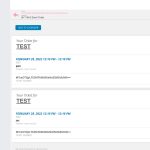
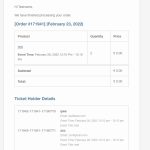
Maybe the problem is in Checkout Field Editor for WooCommerce, since it can affect the checkout fields.
Hello,
Please fix this error:
Google Maps JavaScript API error: ExpiredKeyMapError
https://developers.google.com/maps/documentation/javascript/error-messages#expired-key-map-error