Hello,
It seems that some social icons aren’t visible. Please add this CSS code to EventON > Styles (If you don’t see any change, EventON > Scripts & Styling > turn off Write styles to header > save settings > turn on Write styles to header):
.evo_metarow_socialmedia a.evo_ss i { font-family: ‘evo_FontAwesomeS’,’evo_FontAwesome’,’evo_FontAwesomeB’ !important; }
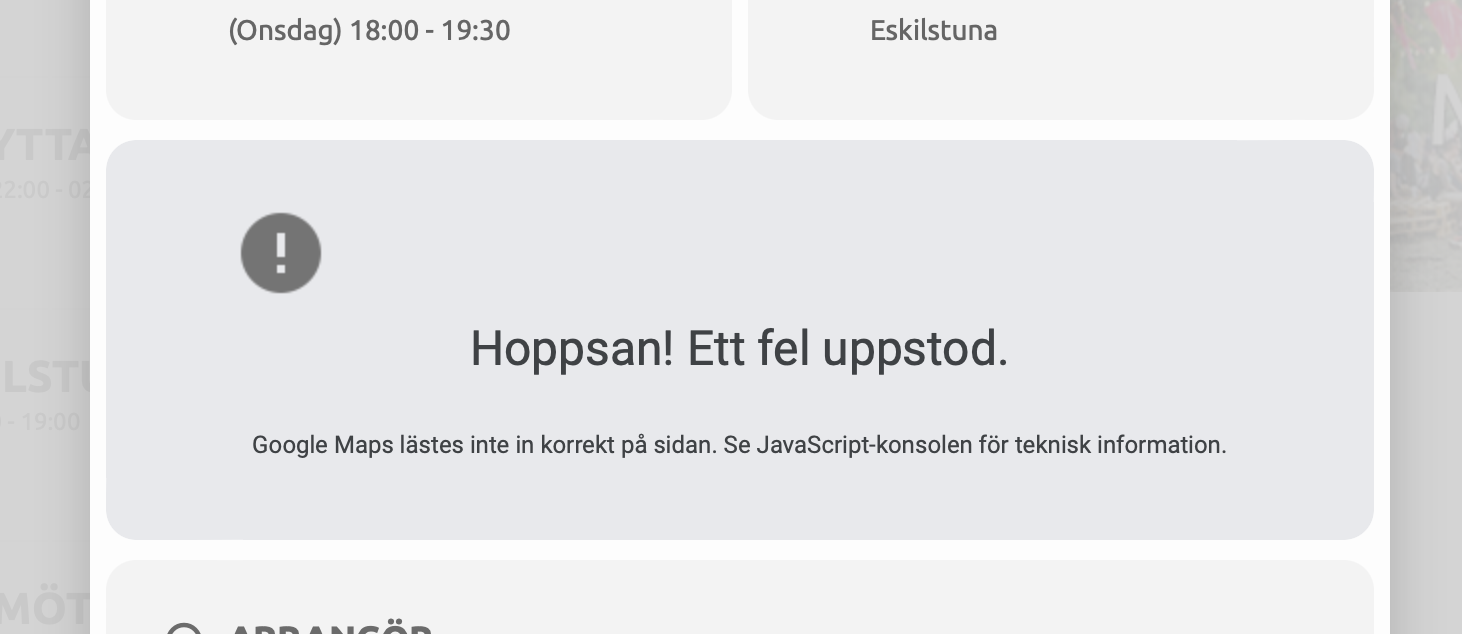
Suddenly Google Maps error again???
You have to refund the charge to me (invoice-29856) and charge the order to my client (invoice-33333).
https://we.tl/t-G1GN2RIMRL
Hi, Yes,
I contacted them, and this is their answer:
“Usually, our plugin can export custom meta data if it’s saved to the database as order meta, rather than product meta or custom post meta. Could you provide a screenshot of the settings you’re using for your custom format and let me know how the custom data is stored in the database?”
Could you help me with how your data is stored, or if it is saved as “order meta” or where i can see it in the plugin code?
Hello,
I am glad to hear that you were able to solve the issue. If you have any other questions, please feel free to create a new ticket.
Hello Fabian,
Please disable the plugin Postie and then check if the issue is solved. If it does not, send in some wp-admin access so that we can take a closer look at the issue.
You are very much welcome Henrik 🙂 As always, please feel free to create another ticket of you have any other issue, we are happy to help!
okay so I am not getting the same errors after trying again from last night but I do not see anywhere to activate it so it looks like the demo. This is the page I made
https://dev.myeventon.com/157269-2/