Hi Andrew,
Please take a look at this tutorial on categories. I think it will help.
https://docs.myeventon.com/documentations/how-to-use-event-types-to-do-more/
Replies for tickets on suppota
Hi Andrew,
Please take a look at this tutorial on categories. I think it will help.
https://docs.myeventon.com/documentations/how-to-use-event-types-to-do-more/
Do you have similar issue with our test server:
https://dev2.myeventon.com/29535-2/
No thats ok on my iphone, it works.
I added the code in Appearance > Customize > Additional CSS and it’s now working. Please take a look.
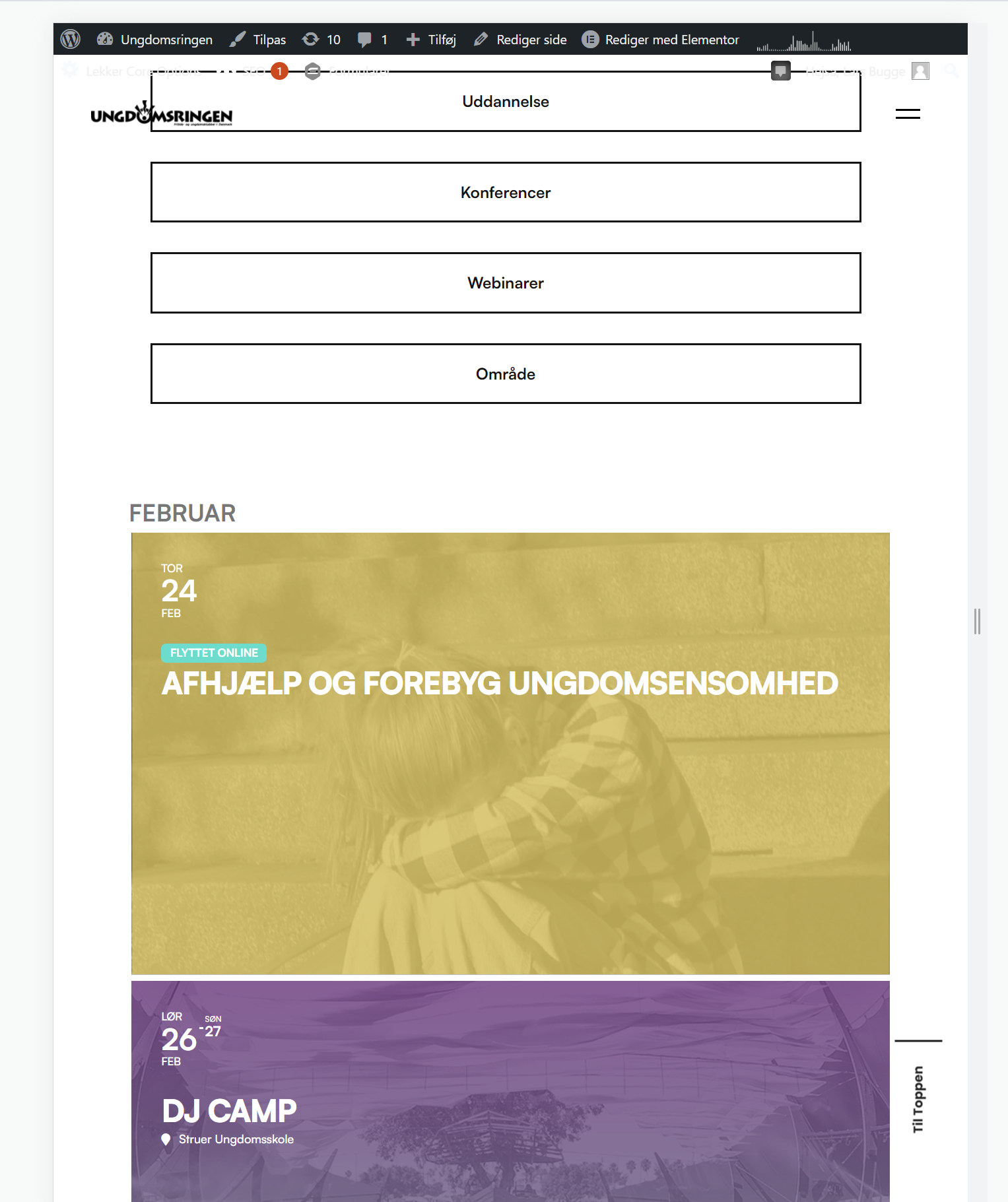
Hi – I have pasted the CSS into the area you specified and no change on mobile or smartphone – 3 x blank areas still showing – I have emptied the browser and the server cache
Thank you so much!
I love and appreciate your plugin very much, so if you confirm that there are no other bugs related to the use of Divi, I can proceed with the purchase of addons for the sale of tickets and maybe someone else.
Thanks again
Hmm, but below screen size 650px it works
Thank’s for yout repply. I does not seem to work. I tried turning styles off and the inkognito browser
Hello, the problem is solved. I have uninstalled the EVENTON plugin and reinstalled it and it works, but I have a problem, I have lost all the events…. I seem to remember that I activated that even if it was uninstalled, they were not deleted… Is there any way to recover them?