OK thanks – the tickets download doesnt seem to be available via our downloads?
Archives: Replies
Replies for tickets on suppota
Reply to: tickets(268818)
This is the response of perfmatters developer:
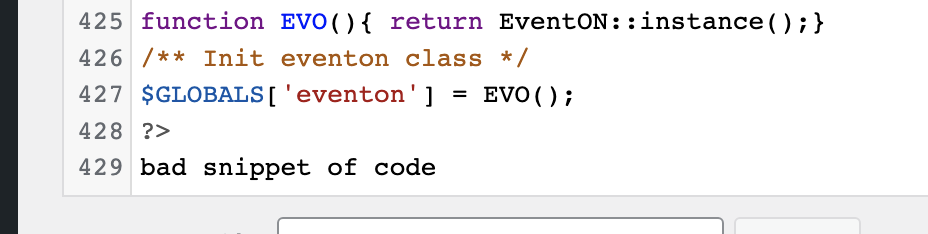
“I went ahead and checked out that EventON plugin’s code and it looks like that error message is actually hardcoded in their main eventon.php file:
You can see that at the bottom of the file here:
You can see that at the bottom of the file here:
Have you tried getting a fresh version of that plugin?”
The Eventon plugin has been working fine since I installed it (approx 1 month) and without conflict with perfmatters. Last week I updated wordpress to the latest version. I don’t know if it has to do.
When I activate EVENTON (now I have it deactivated) it generates that error that is seen on the page
‘Bad Snippet of Code’ and prevents you from entering the site administrator
‘Bad Snippet of Code’ and prevents you from entering the site administrator
To access the administrator I had to rename the plugins folder, and I have been activating the plugins one by one. When I activate EVENTON, the error appears again
Reply to: tickets(267864)
Hello,
To update eventon addons: You can download latest eventon addons from myeventon > my account. Then you can go to your website, deactivate old addon and install new one and activate then delete the old addon. This link will further explain the process.
Reply to: tickets(268829)
Hello,
Please use the custom CSS code below to remove the white space
.ajde_evcal_calendar.boxy #evcal_list{margin-top:-21px;}
Please add this CSS code to EventON > Styles (If you don’t see any change, EventON > Scripts & Styling > turn off Write styles to header > save settings > turn on Write styles to header):
Reply to: tickets(267864)
OK thanks – how do we download the latest versions?
Reply to: tickets(268829)
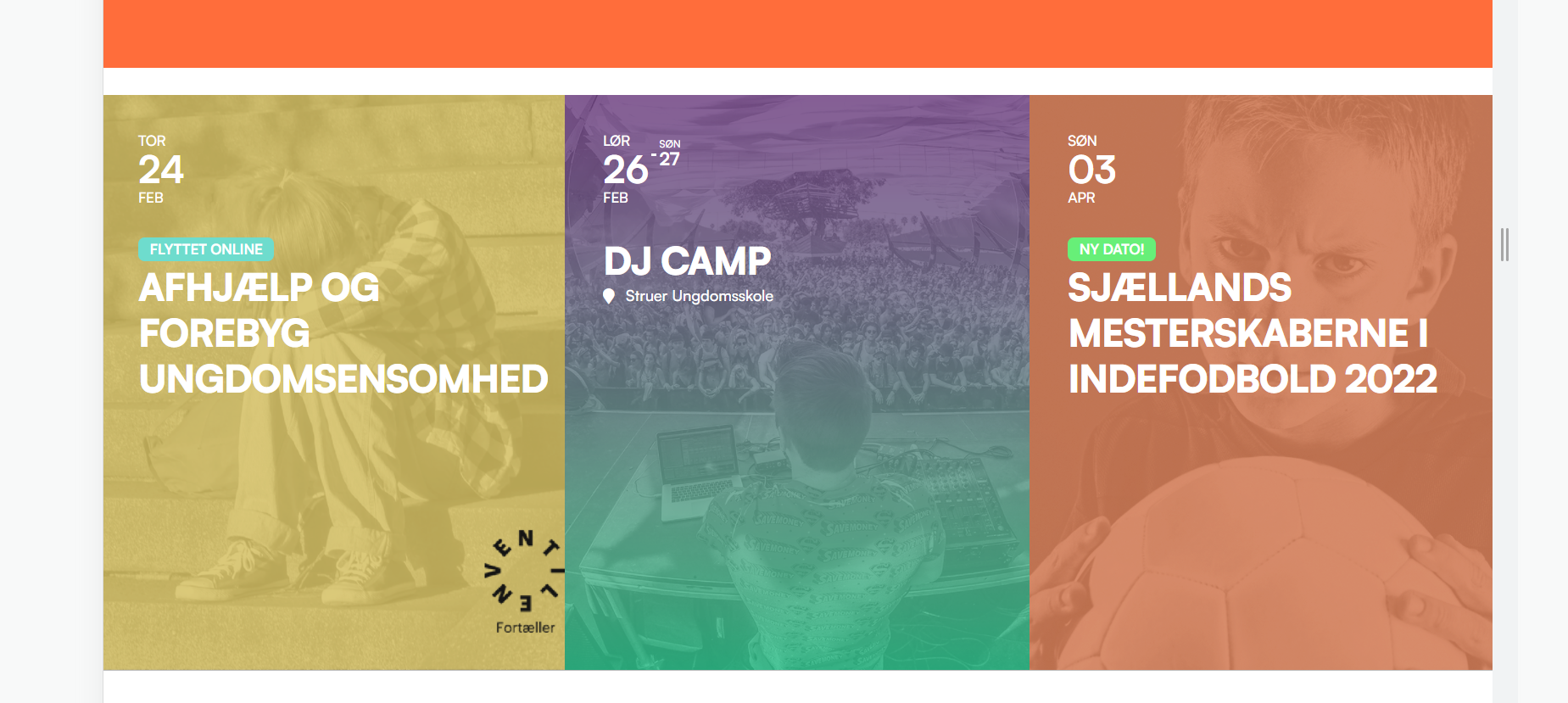
Sure, sorry, thought it was attached
Reply to: tickets(259653)
Ok thank you. It would be nice to have a quick answer now…
Reply to: tickets(260865)
Ok thank you. We just need to be able to paid him through Xoom in order to start the job…
Reply to: tickets(268818)
Hello,
Could you tell us more about the original issue, with screenshots?
Reply to: tickets(268824)
Hello,
Do you have similar issue with our test server:
https://dev2.myeventon.com/29535-2/
I can re-create the issue even with Chrome’s Developer Tools on your website, but not on ours. Could you check?