Hello,
Where do you import the font? https://www.wpbeginner.com/wp-themes/how-to-add-custom-fonts-in-wordpress/
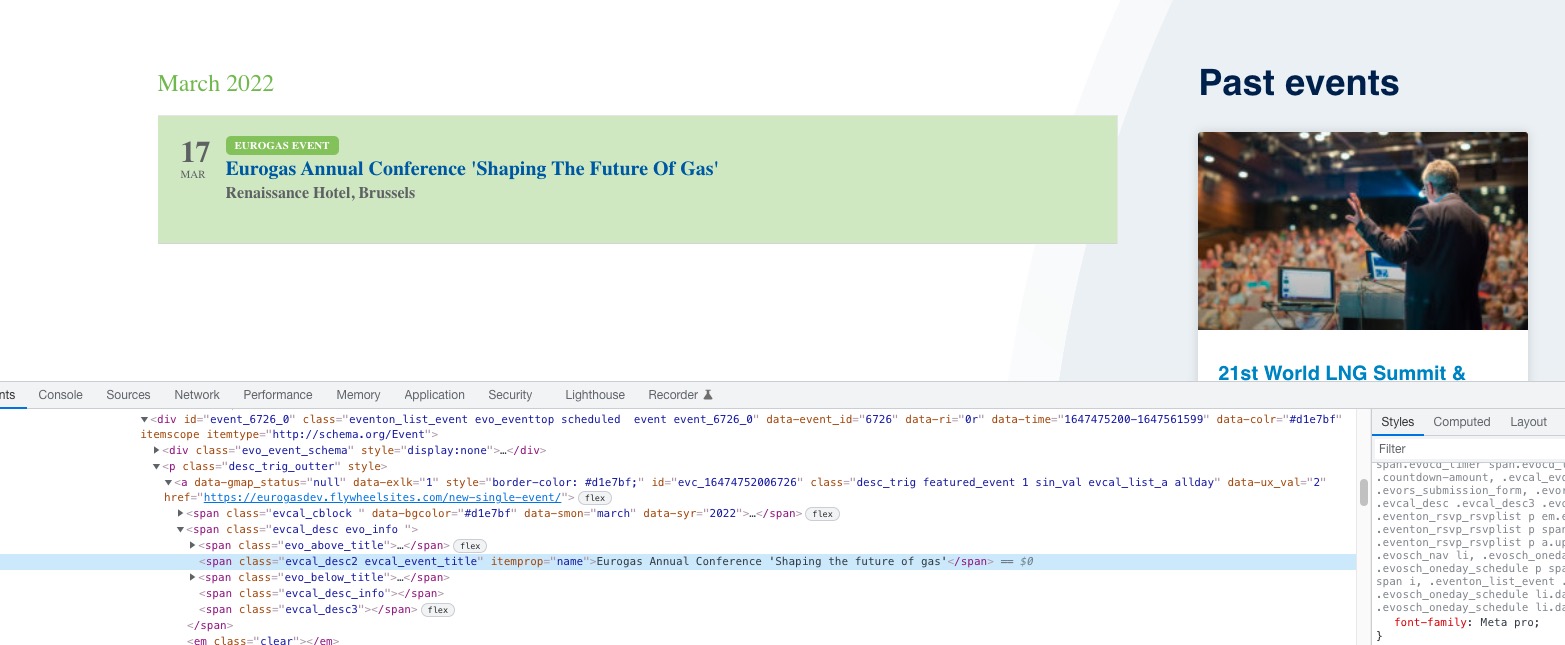
It seems that it only exists on your machine, since it was installed manually. Default font on my Mac:
Replies for tickets on suppota
Hello,
Where do you import the font? https://www.wpbeginner.com/wp-themes/how-to-add-custom-fonts-in-wordpress/
It seems that it only exists on your machine, since it was installed manually. Default font on my Mac:
Hello,
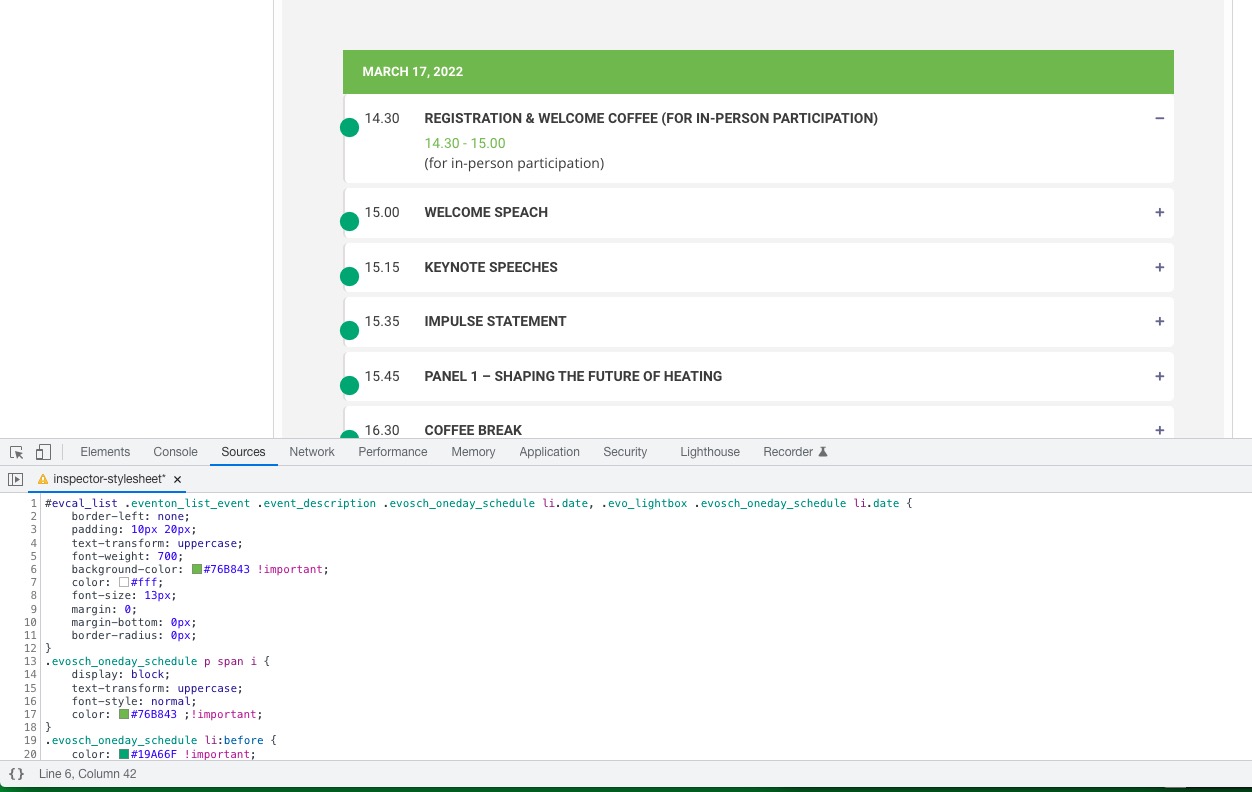
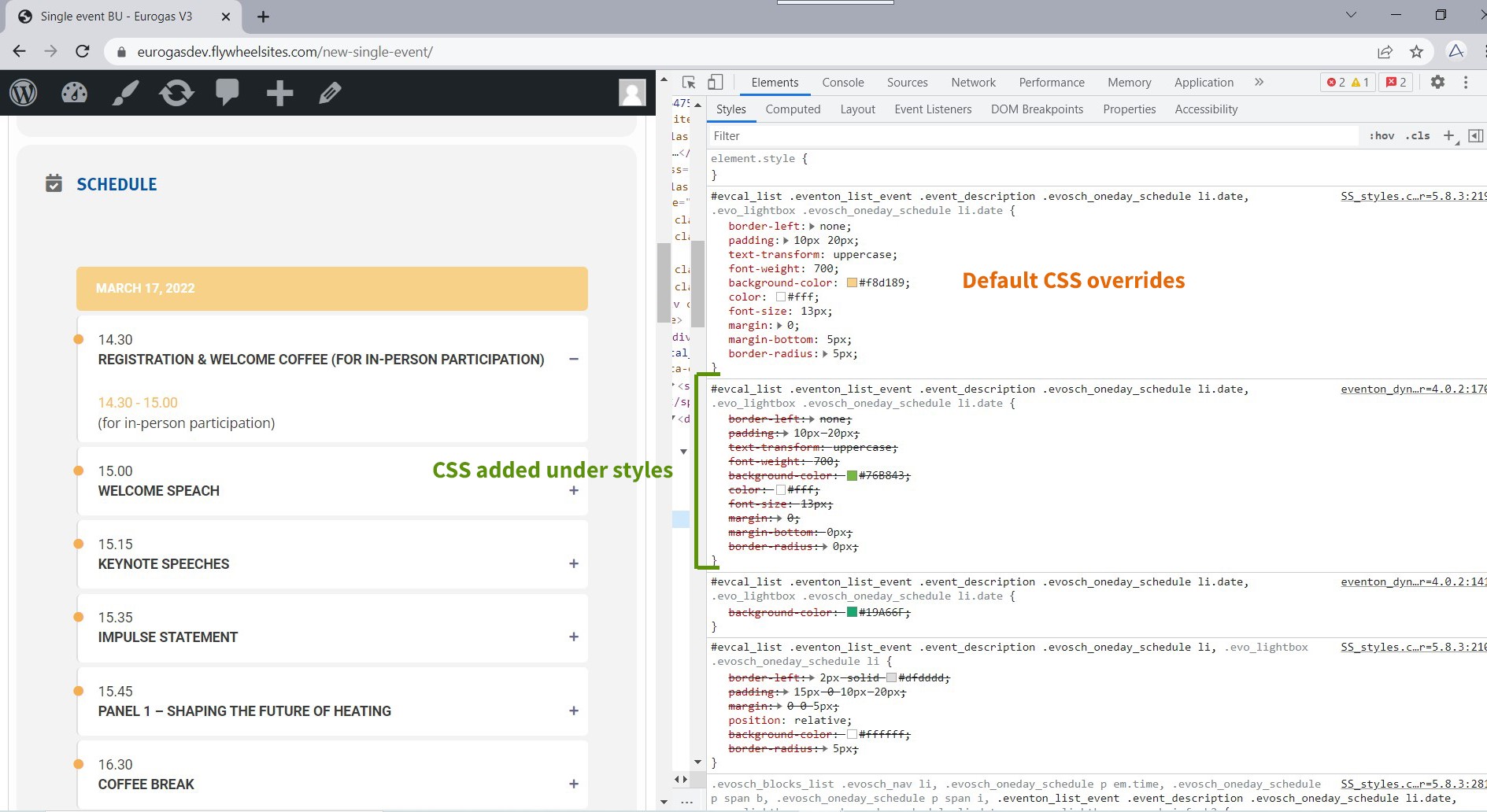
Could you try adding the code to Appearance > Customize > Additional CSS?
Please also try adding !important after color codes:
Please not a colleague of you (Basilis Kanonidis) might be logged in at this moment with the same account as he is taking a look at another issue.
Thanks !
Thank u for the details.
Ashan will review that again now
Hi Basilis
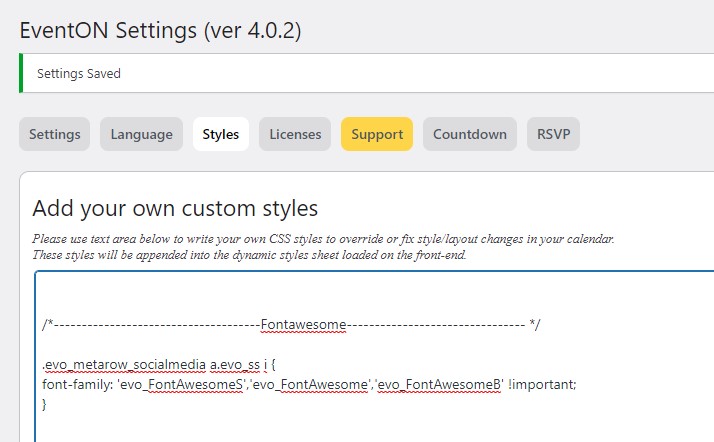
The custom font is Meta pro and is set as default font for the whole website and I have added the line of code on the screenshot you see here.
I found this piece of code in some Eventon documentation or support tickets somewhere. If functions everywhere, only not on an iphone strangly enough. (it does work on an ipad – I have no other smartphone to test)
You are welcome!
Hey Martina,
Working on it unfortunately it just takes a bit more time.

Hello, the opacity affects the text; I want only the color background to change opacity.
Thanks!
Hello,
1. The original plugin is purchased from CodeCanyon, so you can access the Eventon main plugin from there whereas the addons are purchased from myeventon.com
2. Yes, the login for the help desk is different from the login of the myeventon account.
We are glad your issue is resolved, if you have any further questions or concerns please feel free to create a new ticket. If you have a moment, we would greatly appreciate if you could kindly leave us a review at codecanyon! from your account > downloads.
Cheers!