Hello,
Even if you put 0.00 to Ticket Price, WooCommerce requires every customer to go through the checkout process.
It seems that in this case you need to use RSVP add-on:
https://www.myeventon.com/addons/rsvp-events/
Try on https://dev.myeventon.com/wp-admin/
Hello,
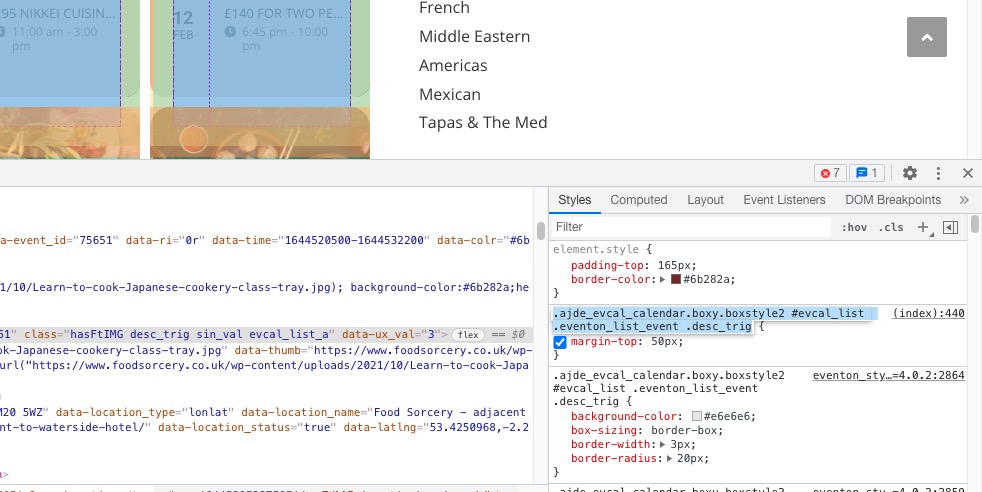
Could you remove this custom CSS code first:
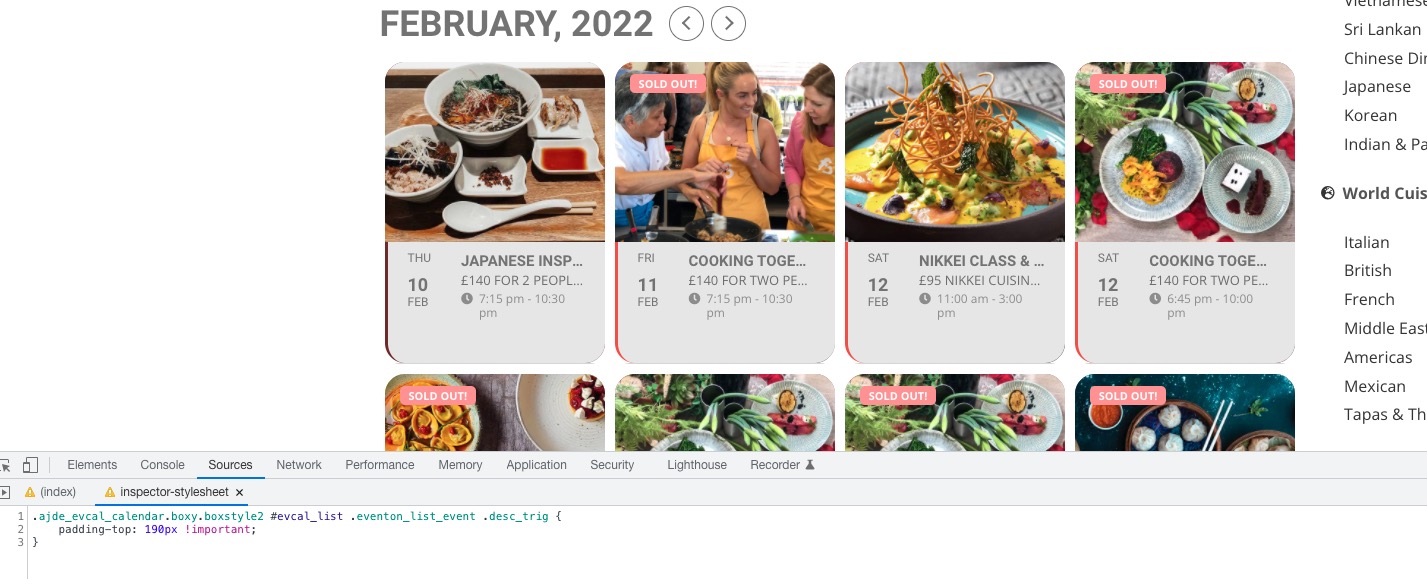
After, change the code provided by Kenneth from 120px to 180px and also add
.ajde_evcal_calendar.boxy.boxstyle2 #evcal_list .eventon_list_event .desc_trig { padding-top: 190px !important; }

Hello,
Please use this code:
.evoau_submission_form .row .row:nth-child(4) { display: none !important; } .evoau_submission_form .row .row:nth-child(5) { display: none !important; }
Hello,
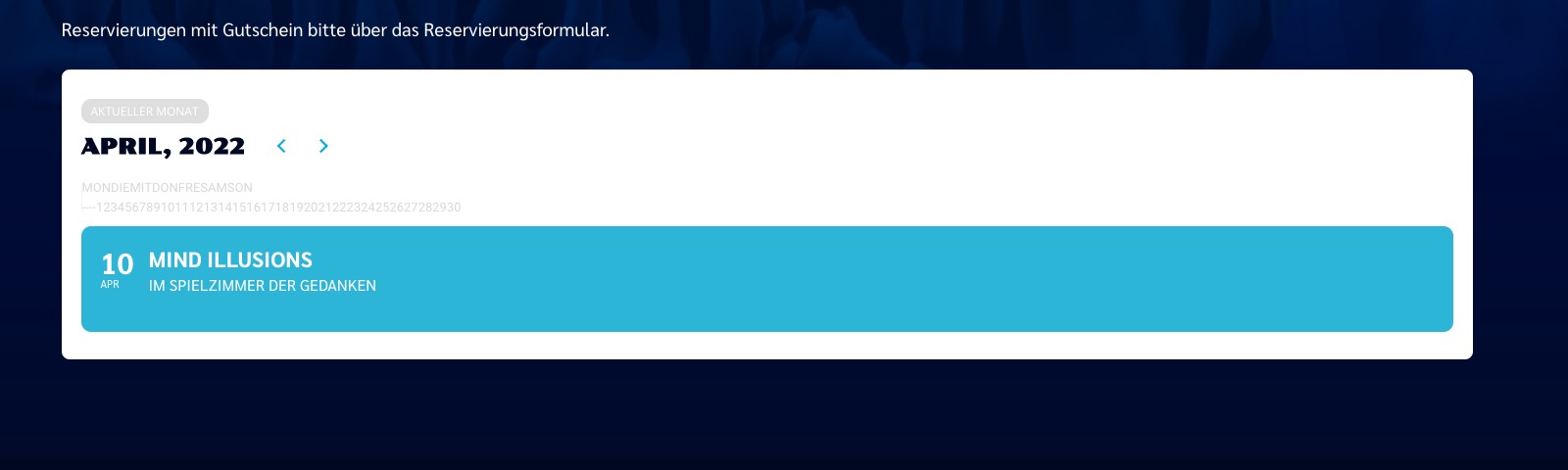
Please send us wp-admin access to your site as a private message for us to further assist your situation.The calendar I am looking at is completely wrong:
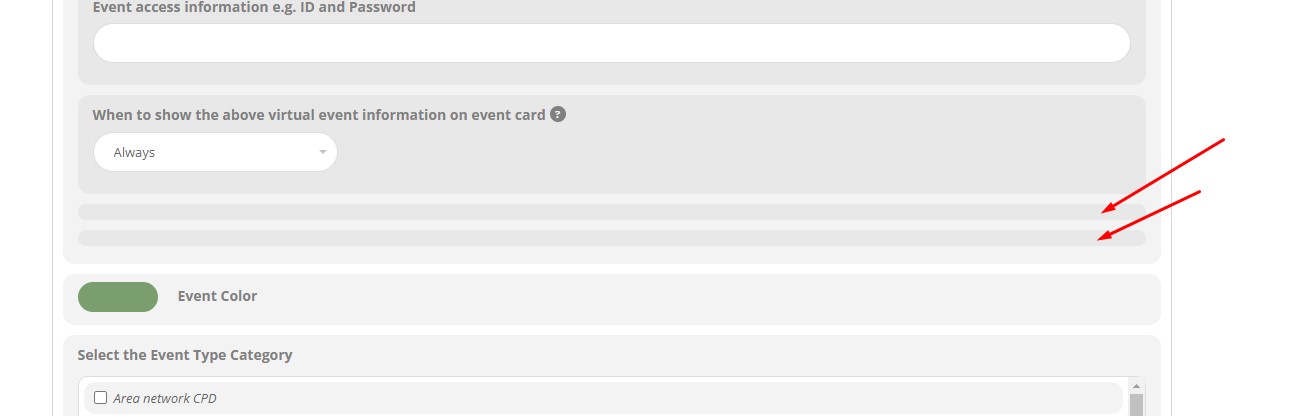
Thank you. It’s almost there. Don’t worry too much because it’s not important but do you know if there’s a way to hide the empty boxes on the attached image please?
Thank you again for all your help, best wishes
Roger
Hi,
This hasn’t worked – the grey area is still too big
Could you tell me how to keep the image the same size as current and reduce the amount of grey underneath the image
Thanks
Helen
P.S.: Or could a simple registration FORM be included in the SLIDE DOWN event card? Does that make sense?
Hi Lee,
Please send the shortcode you are using so that we can take a look on our end and advise on the correct custom CSS code to use.
You are very much welcome. If you have any other questions, please feel free to create a new ticket.
Okay I saw but I don’t understand why the multi slider type is not displaying : https://dev.lige.com/sites/fotokino/16108-2/
I tested with the shortcode generator.
Can I send you the files where you can see the page.php where the shortcodes were configured ?