We are glad your issue is resolved, if you have any further questions or concerns please create a new ticket.
If you have a moment, we would greatly appreciate if you could kindly leave us a review at codecanyon! from your account > downloads. Cheers!
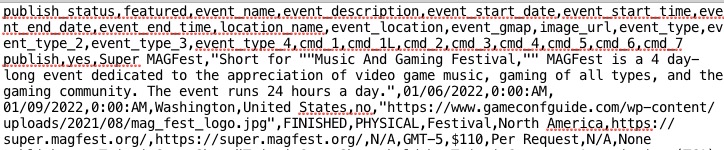
Please make sure there is no space after image_url:
Please go to your mobile shortcode and replace tile_style=”1″ with tile_style=”2″. Seems to be working on this page: https://www.zd-bb.de/18636-2/
Hello,
Please send us wp-admin access to your site as a private message for us to further assist your situation.
Please also make sure that you are using latest versions of EventON, Tickets and other add-ons from here. Your issue might be related to an older version you are running and we might have resolved this already in the newer version update. If you are on latest version of our software and the issue still persist please let us know.
Hello,
1. Use Event Lists shortcode:
[add_eventon_list number_of_months=”12″ hide_empty_months=”yes”]
2. Use RSVP add-on for this:
https://www.myeventon.com/addons/rsvp-events/
Users can check their RSVPs with [evo_rsvp_manager]
3. You can enable this function from EventON > RSVP.
4. RSVP lets users to enrol for free only. You can also use Tickets, except WooCommerce requires everybody go through the checkout process even if the course costs 0.00.
Try on https://dev.myeventon.com/wp-admin/
Hello, correct – we have a different calendar format for desktop and mobile. The desktop version looks fine now – only the mobile version is still too colorful.
https://www.zd-bb.de/wp-admin/post.php?post=20&action=elementor: .The mobile calendar only shows up on a mobile device (not when you select ‘mobile’ as responsive mode). I addressed this issue to support before, but got told that it is what it is. I was hoping that this issue will be fixed with one of the next Eventon updates.
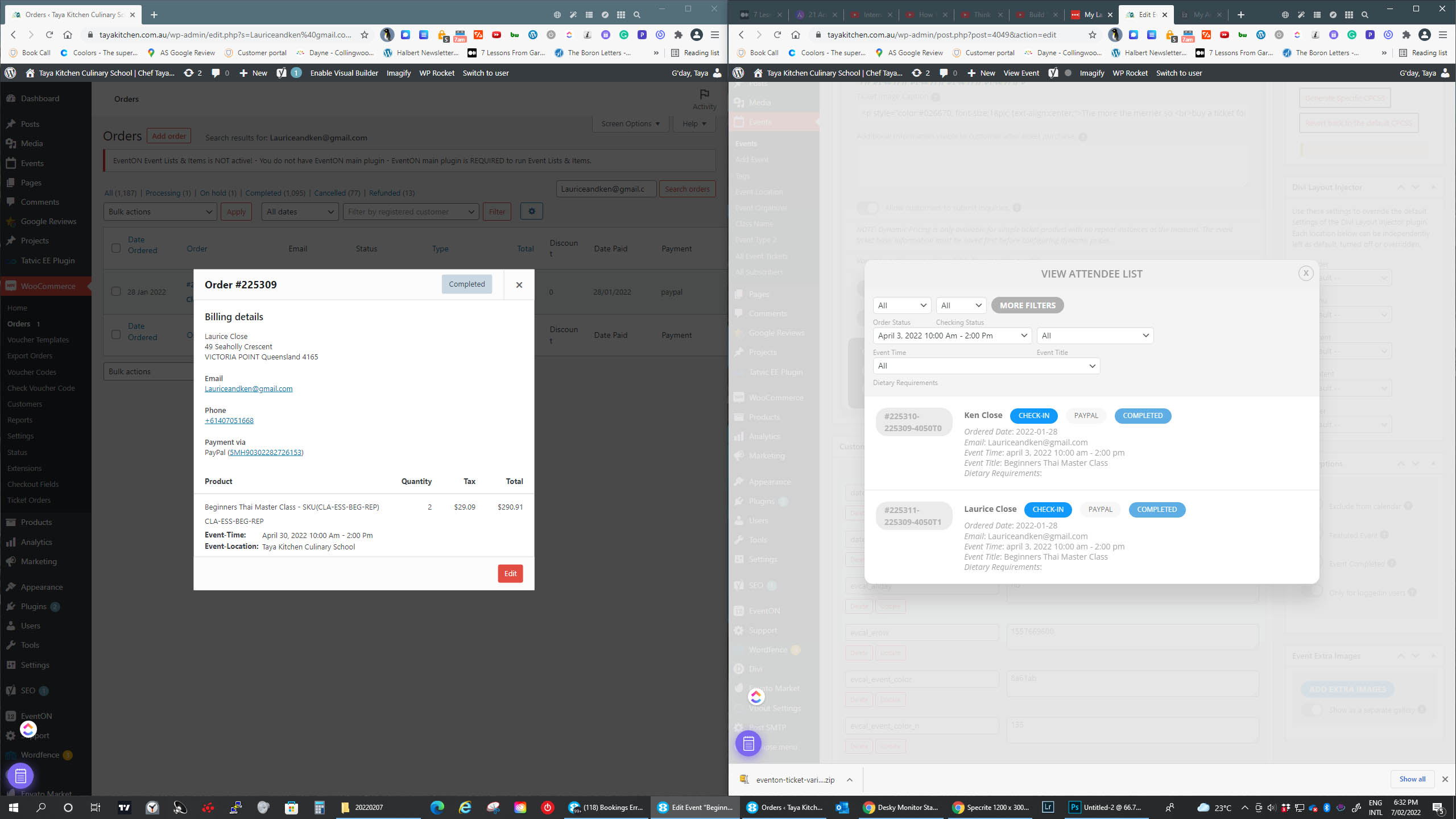
Screenprints 3 of 3 attached
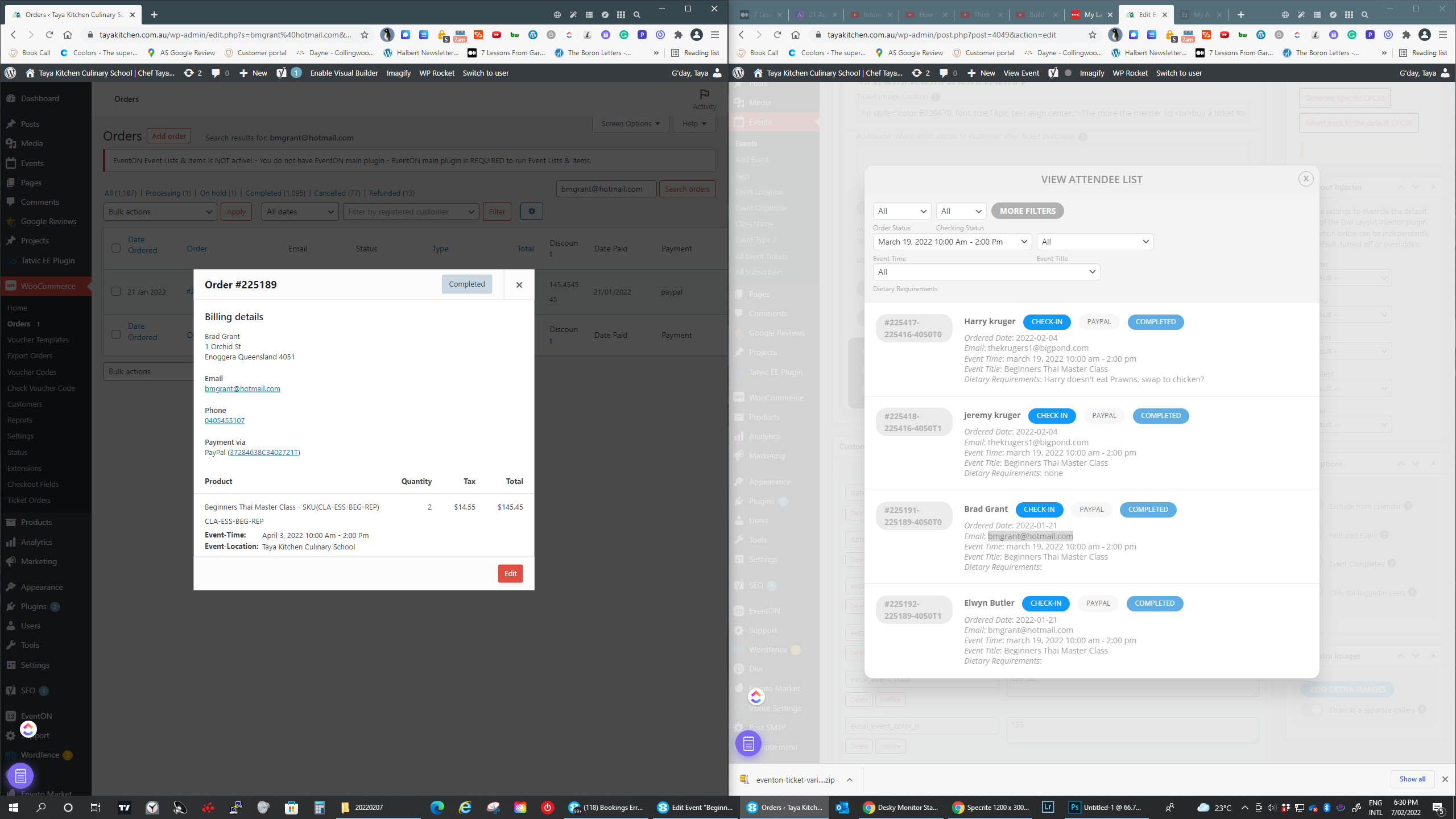
Screenprints 2 of 3 attached
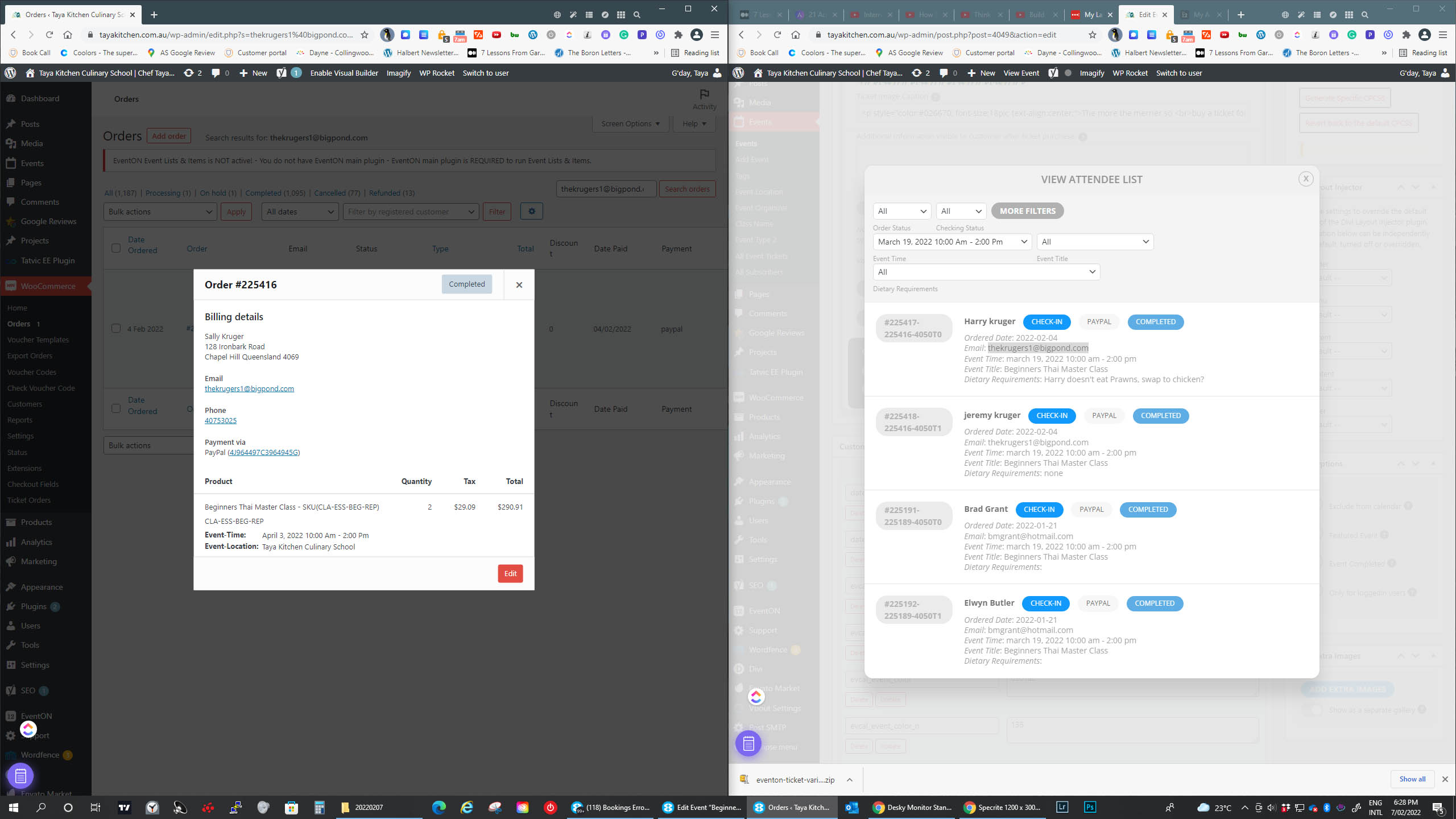
Screenprints 1 of 3 attached