Ashan,
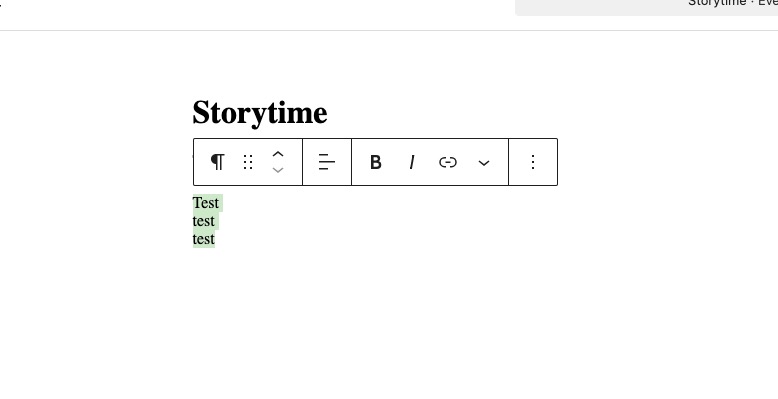
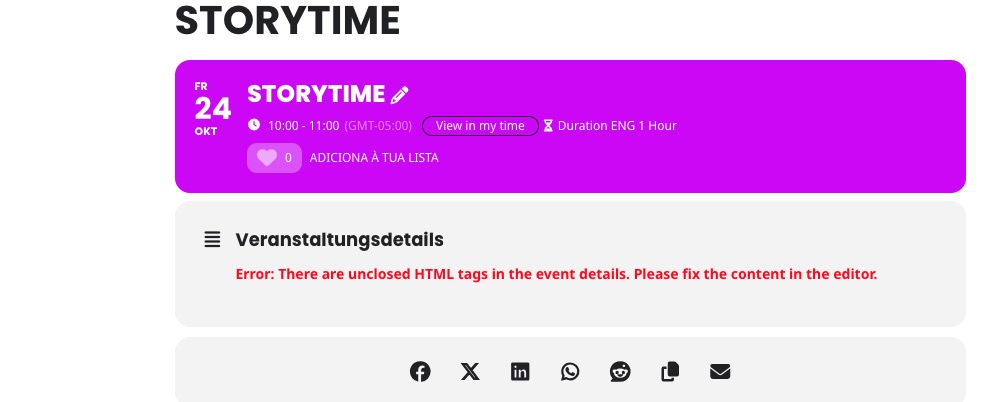
The same on dev2:
https://dev2.myeventon.com/events/storytime/
Replies for tickets on suppota
Ashan,
The same on dev2:
https://dev2.myeventon.com/events/storytime/
Hello,
Thank you for your messages, I am going to assign this ticket to Ashan and he will be able to take it from here and find you a solution. Please allow some time for him to get back to you, we greatly appreciate your patience and thank you for being a eventon customer! Also please disable any IP blocking on your site if there are any.
Perfect! Please keep us updated.
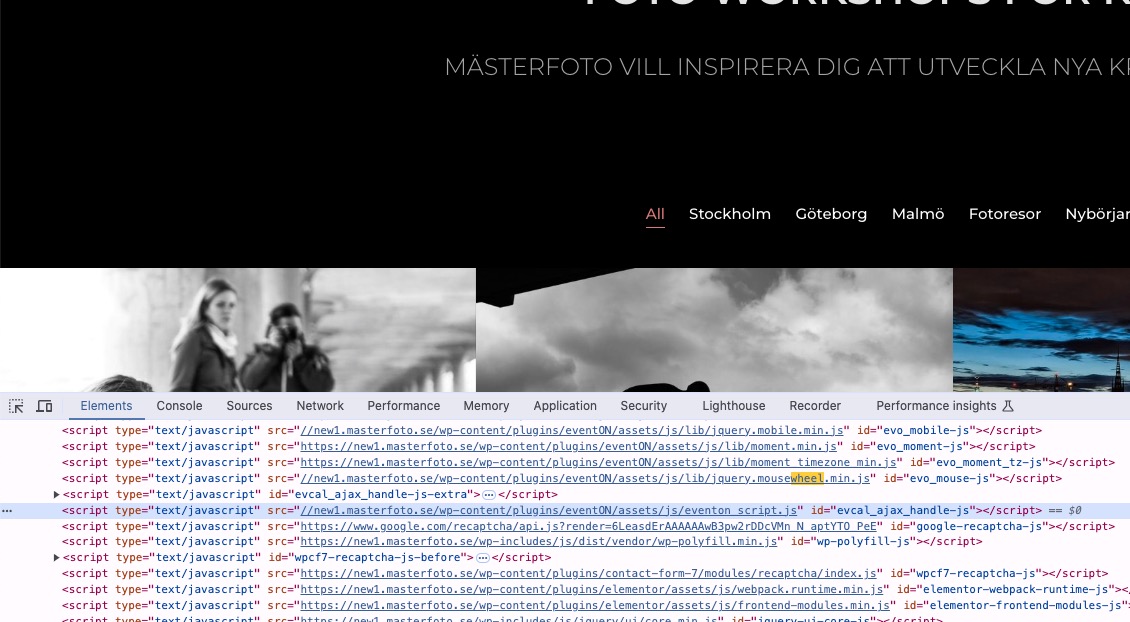
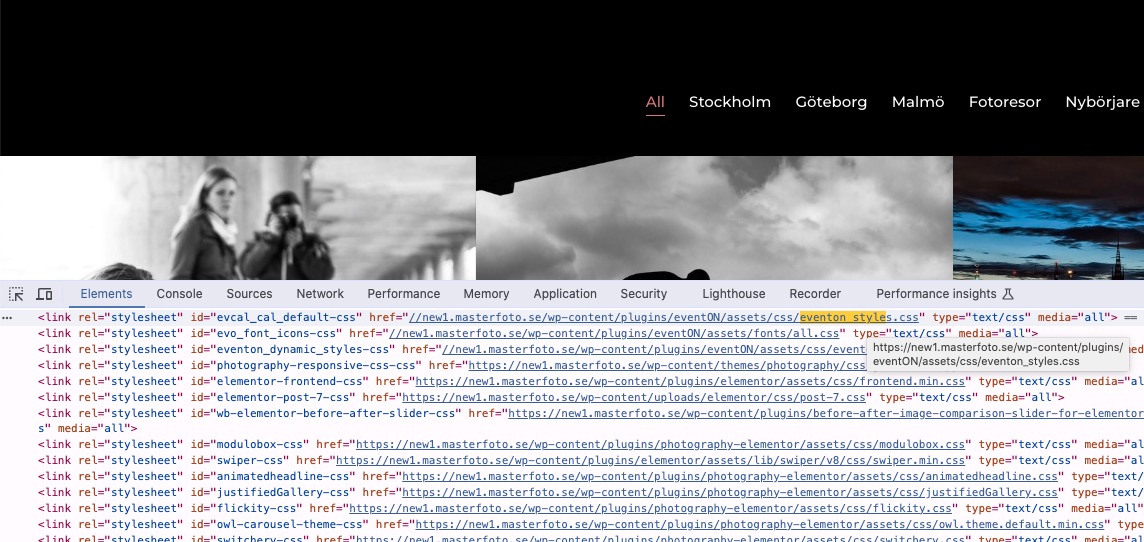
Files are present on the website:
Is there a cache plugin are need to clean?
Ashan,
On customer’s website even in Troubleshooting Mode, Event Card cannot be opened:
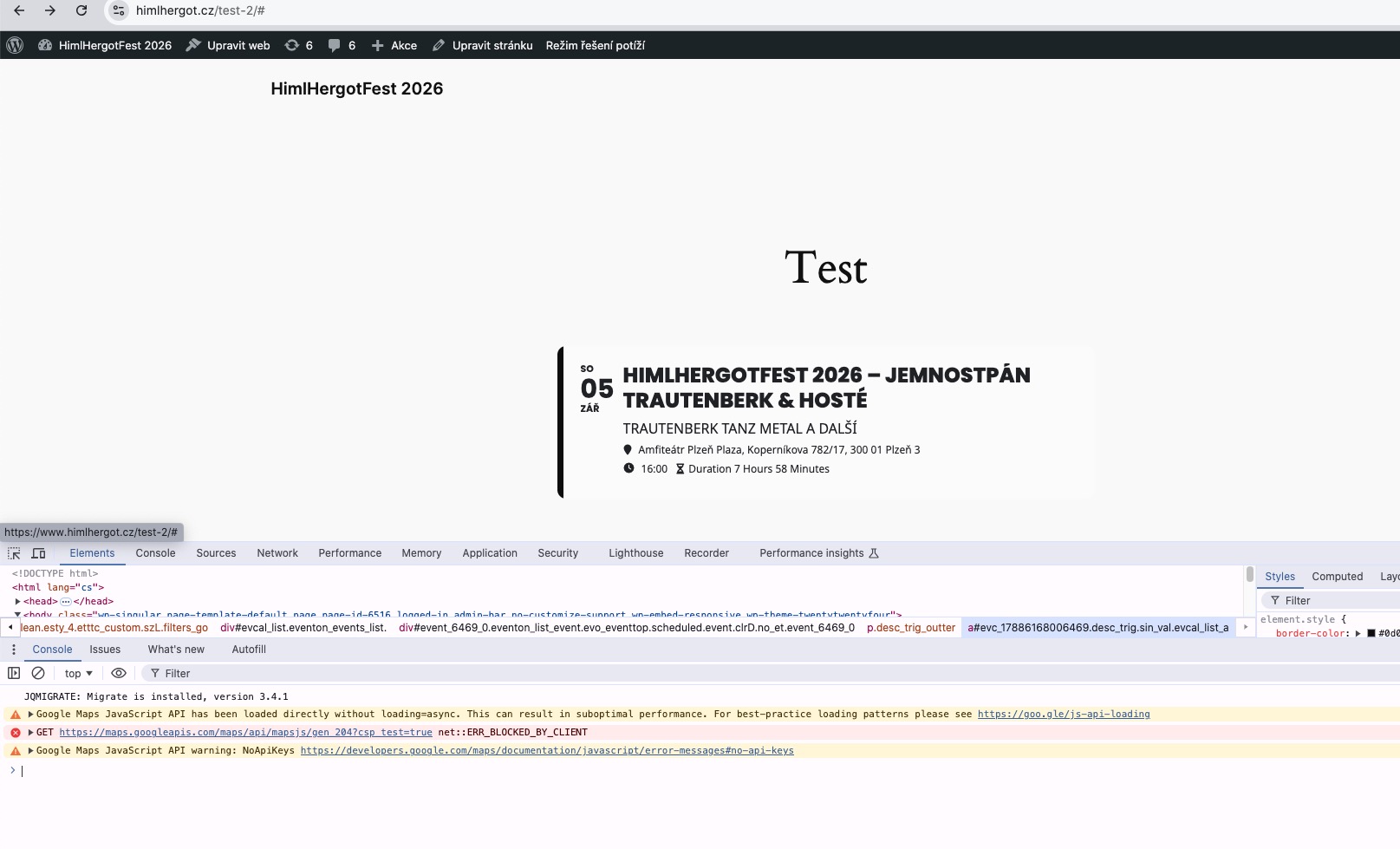
Test page:
https://www.himlhergot.cz/test-2/
No issues on dev2:
https://dev2.myeventon.com/test-59/
Thank you for your messages, I am going to assign this ticket to Ashan and he will be able to take it from here and find you a solution. Please allow some time for him to get back to you, we greatly appreciate your patience and thank you for being a eventon customer! Also please disable any IP blocking on your site if there are any.
You need to remove NO and also set yes to value of #evcal_lmlink_target_input element:
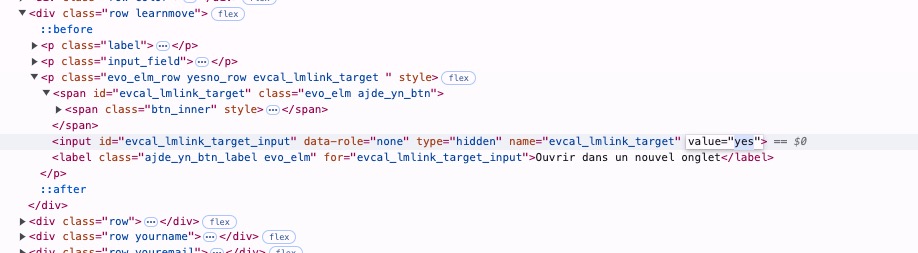
After you created your function, you also need to execute it:
function bblank() {
var blank = document.getElementById(‘evcal_lmlink_target’);
blank.classList.remove(‘NO’);
}
bblank();
Please try and let me know.
With Dynamic Pricing add-on you can “Enable Separate Logged-in Member Pricing’:
https://www.myeventon.com/addons/dynamic-pricing/
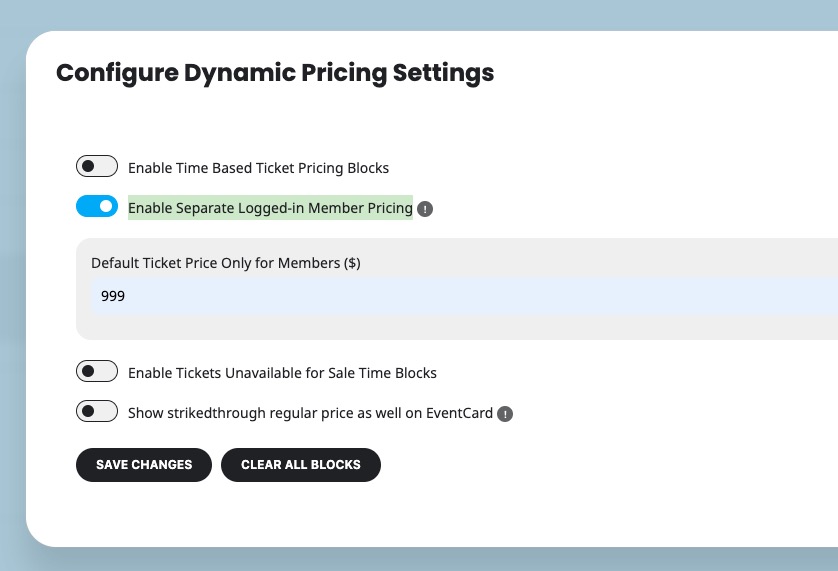
Could you tell us more about “wp role based selling”?
Hello,
Please go to Shortcode Generator and enable Tile Design:
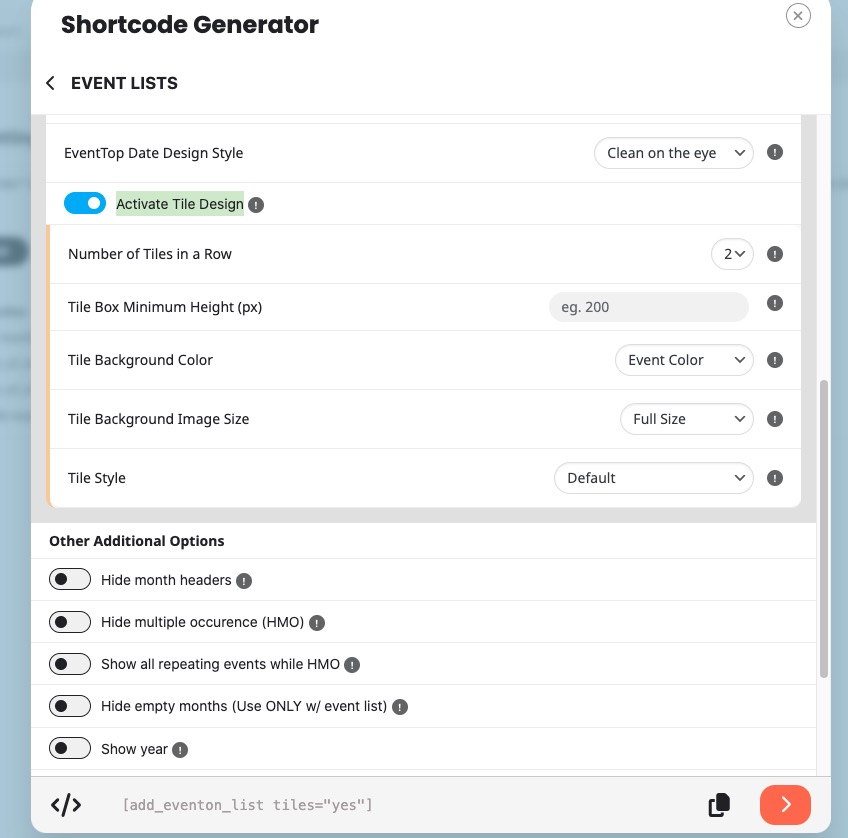
Select options and then copy the shortcode.
Change “Number of Tiles in a Row” to 3 or 4 to show tiles 3/4 in a row.
If you want to limit the number of events per month, please add event_count=”4″ to the shortode.
Hello,
Your Timezone wasn’t set to Madrid:
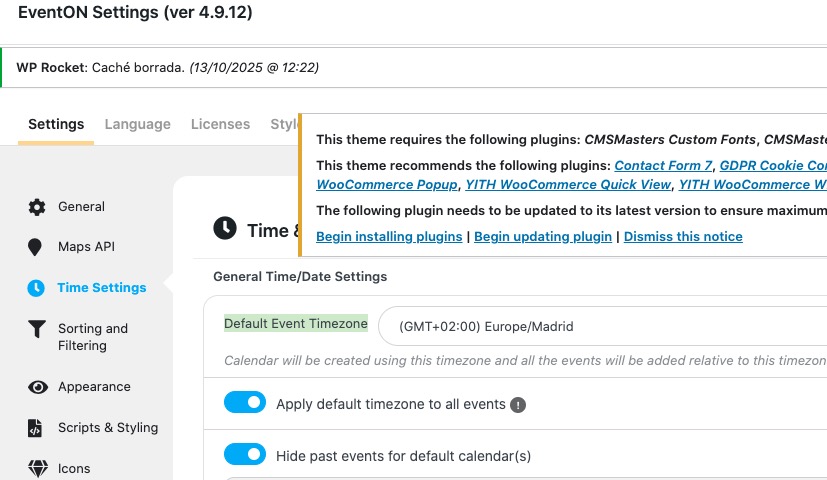
I changed it and cleared the cache, seems to be working now:
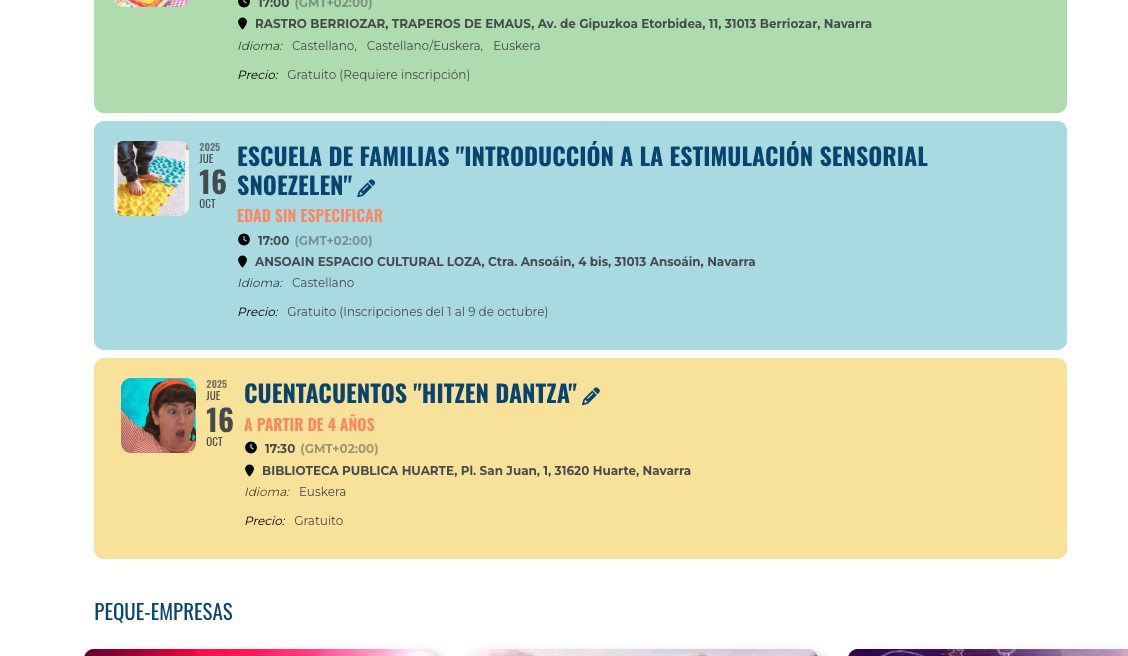
Please check and let me know.