Thank you for pointing this out. We have identified the issue and hoping to get a new fixed version out before end of day 🙂
Archives: Replies
Replies for tickets on suppota
Reply to: tickets(397254)
Thank you for letting us know. We will get this resolved and an update released later today! Please stay tune via x.com/myeventon for when we will get this out.
Reply to: tickets(397336)
Hello, same problem. No way to hide duration tag in event details.
Reply to: tickets(396534)
Hi,
Thanks for your reply and for sharing the CSS code.
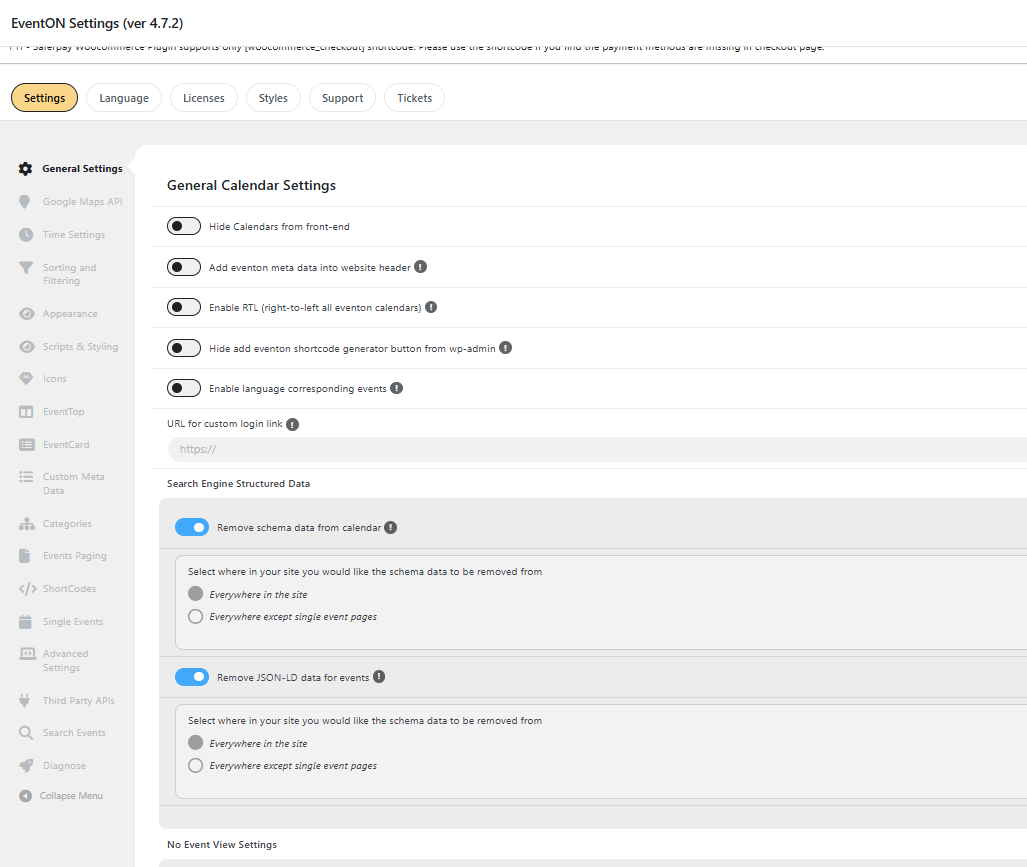
However, I can’t find where exactly I should add this snippet in the EventON plugin.
Could you please clarify where to place it — inside the plugin, the theme, or somewhere else?
Thank you in advance for your help.
Best regards,
Reply to: tickets(396534)
Hi,
Thanks for your reply and for sharing the CSS code.
However, I can’t find where exactly I should add this snippet in the EventON plugin.
Could you please clarify where to place it — inside the plugin, the theme, or somewhere else?
Thank you in advance for your help.
Best regards,
Reply to: tickets(397167)
I deactivated it and reactivated it,,, now it dosen’t say anything about “locally”… does this help?
Reply to: tickets(397257)
Yes, you need to upgrade years in Jumper.
Reply to: tickets(397329)
Hello,
Thank you for letting us know! We are aware of the issue and going to fix this ASAP.
Reply to: tickets(397336)
Hello,
Thank you for letting us know! We are aware of the issue and going to fix this ASAP.
Reply to: tickets(397386)
Hello,
In order to notify users on new events, you need to use Subscriber add-on:
https://www.myeventon.com/addons/subscriber/
Please note that your users must be subscribed to receive updates.
Try on
https://dev.myeventon.com/wp-admin/
But at the same time you can use something like this:
https://profilepress.com/email-subscribers-new-posts-wordpress/
I believe that the plugins in the guide can also send out notifications not only for new posts, but also EventON’s events (taxonomy post_type=ajde_events).
Please check and let me know.