I am really sorry gerard for the delay. We need plugin editor enabled in your site https://docs.myeventon.com/documentations/how-to-enable-plugin-editor-for-wordpress/
Because we can not replicate this issue on our end and only way to see what is going on is debugging on your site. Please get back with this and we will address this quickly as this ticket is highest priority now.
kindly update to latest version 2.0.1 https://docs.myeventon.com/documentations/changelog-event-tickets/ should allow you to see the ticket holder emails and names for the previous orders as well.
Hi, we have people are who logged in users and still do not see the upload button. Is there a way to keep it OFF the submission form for people who are not logged in? and a way to keep it ON for folks who are?
People have sent me screnshots of them logged in and still not having access to the photo upload button.
seems you have not added gmail credentials to log in see video
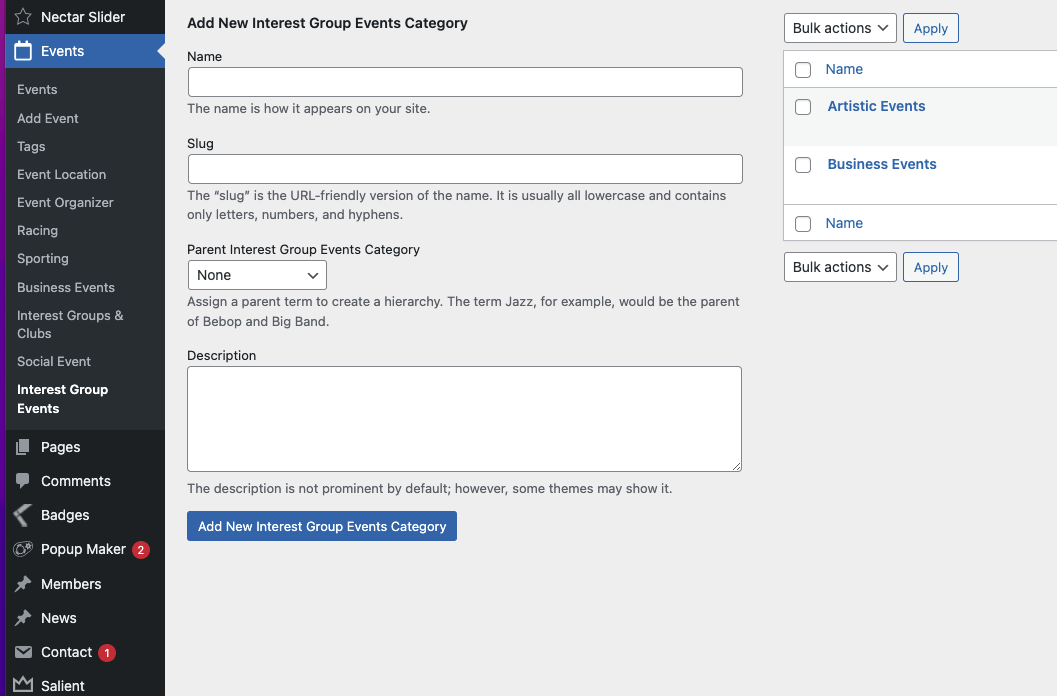
Thanks for the instructions. I can only see the colour picker / icon picker on one of my Event Types, not on the one I need changed.
Can you please tell me how I can add the colour picker to my Event Type called ‘Interest Group Events’ – it’s only appearing on the ‘Racing’ Event Type.
I’ve provided login details below if you need to have a look. This is where the calendar listing is: https://tattersallsclub.com.au/whats-on
https://tattersallsclub.com.au/wp-admin
UN: eventon
PW: NQ#)Bs)UL7C#ZM9xCWKqLg%L
Anthony sincere apologies for the delay. We are looking deep into this issue right now.
Okay I did all that and I’ve realized the issue isn’t the QR codes, it’s the tickets themselves that are not being sent. It sends the payment confirmation but doesn’t send the ticket afterwards.
Hi,
Yes, all plug-ins are up to date.
Here’s new logon details:
https://rollerstop.co.uk/wp-admin/
user: Support-Admin
pass: yS0NBTn4kBL*ehqPLhb1Jr#n