Hello,
Please go to EventON Settings > Tickets > Checkout > enable Make additional guest names required in checkout.
Replies for tickets on suppota
Hello,
Please go to EventON Settings > Tickets > Checkout > enable Make additional guest names required in checkout.
Hello,
This seems to be working fine: https://www.fgz-muc.de/wp-admin/post.php?post=6840&action=edit
And if you create a new event and then duplicate it, will it work?
thats done now.
Your shortcode on our website: https://dev2.myeventon.com/29346-2/
Please send us wp-admin access to your site as a private message for us to further assist your situation.
You need to create everything manually, then assign them to your events for users to choose from a calendar filter menu.
Please take a look at
https://docs.myeventon.com/documentations/how-to-use-event-types-to-do-more/
Your theme adds the link. Also, it looks like that mark.test cannot access the edit page because it doesn’t have right capabilities. Please make sure that Customer role can edit events from the wp-admin.
Hello,
Could you try updating FullCal add-on to 2.0.2?
To update eventon addons: You can download latest eventon addons from myeventon > my account. Then you can go to your website, deactivate old addon and install new one and activate then delete the old addon. This link will further explain the process. Also you can follow us on twitter to get real-time announcements on updates!
Hello,
RSVP Events Waitlist adds guests to a waitlist once an event is filled (no more spaces available). Please also note that the add-on doesn’t work with Tickets, only RSVP.
Try on https://dev.myeventon.com/wp-admin/
Hello,
Events are visible on this test page: https://pendletontickets.com/3684-2/
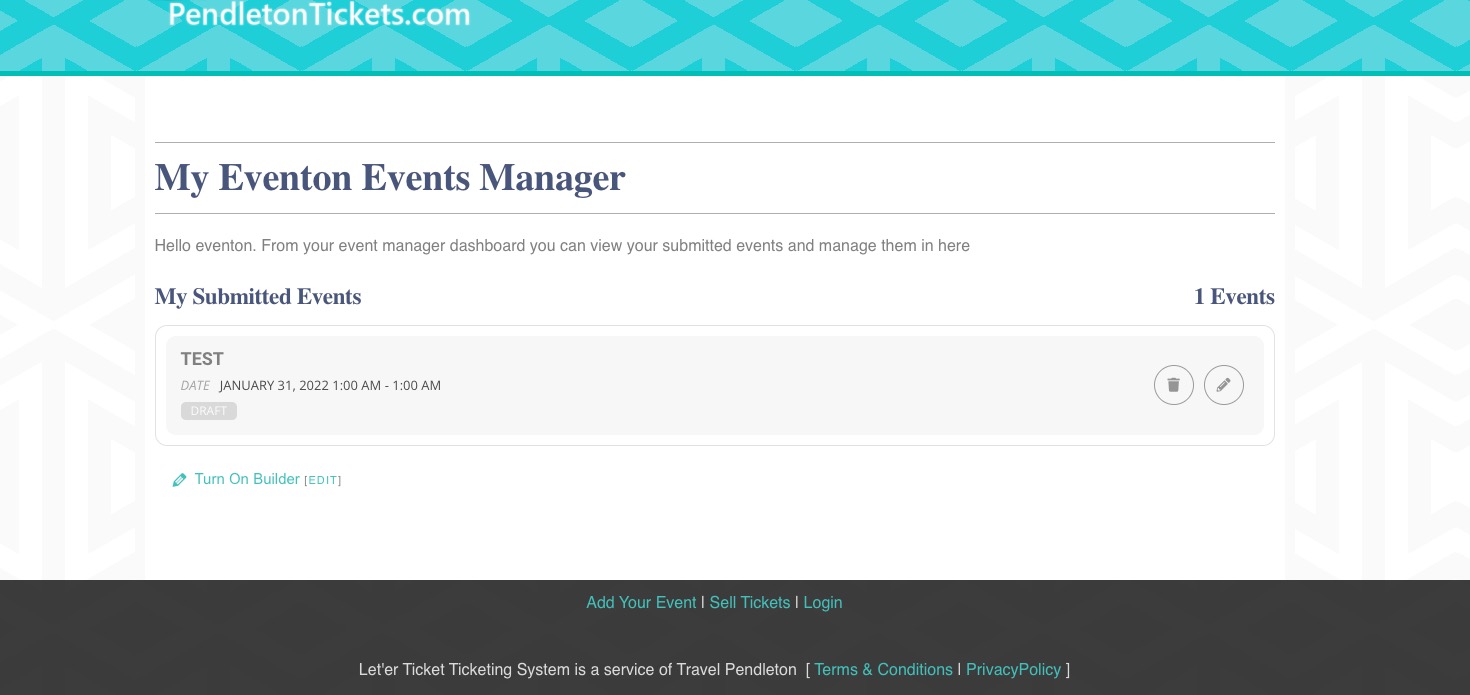
Could you make sure that the shortcode is present on the page?
Hello,
Please make sure that date and time format as well as image are correct:
event_start_date & event_end_date – Start/End date in format mm/dd/YYYY
event_start_time & event_end_time – Start/End time in format h:mm:AM/PM
image_url – Complete http:// url to an image from external source
image_id – (integer) existing attachment ID from wordpress site you are importing events to
Could you send us a link to your .csv file?