As kenneth said, I am very glad gerard that the issue is resolved now 🙂 — be sure to keep an eye on to see if there may be other things that is causing this issue to come back. If you have more questions, kindly send us a new ticket and we would be more than happy to help you resolve your issues!
Archives: Replies
Replies for tickets on suppota
Reply to: tickets(266441)
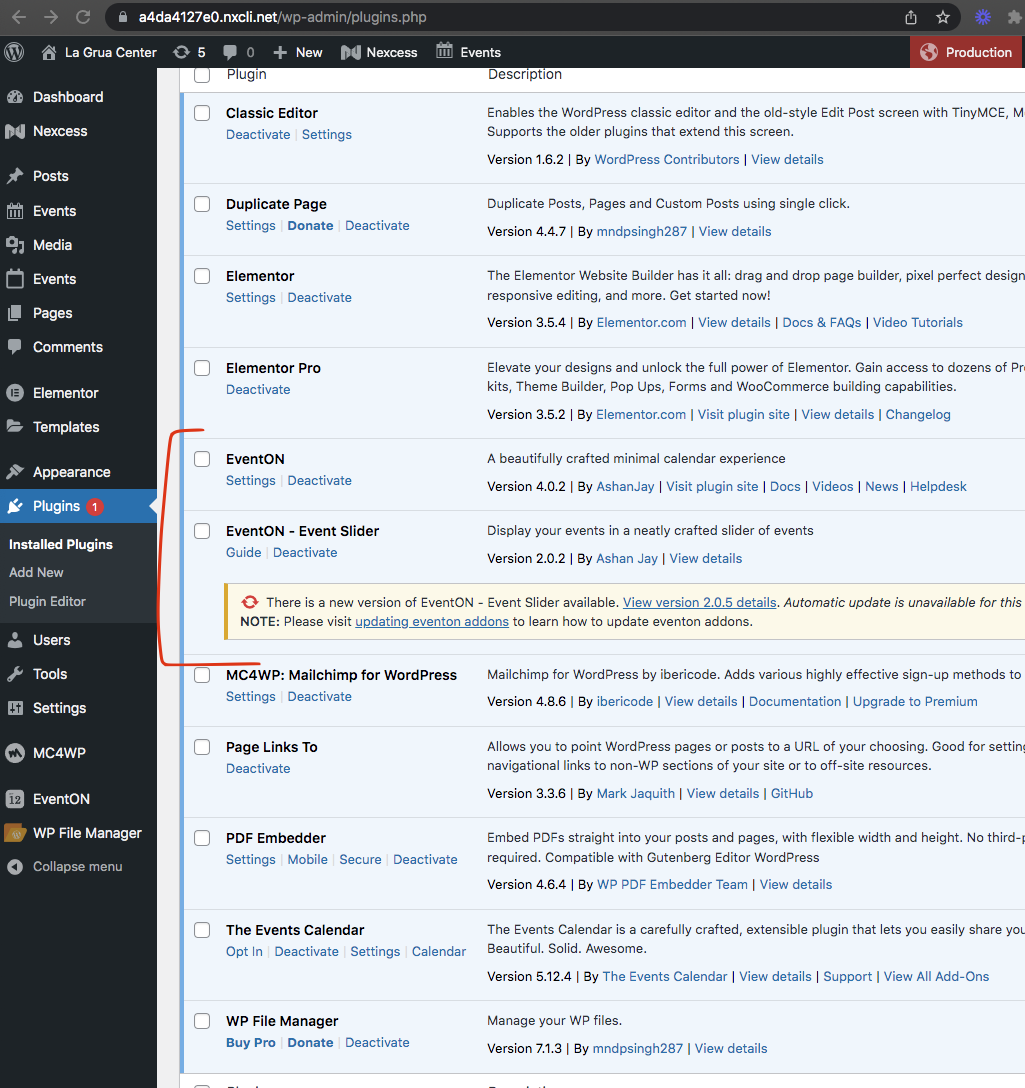
You gotta install the fullCal addon my friend 🙂 Head over to https://www.myeventon.com/my-account/downloads/ and download the fullCal and install it.
Reply to: tickets(266980)
Hello,
It’s different for events. Each event has Event Schema that Google uses for Rich Search Results.
Reply to: tickets(266981)
Hello,
Please add this to the shortcode:
etc_override=”yes”
Selecting this option overrides event colors with event type colors, if they exists.
Reply to: tickets(266986)
Hello,
Are you referring to FullCal add-on?
it gives an error.
What kind of error?
We can install new version alongside with the old one, so you can check them both.
Reply to: tickets(266988)
Hello,
Please check for latest version of this software from here Your issue might be related to an older version you are running and we might have resolved this already in the newer version update. If you are on latest version of our software and the issue still persist please let us know.
Reply to: tickets(262713)
Hi Ashan, DB update done. Please kindly proceed.
Reply to: tickets(265415)
It does replace them, and keeps originals as backups. By default it replaces them.
Here is an interesting article on the function you identified and WebP:
https://wordpress.org/support/topic/webp-images-not-being-served-5/
In the case of eventon I believe the following is happening:
“– page element HTML is loaded after Imagify looks for the source code to apply WebP markup” (from the article)
You can see on pageload Eventon is loading a bit slower than the page itself (https://www.promoternow.com/las-vegas-club-events/), hence no webp.
Can you confirm this is the reason and can you offer anyway for webp to be loaded in this case that it is after html is loaded?
Reply to: tickets(263124)
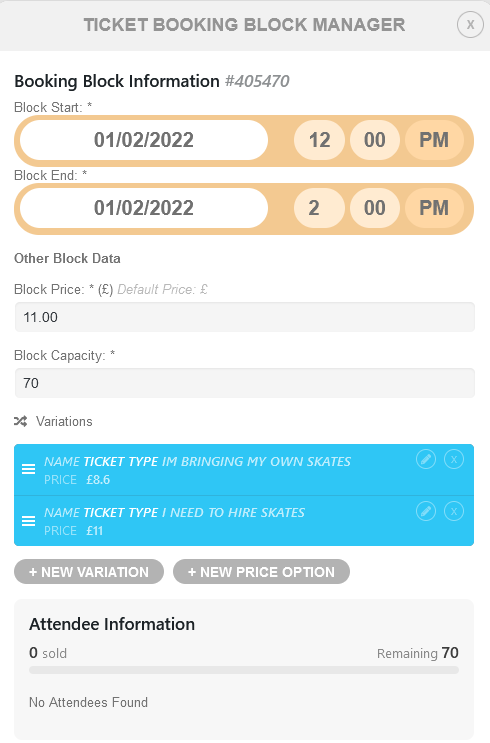
Hi, thanks for the update! It looks like variations are now appearing in the block manager, so that’s good news.
There is an issue, however, in that the variations can’t be deleted from inside the ‘Booking Block Information’ page. See attachment – deleting either of the two variations and then saving will result in the variations still persisting.
Reply to: tickets(266910)
Great!!!
Downloading is going well now, but can I also automatically UPLOAD my events via ICS (or any other sync method) to Google Calendar ?