Seems to be working: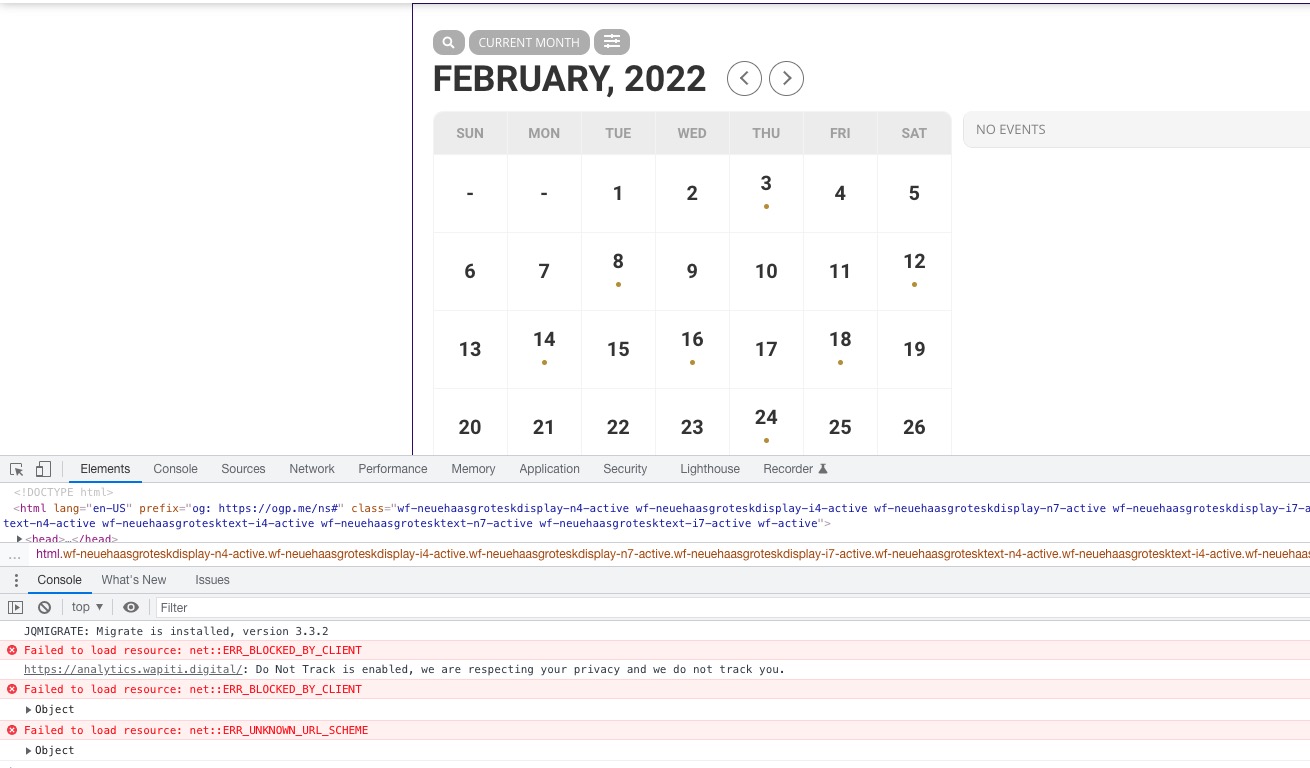
Do you have the same issue when logged-in?
Replies for tickets on suppota
Seems to be working:
Do you have the same issue when logged-in?
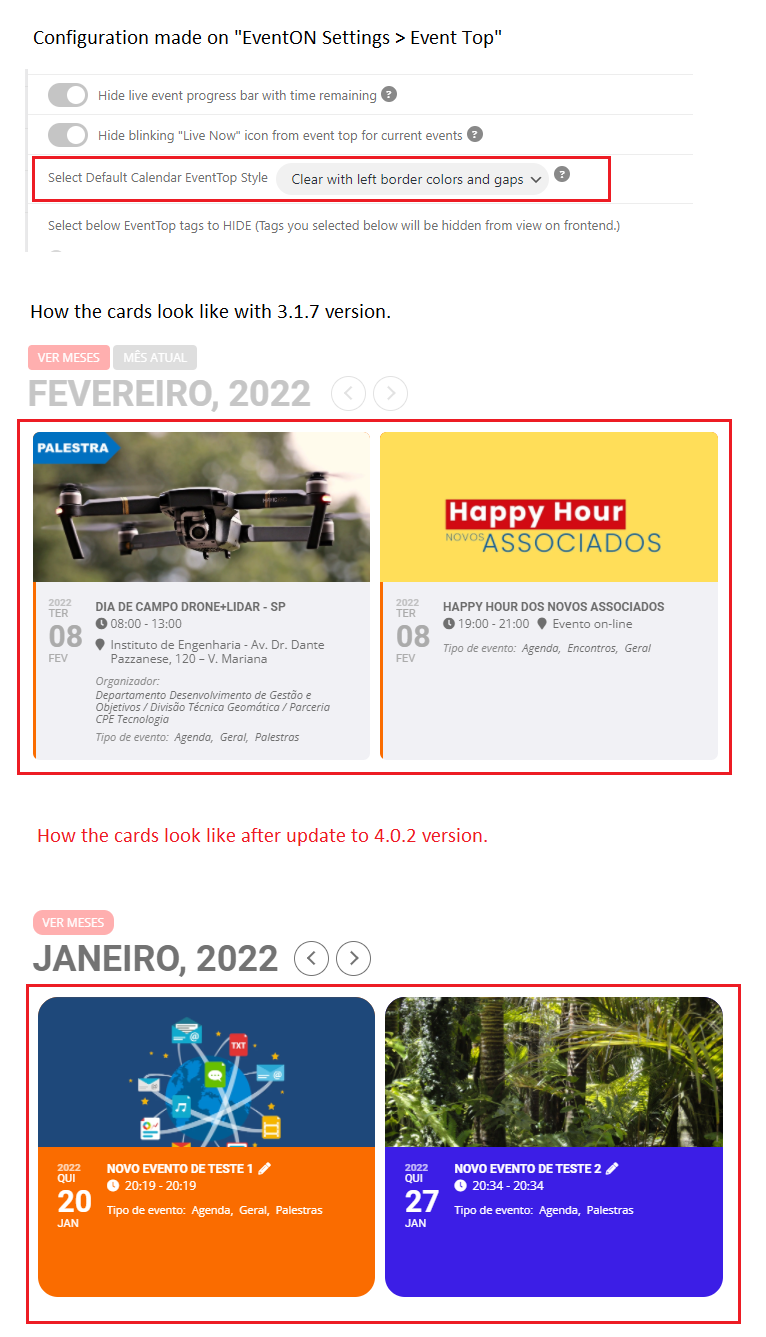
Hi, I tried that option but the problem remains.
I’m sending attached an image to show how this issue is affecting the cards.
It seems that the issue is this:
page element HTML is loaded after Imagify looks for the source code to apply WebP markup
EventON loads its calendars dynamically for better loading times.
Try adding this to the shortcode cal_init_nonajax=”yes” to load the main calendar [add_eventon] without Ajax to see if it helps.
Oh, I didn’t know that they didn’t offer updates via the WP dashboard.
I’ve updated them but the problem still persists. I did empty the server caches as well and tried an incognito window on my end. Any other ideas?
I am sorry bob It has been 2 weeks since I did this code change and I don’t remember what all the files were edited. Would you minds ending me FTP access to your site and I can upload all the new version files. The codes I copied still is not zooming the map.
Do you need to update EventON and RSVP add-on?
Please send us FTP access to your site as a private message.
Please follow the instructions in this documentation to activate debug in your site to see any PHP errors recorded that can provide insight on to whats going on. Please reply with a link to debug.log file. If you are not able to do this please send us FTP access to your site so we can do this for you.
Unfortunately, this is not available. However please create a new ticket and select Feature Request as category so others can vote on your idea and get it moved into development faster.
Hello,
You can edit the seat number from Edit Order:

However, it won’t update anywhere else, so the best solution is to refund and repurchase.
Thank you for the screenshot, is this happening whenyou use auto generator to create the blocks with variations? — trying to understand exactly how I can replicate this on my end to fix it 🙂