Cool. Thanks!
Replies for tickets on suppota
Cool. Thanks!
Hello,
Please add this CSS code to EventON > Styles (If you don’t see any change, EventON > Scripts & Styling > turn off Write styles to header > save settings > turn on Write styles to header):
.eventon_events_list .eventon_list_event .evcal_desc .evo_below_title, .evo_pop_body .evcal_desc .evo_below_title { padding-bottom: 10px; }
Hello,
The code seems to be correct, except try adding !important and also add the code to Appearance > Customize > Additional CSS:
@media (max-width: 1000px){ .ajde_evcal_calendar.boxy.box_3 .eventon_list_event, .ajde_evcal_calendar.boxy.box_3 .evoShow_more_events { height: 300px; width: 100% !important; }}
I went to EventON Settings > Scripts & Styling > enabled Disable JQuery Mobile script. Please check now and let me know.
We are glad your issue is resolved, if you have any further questions or concerns please create a new ticket.
If you have a moment, we would greatly appreciate if you could kindly leave us a review at codecanyon! from your account > downloads. Cheers!
We are glad your issue is resolved, if you have any further questions or concerns please create a new ticket.
If you have a moment, we would greatly appreciate if you could kindly leave us a review at codecanyon! from your account > downloads. Cheers!
Invoice Number: 33489
Invoice Date: January 12, 2022
Order Number: 130375
Order Date: December 4, 2021
Payment Method: Credit Card (Stripe)
Yeees, thank’s it worked! I probably just need to get used to your shortcodes
Thank’s a lot, it works now!
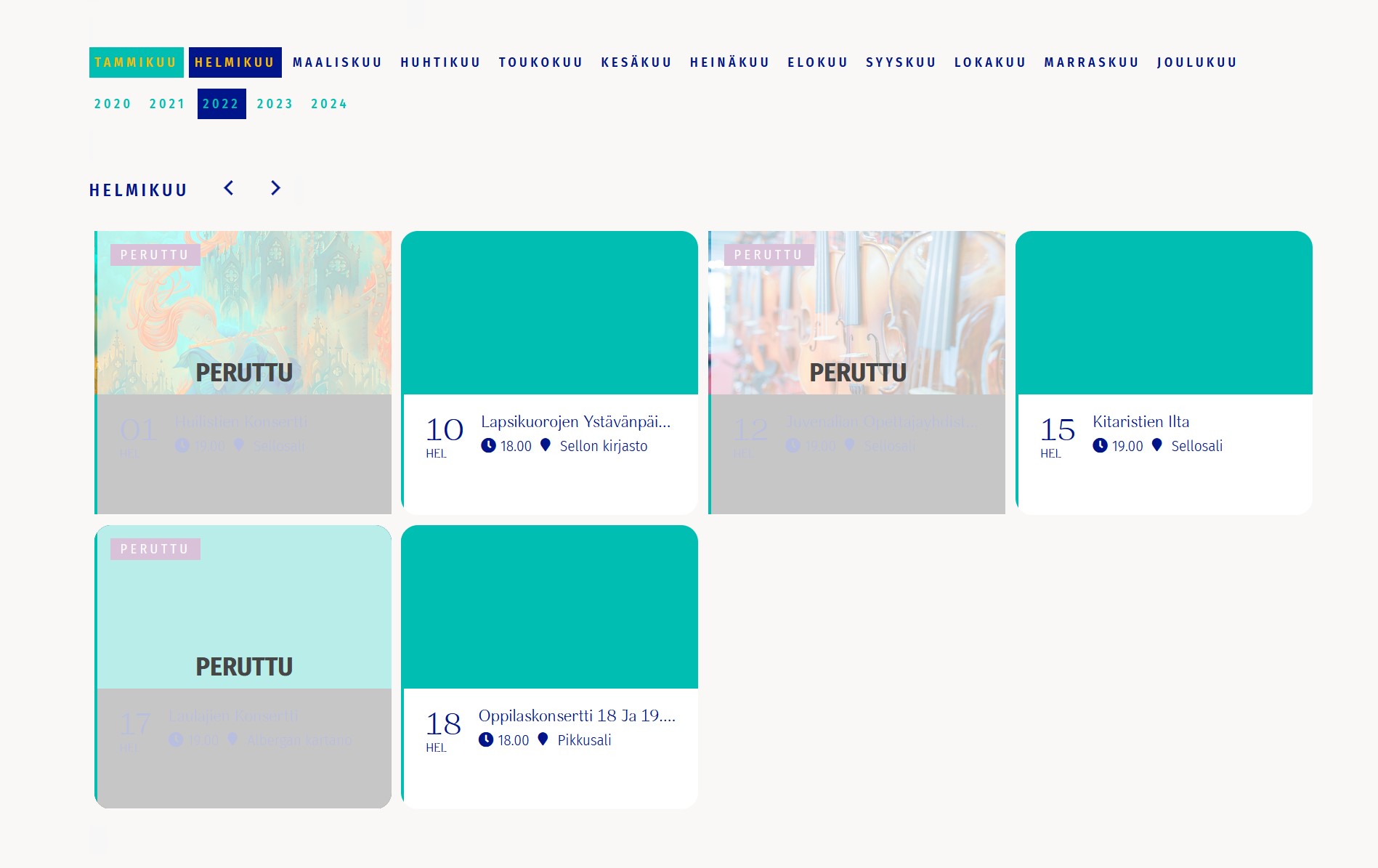
Hi,
I have version 4.0.2. and after the update try EventON > Scripts & Styling > turn off Write styles to header > save settings > turn on Write styles to header.
But this does not fix the issue.
https://juvenalia.fi/konserttikalenteri/