#257851 – your ticket number.
Archives: Replies
Replies for tickets on suppota
Reply to: tickets(264974)
Are you referring to issues described in #257851?
Reply to: tickets(265049)
Hello,
Please add this CSS code to EventON > Styles (If you don’t see any change, EventON > Scripts & Styling > turn off Write styles to header > save settings > turn on Write styles to header):
.evo_cal_above span.evo-gototoday-btn { display: none !important; }
Reply to: tickets(265033)
Is that when you click the grey button? I elementor button doesn’t like the shortcode
Many thanks
Rog
Reply to: tickets(265049)
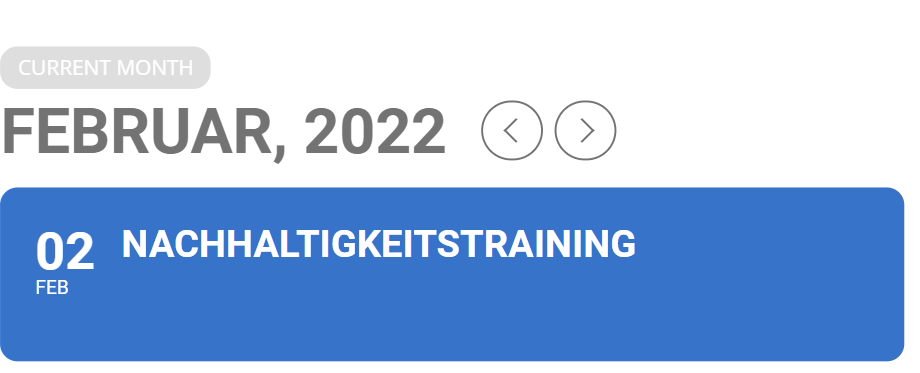
Reply to: tickets(265029)
Without a HUGE amount of customization it will never really look like that website you have provided and we don’t do that customization. This helpdesk is to get eventon working as its advertised
that being said I’m willing to go into the site and brainstorm and see if I can get the relevant info onto the event in some readable fashion
Reply to: tickets(265033)
Reply to: tickets(265033)
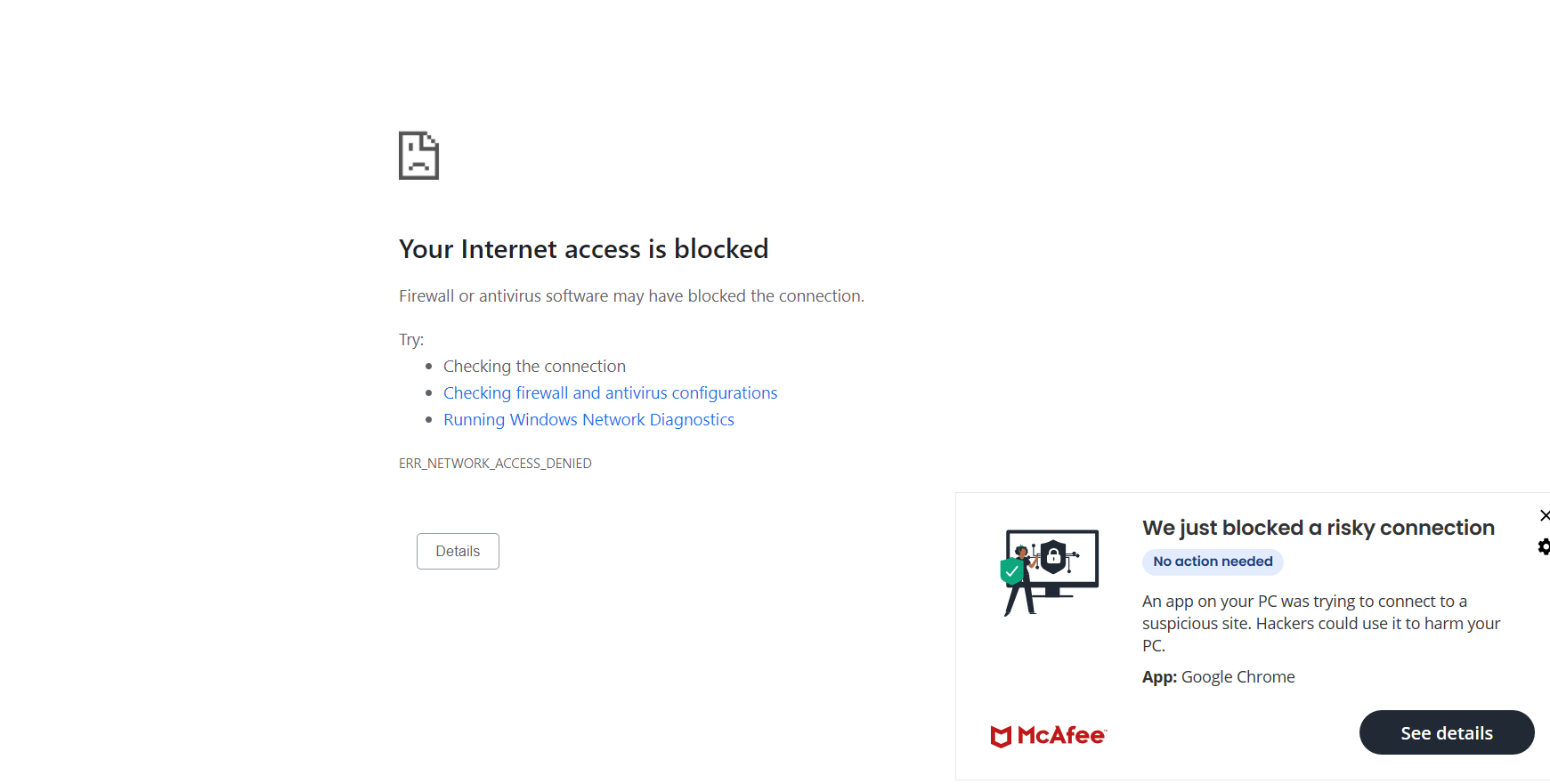
when viewing your site i get a huge warning see screenshot
Reply to: tickets(264892)
your theme creates that
add this to appearance>>>>customize>>>>>>additional css
@media (min-width: 981px)
#main-content .container:before {
width: opx;
}
Reply to: tickets(264879)
the word documentation is clickable takes you to this page:
https://docs.myeventon.com/documentations/how-to-find-if-an-issue-is-coming-from-eventon/