Hey,
No Thanks, please refund the Amount.
I did cancel the subscription, thanks for the hint!
Regards!
Replies for tickets on suppota
Hey,
No Thanks, please refund the Amount.
I did cancel the subscription, thanks for the hint!
Regards!
If you didn’t put it there, please remove, because adding raw HTML around shortcode causes issues. Please try and let me know.
We are glad your issue is resolved, if you have any further questions or concerns please create a new ticket. If you have a moment, we would greatly appreciate if you could kindly leave us a review at EventON WordPress Page OR Codecanyon. Your review helps us a lot in continuing EventON improvements!
All the available options can be found in Shortcode Generator:
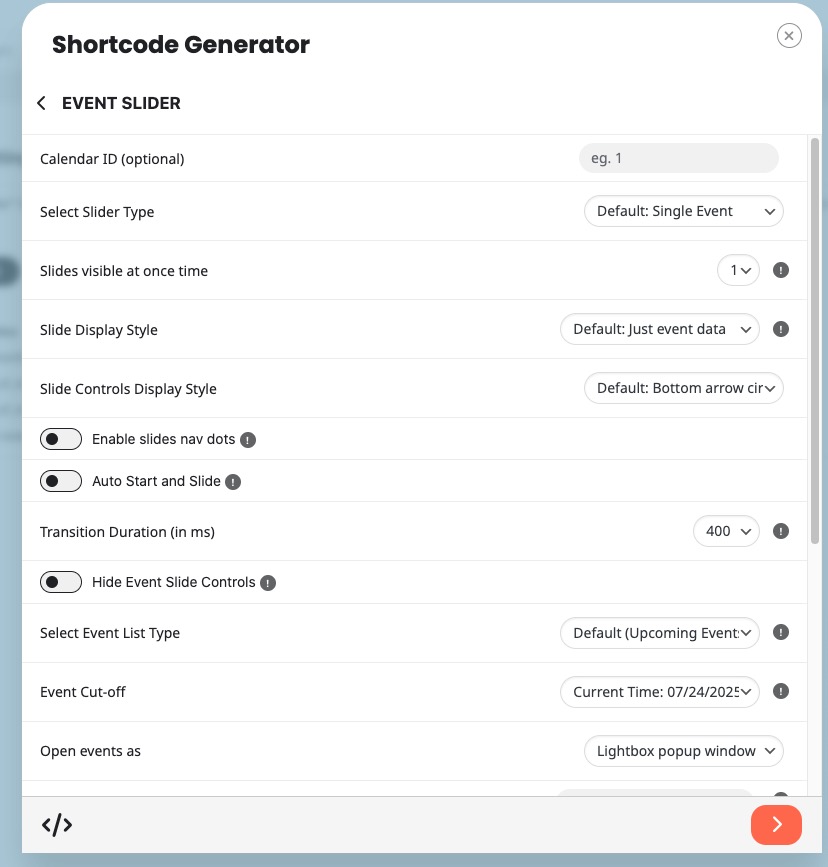
However it’s not possible to change Slide’s height.
But it can be done using CSS code. Follow the css customization guide to further edit style changes.
/wp-admin URL redirects to 404 error page. Could you also send us the correct login page?
login information is shared, that redirect only happens when paying with applepay. when paid using cc redirect is to order confirmation and that is okay but apple pay redirects to profile.
hey just to update you.
We changed around the JS code on the theme and the EventOn slider now works.
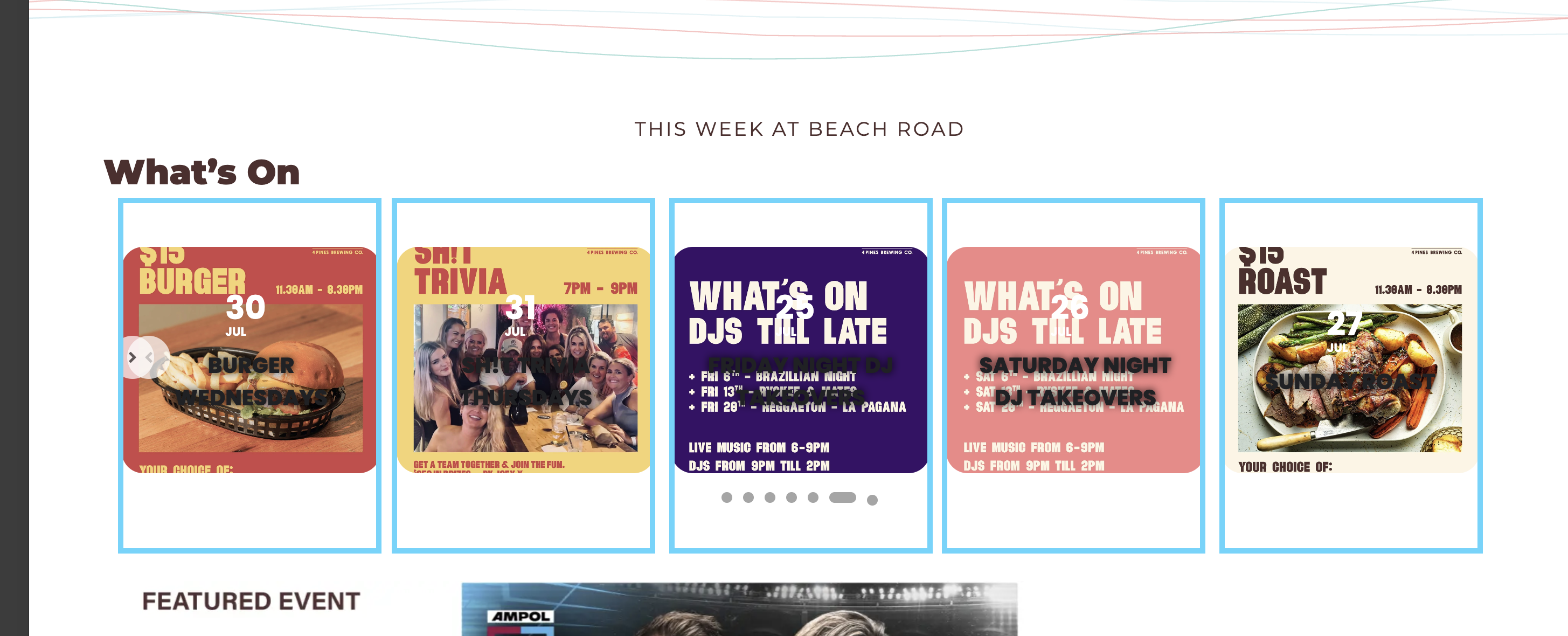
Can you point me in the direction of documentation on how I can change the style of the slider? I need to create it so
What I want to do it create each card to be this size (same size of the Instagram post)
Hi Ashan,
I’ve updated the plugin to version 2.2.3 and everything is now working correctly. Thank you for your interest in keeping EventOn the best calendar!
David
Hi,
I don’t remember placing the shortcode inside a <span> element — it might have been added automatically by the editor or during copy-paste.
Is it safe to just remove the <span> and leave the shortcode as is? Or is there a recommended way to fix this?
Also, could this be the reason for the issues I’m experiencing with the updated versions of the plugin?
Thanks again for your help!
Please send us wp-admin access to your staging site from “Access Info” box on right side menu, to further assist your situation.
i get the feeling that you are redirected to the login page because you need to be logged in to view your account hence the reason why https://olamimanhattan.org/my-account/view-order/105724/ if they are not logged in- they need to login
what happens if you purchase something while logged in- it works like it should?