Thanks for this:
My file, even after new download and reinstall, looks like this:
class evorm_admin{
public function __construct(){
add_action(‘admin_init’, array($this, ‘admin_init’));
}
When i remove the ending “” everything is working.
Replies for tickets on suppota
Thanks for this:
My file, even after new download and reinstall, looks like this:
class evorm_admin{
public function __construct(){
add_action(‘admin_init’, array($this, ‘admin_init’));
}
When i remove the ending “” everything is working.
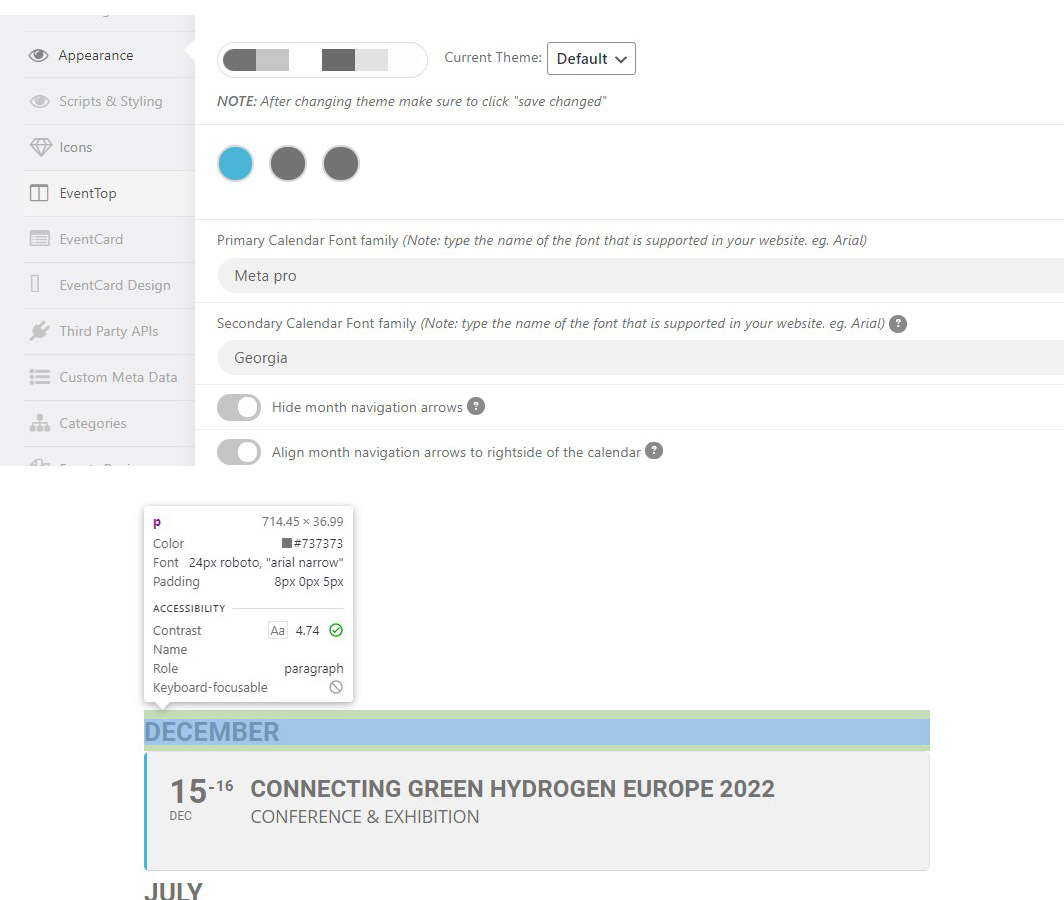
Hi Kenneth,
I have been going to the documentation and other support issues and the only thing that seems to be needed is to add the fontnames here.
On the calendar that can be found on the page below it still continues to show the roboto font.
https://eurogasdev.flywheelsites.com/?page_id=4640
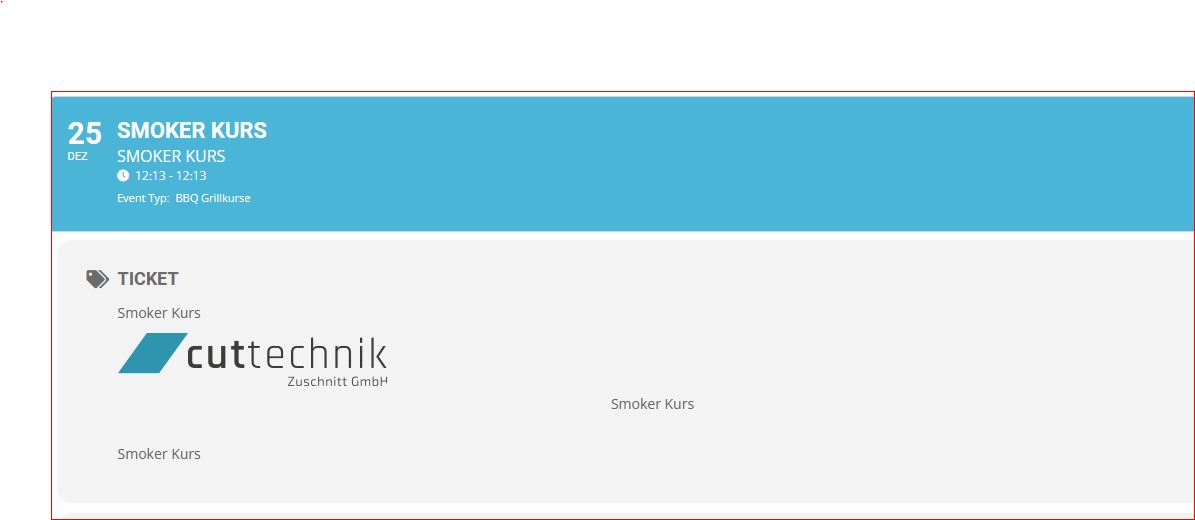
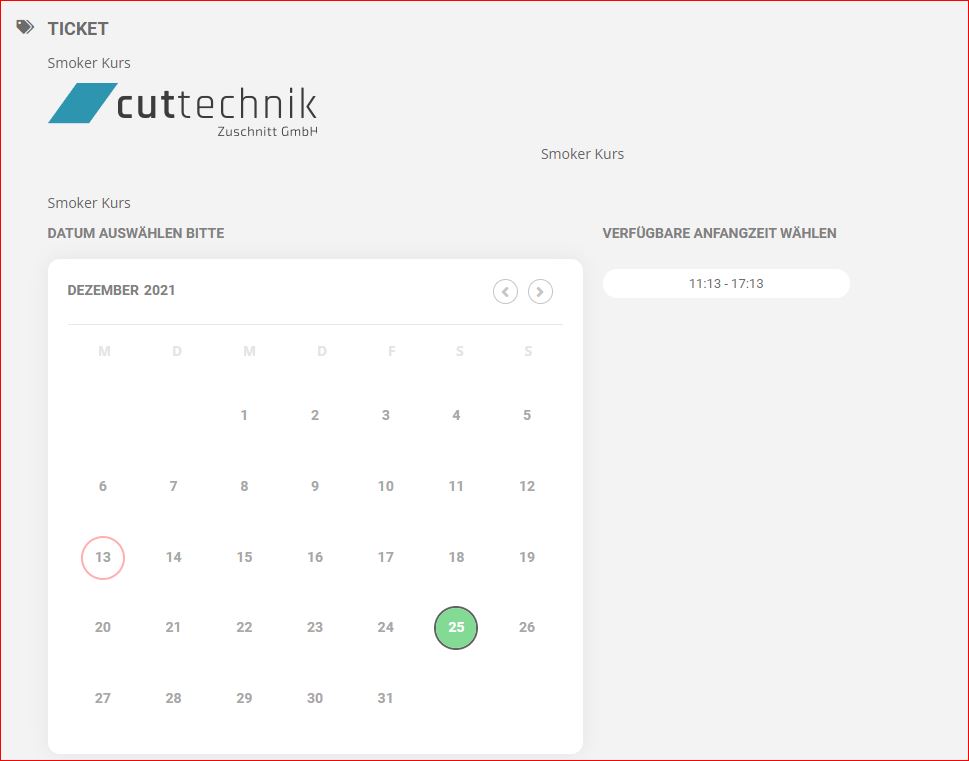
Awesome.. Thank you Dave. I couldn’t find it and I thought I would ask before I started fixing it with CSS.. Thanks again 🙂
In few words it should remains 9 minutes on the live event however it remains 1’32”46
I give you more explanations on the first message of this topic…
Thanks!
Hello,
Or are you correcting it? Because I am still paralyzed by it and I still cannot fully communicate on my agenda! Jean Marc
Hello !
Have a look to the phone time on top right of the phone screen and check the remaining on the live event and you could see there is a big time problem…
Thanks!
Hello,
Please follow the instructions in this documentation to activate debug in your site to see any PHP errors recorded that can provide insight on to whats going on. Please reply with a link to debug.log file. If you are not able to do this please send us FTP access to your site so we can do this for you.
Usually the issue is with memory limit:
https://docs.myeventon.com/documentations/increasing-wordpress-memory-limit/
Please fix this error:
Geocoding Service: This API key is not authorized to use this service or API. For more information on authentication and Google Maps JavaScript API services please see: https://developers.google.com/maps/documentation/javascript/get-api-key
Try following: https://help.time.ly/google-maps-api-error-geocoding-service/