Perfect! Do you need our help in anything else or can I close the ticket?
Archives: Replies
Replies for tickets on suppota
Reply to: tickets(263639)
Great! Please keep us updated.
Reply to: tickets(262390)
Could you try refreshing the page: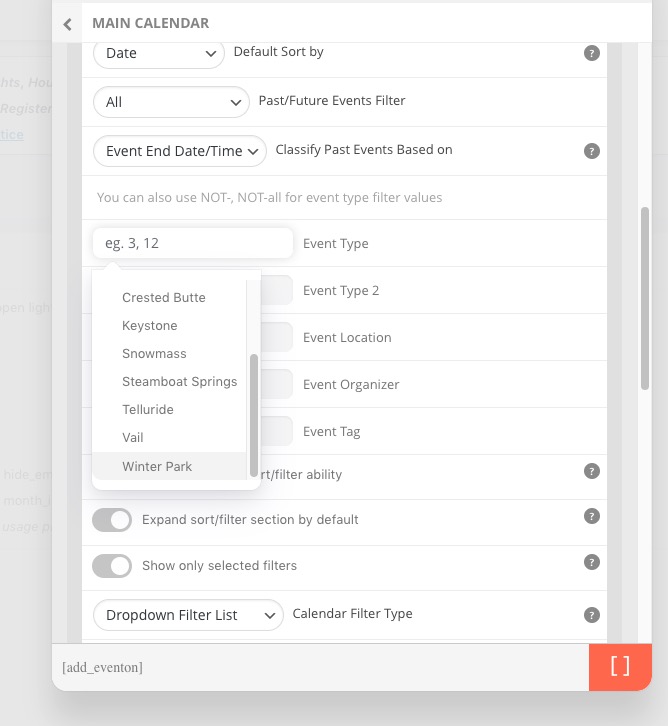
Reply to: tickets(263677)
Hello,
Could you elaborate more? You’ve put 2am to End Time but it still shows 10:30pm?
Can we check wp-admin?
Reply to: tickets(263794)
Hello,
It seems that you need to use Daily View instead:
https://www.myeventon.com/addons/daily-view/
With WeeklyView you can try adding hide_events_onload=”yes” to hide events on first load.
Reply to: tickets(260979)
Hello,
It’s fixed on my side:

Could you try a different browser?
Reply to: tickets(263701)
Thank you for very much for your suggestion! We will take it into consideration.
If you have any further questions or concerns please create a new ticket.
Reply to: tickets(260979)
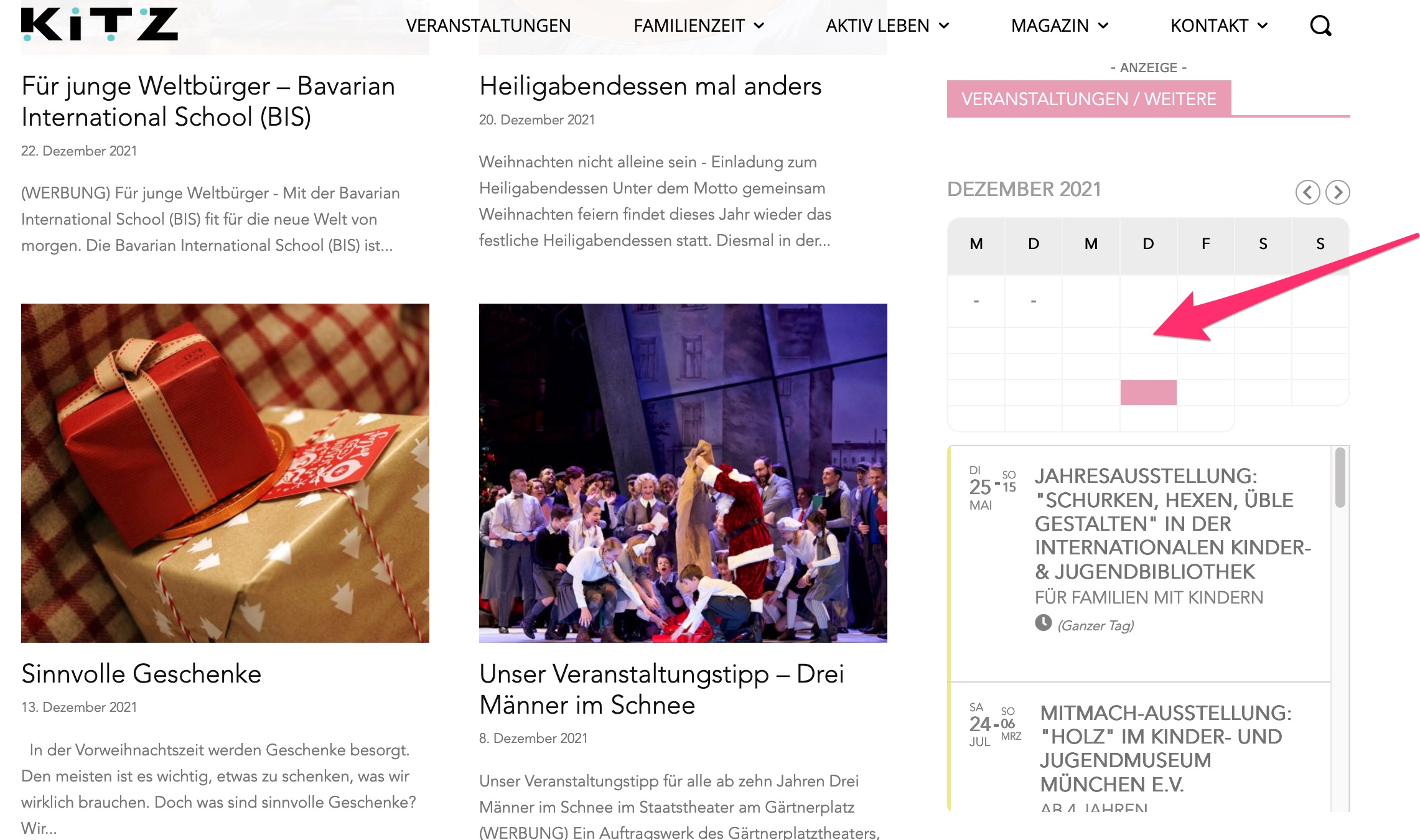
Hi Basils & Ashwan,
sorry, but also with 2.02 the widget looks still the same :-(cleared cache of course)
I returned to the old version old the Live-Site
Thank you
Bernd
Reply to: tickets(260574)
Hi Ashan,
That’s me cleared the cache with Cloudflare. It should pull through everything now?
Thanks again, I really to appreciate your help on this.
Angus.
Reply to: tickets(263701)
Hi, thank you for your quick answer. I understand that I have to use functions.php, but I was hoping you would have a tutorial on, or could make me an example for adding a simple text input to the form. I’ll manage and make it myself.
But I hope that in the future you would consider adding a simple text-input-example on ‘How to add additional fields to event submission form’. The problem for me is that the page I have to edit is already live, so the changes I make has to work at once.
I’ve already tried testing it out on a local installation of the page, but that was’nt possible because of the lisence, so then good documentation would come in handy.
I hope you will think about this and add it to your tutorial page in the future.
Kind regards
Olav