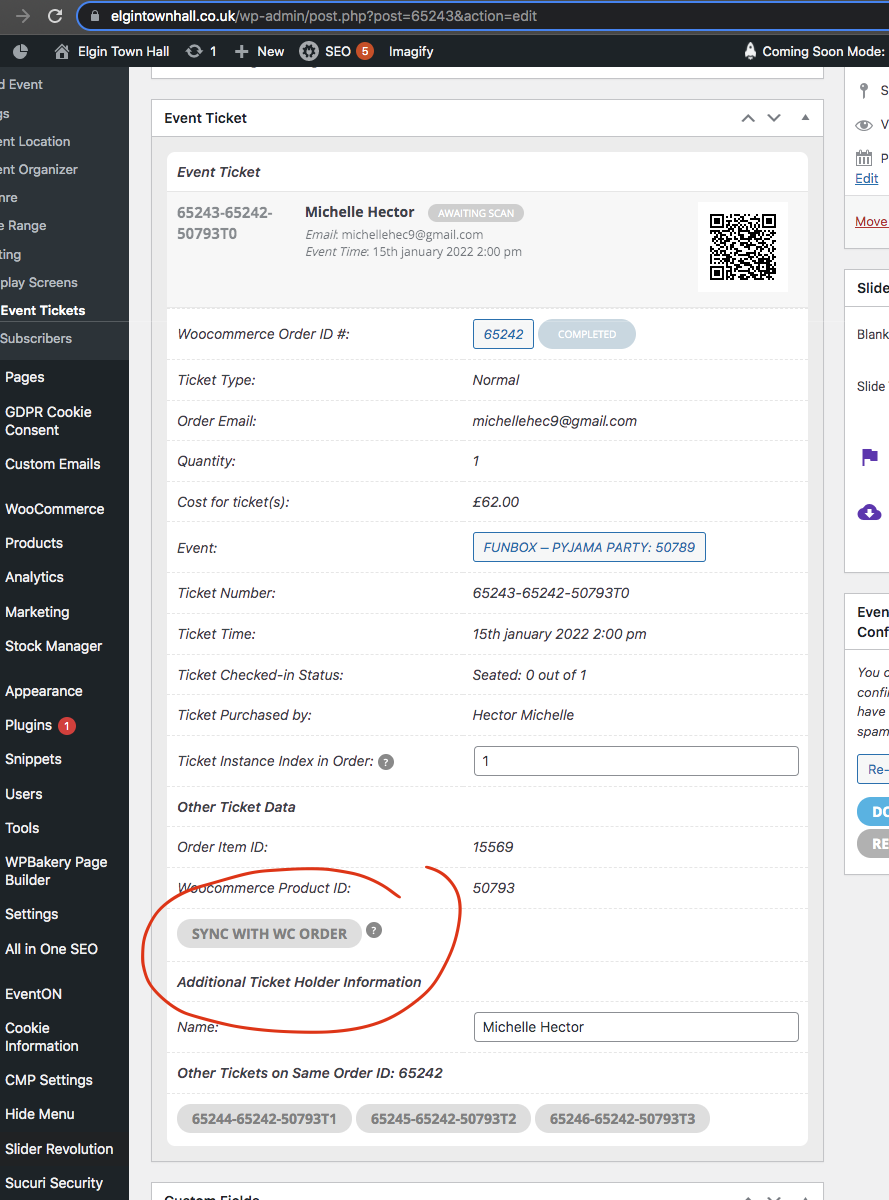
can you clear cache in your site? I added lot of new codes including new javascript code. BUt none of those are showing, only the old cache is showing. I also added a sync with order button in event ticket post.
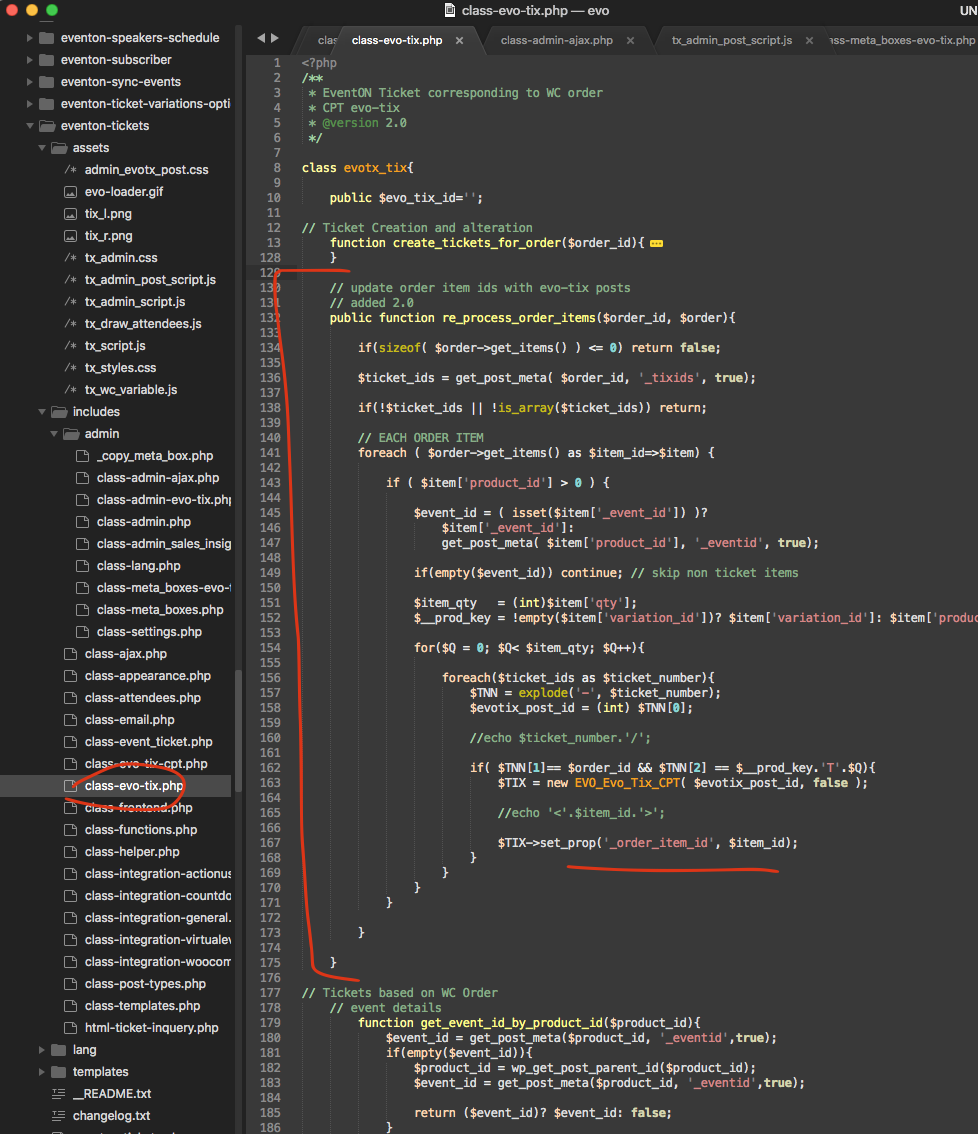
Which runs this function. and should update order item id for all the tickets in the same order.
Sorry, it worked, maybe because I didn’t clear the cache, I read and mistakenly to cookies.
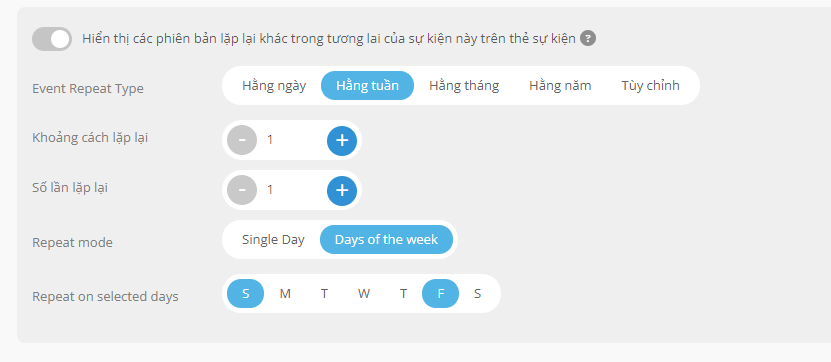
However I still cannot install Repeating Events. I have installed as attached photo. However, it appears continuously for a whole month and has a day that appears many times.
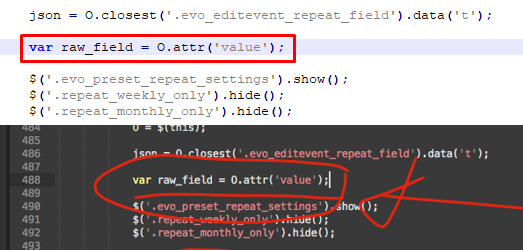
I can’t see any difference in these 2 pictures.
You can watch my video, it doesn’t work at all: https://streamable.com/vmzz4y
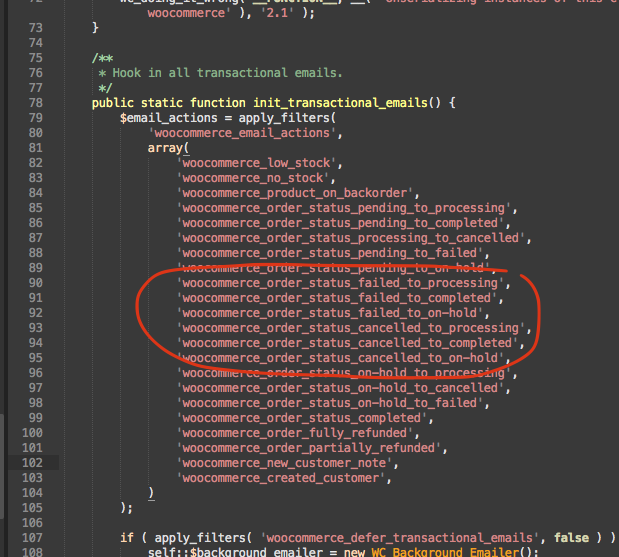
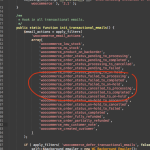
Cool, why did you have that many failed > complete orders? that is not normal woocommerce behavior. May be you should address that also. I think I found the part where I can hook into resolve the issue with order item ids.
Hi Ashan,
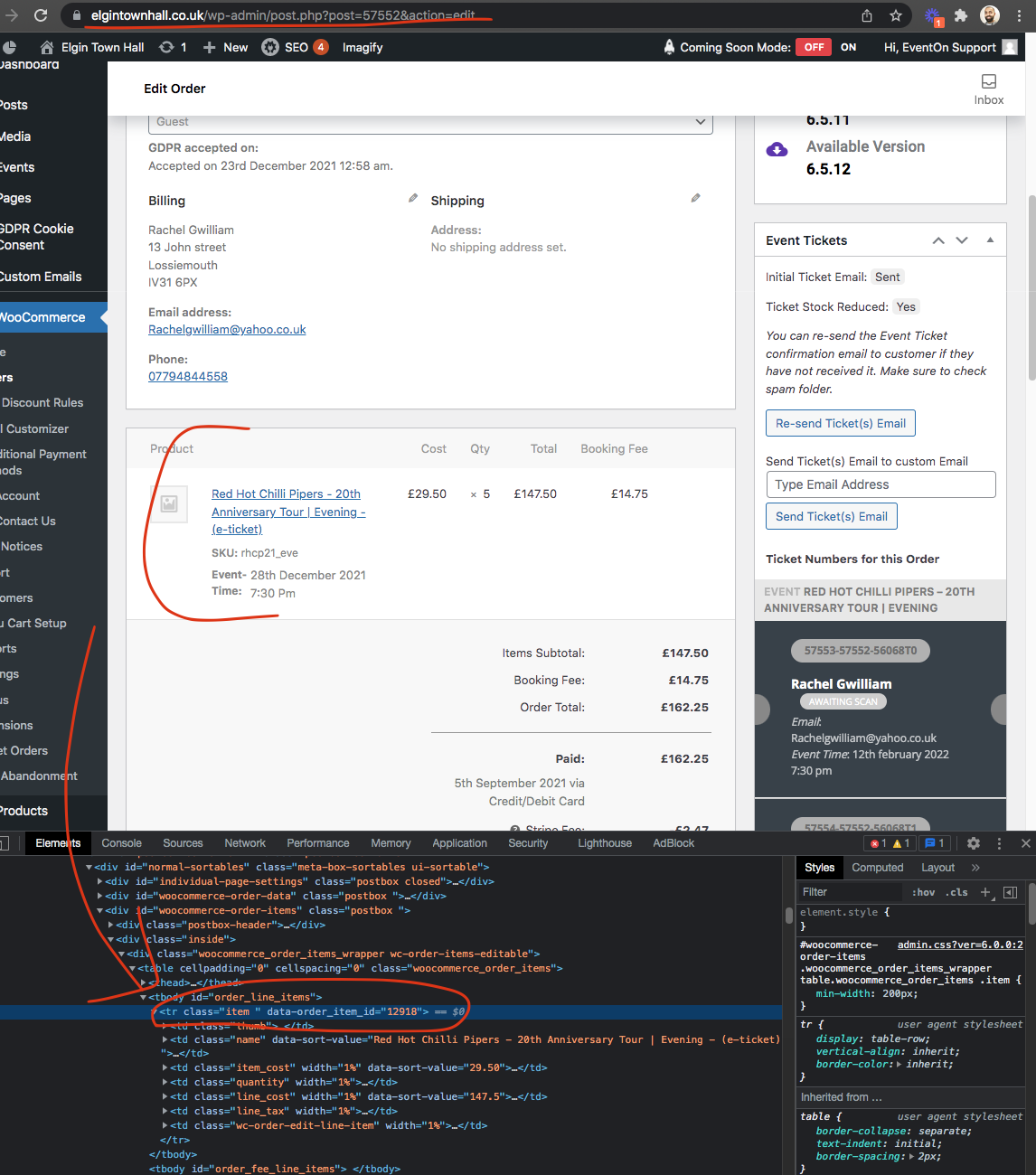
Thanks again for looking into this. This is the link to the most recent order that did this, using the results from the mysql query I did.
https://www.elgintownhall.co.uk/wp-admin/post.php?post=65242&action=edit
It appears that this is being caused when an order fails due to a declined payment method or another issue, but is then completed shortly afterwards. I’m not sure why, but woocommerce seems to delete the original line item entry in the database and regenerate a new one, when the order is marked as completed from failed.
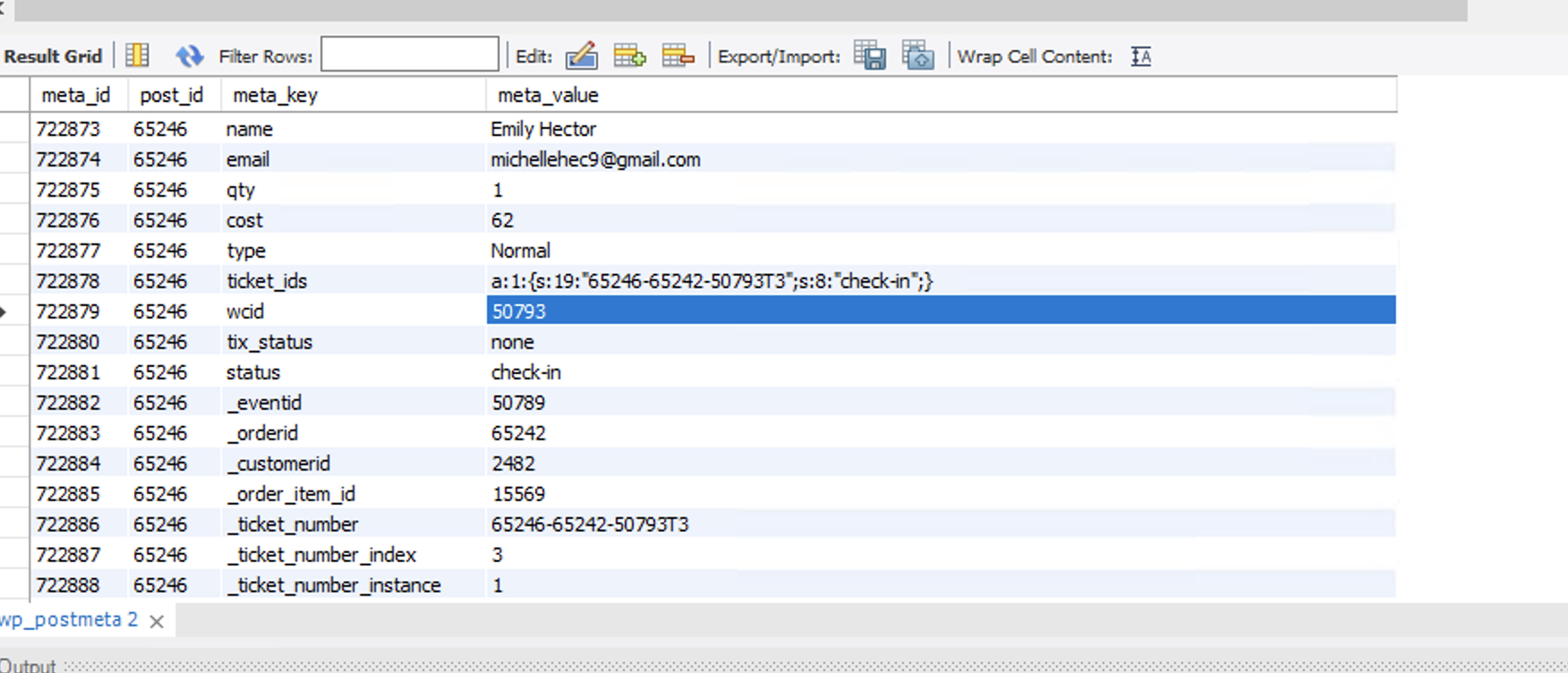
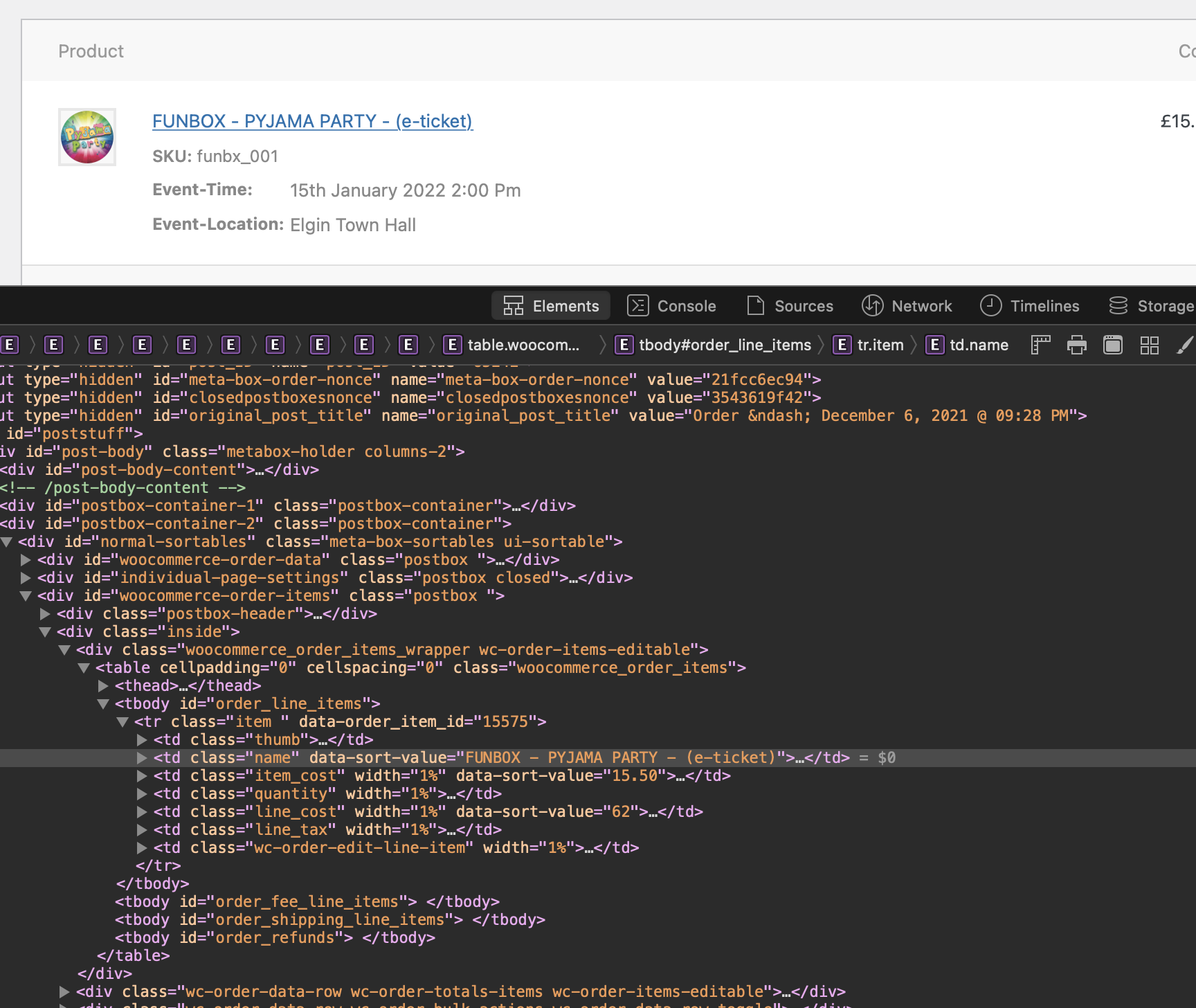
In this case, the order ID listed in EventOn’s metadata (in the wp_postmeta table for the ticket) is 15569, but the actual line item id is 15575. I believe that when the order was created in the original failed state, the line item ID’s sent to EventOn are correct, but when the order the completes after a second attempt, the line item ID’s change, but EventOn does not update this in it’s records in the wp_postmeta table for the tickets.
There appears to be 805 tickets in our system with no matching woocommerce order line item ID due to this issue.
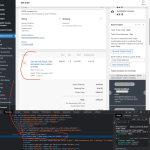
Also you can find the order item id by looking at the code in the console. Do you know what was changed to order status that caused it to create a new order item id? if we can find the change event, we can plug into that to update the ticket order item id as well.
Angus, thanks for the input I will check into changing ticket holder name, I thought that was resolved in a previous update.
Also can you enable plugin editor for me please — https://docs.myeventon.com/documentations/how-to-enable-plugin-editor-for-wordpress/
From what I found out the order item id stays same as I mentioned above WC make new order item ids but the original one still stays there. Can you show me a direct link to where you found order item id different?
Hi there kindly update to the new dailyview version 2.0.1 https://docs.myeventon.com/documentations/changelog-dailyview/ should resolve this issue.
The last public release of reminder addon was in 2018. Are you sure it wasnt an update to another plugin or your theme that may be causing this?
You can also try making sure if database cacheing is enabled? if that is so, when get_option is called, the value should be saved in transient to be used again and again fairly fast.