Can your Tabs load content as a dynamic AJAX request? Event Map must be visible when loading.
Archives: Replies
Replies for tickets on suppota
Reply to: tickets(263074)
Hello,
I went to https://rollerstopdev3.wpengine.com/wp-admin/admin.php?page=eventon&tab=evcal_tx > selected Default event ticket stop selling time base: When Event Ends.
Please check now.
Reply to: tickets(262713)
yes, it turns out that if we make it the first tab then Maps is rendering fine first time. We also tried it with another plugin for tabs and the same occurred, Maps only works as first tab but not as another tab. We do not want to use it as first tab, so this is a problem.
Reply to: tickets(262557)
Okay. Thanks. We will check it and let you know
Reply to: tickets(263090)
Hi Andreas,
The Google maps API should be enough to get the Google map to display on the event card. That is if you have added the google location in the event options obviously.
Let us know if you need any more help with this.
Reply to: tickets(262656)
Hi,
Plugin Editor was enabled for you.
cheers
Mario Schlemmer
Reply to: tickets(262800)
yes but you can only show one month at a time which is what you were trying to avoid in the initial ticket
[add_eventon tiles=”yes” tile_count=”4″ tile_height=”300″ tile_bg=”1″ tile_style=”1″ exp_so=”yes” jumper=”yes” exp_jumper=”yes” jumper_offset=”2″ jumper_count=”2″]
Reply to: tickets(262800)

Thank you, that’s great. I have it working now.
Is there a way that I can have this layout and style, but with the month jumper feature too? It would be great to be able to filter by each month above the tiled events.
Reply to: tickets(257500)
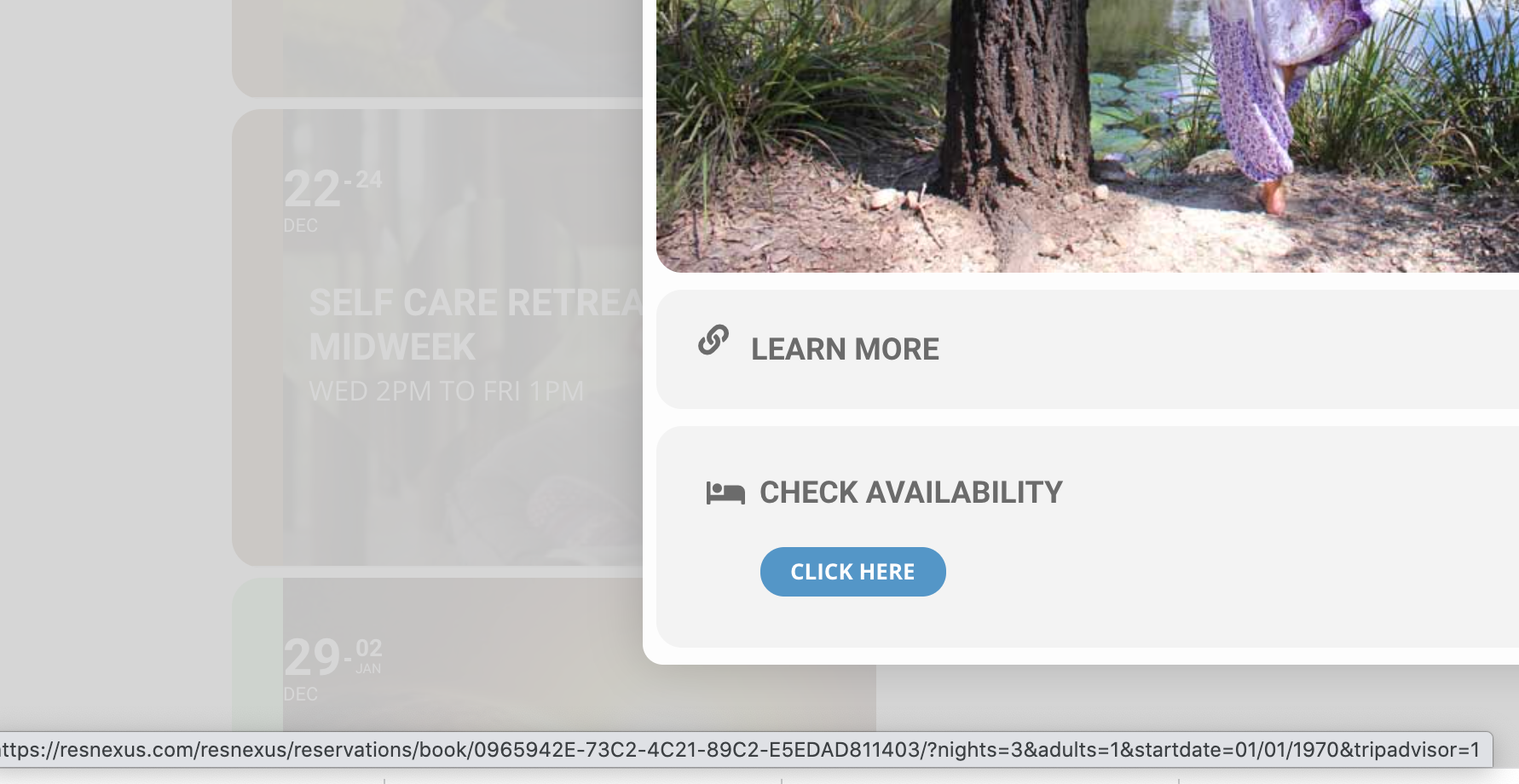
Thanks for update – appreciated.
I must be doing something wrong – on my dev server I am on v4.02, use the tag{startdate} under a ‘check availability’ URL generator in eventon event but on the front end the {startdate] is still always returning a start date of 01/01/1970
Any ideas?
https://billabong.theteamserver.com/wp-admin/post.php?post=116475&action=edit