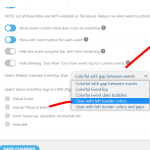
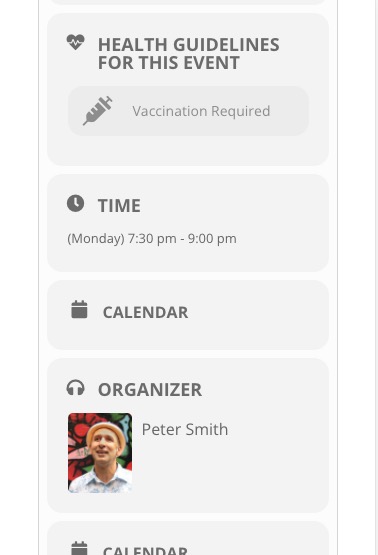
Please fix this error:
Geocoding Service: This API key is not authorized to use this service or API. For more information on authentication and Google Maps JavaScript API services please see: https://developers.google.com/maps/documentation/javascript/get-api-key
Try following: https://help.time.ly/google-maps-api-error-geocoding-service/
OK. Can you give us a PayPal link?
Hello,
It seems to be working correctly on my side:
Could you send us a screenshot?
Also, could you check if the same happens on our demo page:
https://addons.myeventon.com/fulcal/
Ashan,
Could you check this one? Several people have reported similar issue.
Hello,
Could you go to EventON Settings > EventCard Design > remove Add to Your Calendar? There are should be two of them.
Ashan,
With mo1st=”yes” grid_ux=”2″ added, when you switch between months it opens a lightbox on switch even if there are no events: https://dev2.myeventon.com/28856-2/
Hello,
As a temporary solution please try removing either of these from the shortcode:
mo1st=”yes” grid_ux=”2″
Thank you for your messages, I am going to assign this ticket to Ashan and he will be able to take it from here and find you a solution. Please allow some time for him to get back to you, we greatly appreciate your patience and thank you for being a eventon customer! Also please disable any IP blocking on your site if there are any.
I have tried disabling all plugins but it still loads with problems. It keeps loading sometimes.
Can you please take a look at it?
Thank you very much
Best regards!
Edu
Hi, just to confirm im using the google api and setup in eventon but maps are not showing on frontend, many thanks
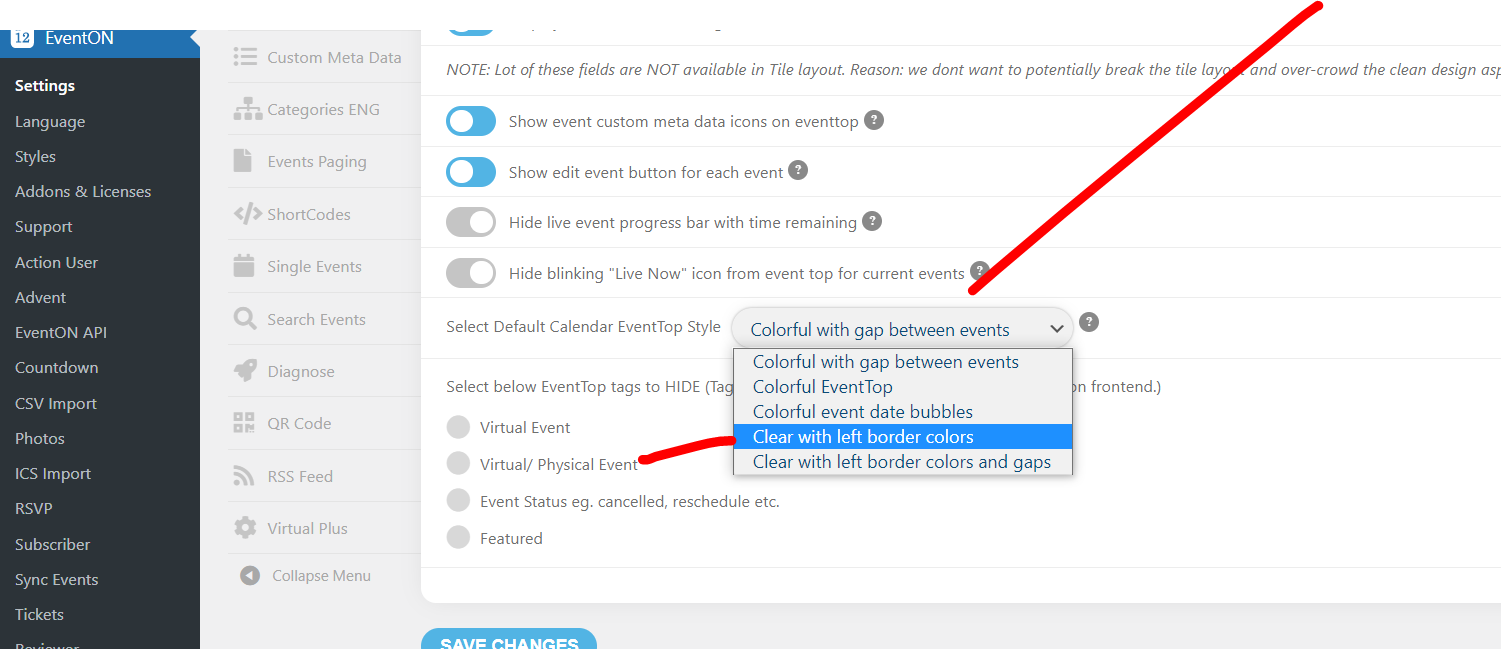
in myeventon>>>>>settings>>>>>event top