Hey,
What is the error exactly, what is the time different I am not sure I can understand
Replies for tickets on suppota
Hey,
What is the error exactly, what is the time different I am not sure I can understand
Looks fine to me so perhaps do a browser cache clear
normall CTRL+H
Hello
We are still not able to change it and its not working
there is a dompdf but we dont understand in which file we need to add the new font ?
May i ask your advice pls
Thank you
Nitzan
Hi,
Thanks for your reply. I hope it can be solved soon as my client is getting impatience…
Thanks so much.
Regards,
Johan
Price is $150.
Unfortunately, I am not able to provide VAT
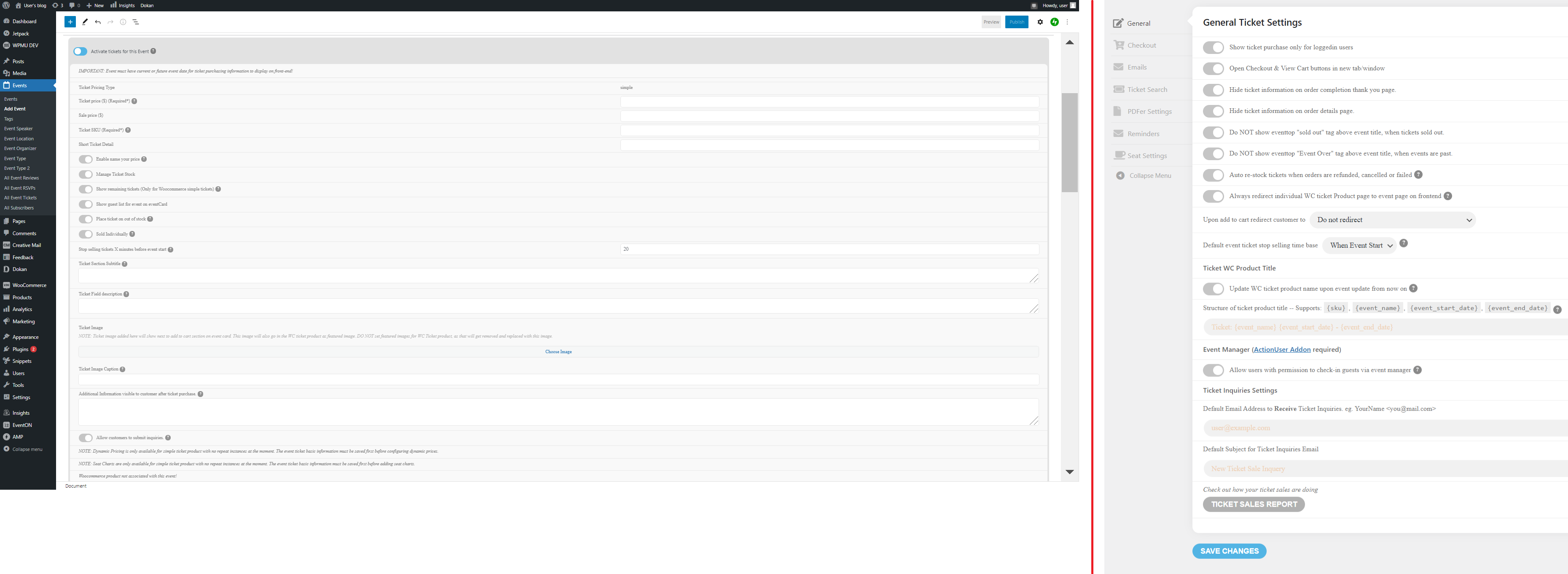
Your first image doesn’t show anything except white. Please see attached images for the Ticket input fields when creating an event and the Ticket settings, respectively. Neither have any option to add images.
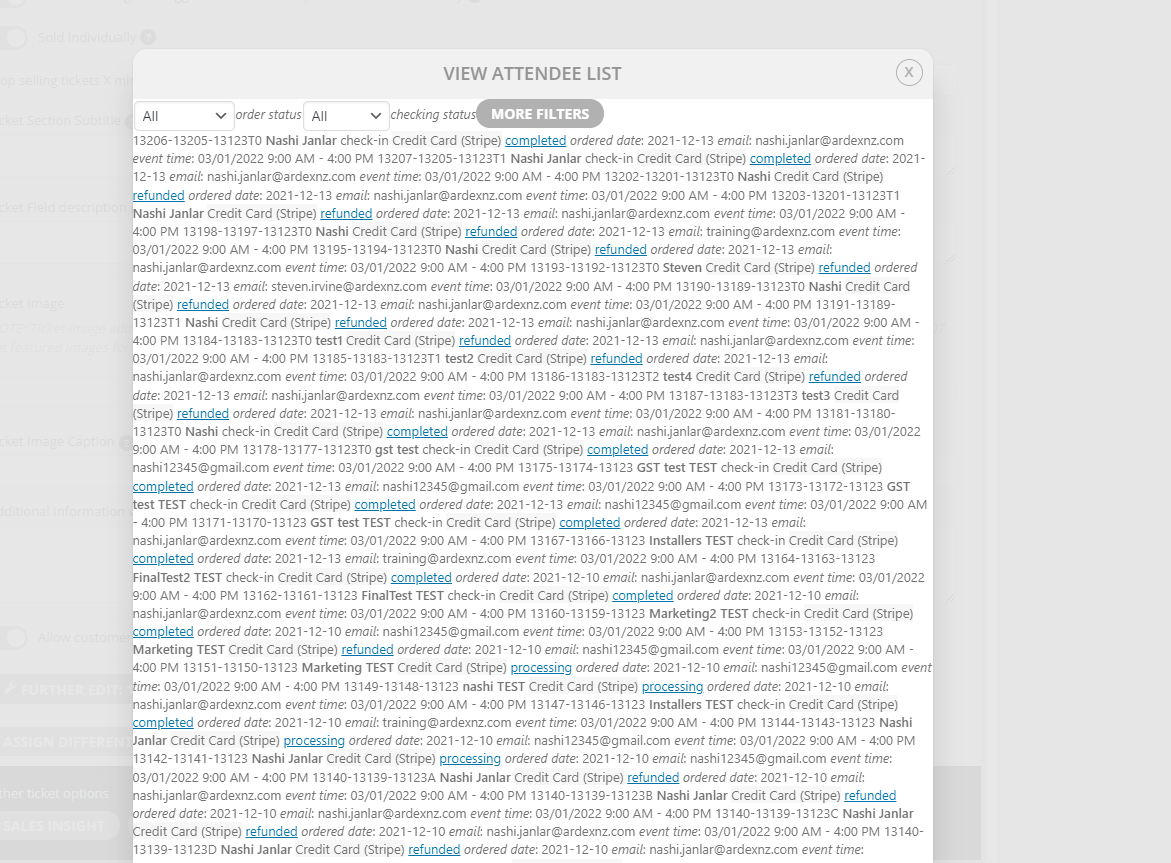
Hi Thank you very much. This solves the problem. I used 1 – (space dash), the order is here and the number does not show on the sub menu.
the only way is to edit the name both in
events>>>>>event type 1
and in myeventon>>>>language>>>>categories
and put a number like
1: cocktail parties
2: Trade shows
3: conferences
4: dinners
Thank you for sharing.
Please do allow us time to review this