Hello,
Would you mind checking if another plugin is clashing with the Seats add-on? You can do that by trying the instructions mentioned in this documentation to make sure your issue is indeed coming from eventon.
Replies for tickets on suppota
Hello,
Would you mind checking if another plugin is clashing with the Seats add-on? You can do that by trying the instructions mentioned in this documentation to make sure your issue is indeed coming from eventon.
Hello,
Could you please try the instructions mentioned in this documentation to make sure your issue is indeed coming from eventon.
I see you have an eventon customization plugin
EventON – 225585 – Child
EventON Child to modify Quick Edit and add private category field.
I suspect thats causing the issue. now we have not done customizations for a while now- certainly from 4.0 onwards this momo themes should be contacted
http://www.momothemes.com/ as they created that plugin
Depends on how you created the additional fields- via Functions file or via custom meta data?
see video below:
as tickets use woocommerce for checkout you’ll want to look at
https://woocommerce.com/products/mailchimp-for-woocommerce/
RSVP is a little different as there is no woocommerce but there is a setting within rsvp to automatically make someone a User like a subscriber
then you would need a plugin to auto send your users to sync with your mail chimp account
I used to use mailchimp but now use an equivalent plugin that I run on mywebsite called Arigato pro
https://calendarscripts.info/bft-pro/ (its a wordpress plugin)
with regards to tickets you may wish to read up on this
https://blog.calendarscripts.info/woocommerce-integration-in-arigato-pro-3-0-1/
arrigato pro also allows you to have new users to join a particular mailing list
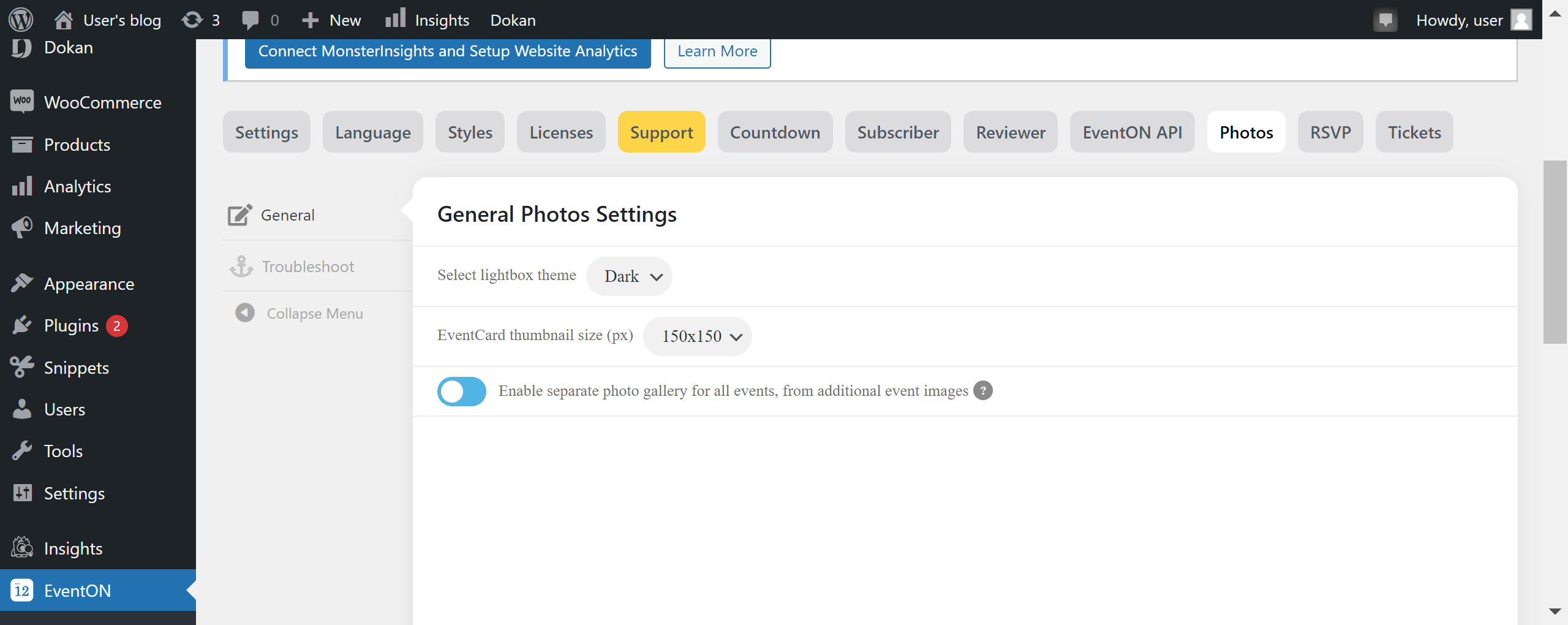
Okay, that problem has been resolved. I don’t see an Event Details section or any section to add images for the Event Card (there is a section to add images for the Ticket, but not Event Card nor is there an Extra Images section). I can see the Images settings section (see attached).
Could you give is some hints about this please?
Any article, documentation, FAQ or so on to help us getting started with it?
Sorry Basilis,
I didn’t understand, what that means ~ could you rephrase pls?
I included the admin login in your initial support form, not sure why you didn’t receive it. Here it is (I had to reset the password if you happen to find the first one i sent):
http://northstartherapyanimals.flywheelstaging.com
Username: eventon-support
password: aBcMNfyB0Wqsf4bVdBCCo#$#
Remember, you will need to enter the Flywheel privacy mode login I sent above before you can even load the site.
Bonjour,
Ou en êtes-vous du correctif ? Car je suis toujours paralysé par cela et je ne peux toujours pas communiquer pleinement sur mon agenda ! Jean Marc