logins from past tickets didn’t work for me
please post the username and password and login link as a private reply
Replies for tickets on suppota
logins from past tickets didn’t work for me
please post the username and password and login link as a private reply
Why would it display at a different size to the monthly view? That to me seems to be your problem and one you ought to sort out. I’m not asking for a customisation but rather for your software to look uniform across all of it’s widgets.
I don’t understand why you would make it display at different sizes. Please explain…
Hi,
Is there an update on this ticket? Thank you.
Jacky
i can’t even view your website to give you the css to add- i get an access denied
we don’t have elementor on our dev site so we would need to test on your site
try pasting the shortcode into a text file instead of the widget
Unfortunately this didn’t work. Tried turning it off and on a few times – no color change. Let me know what to do.
—
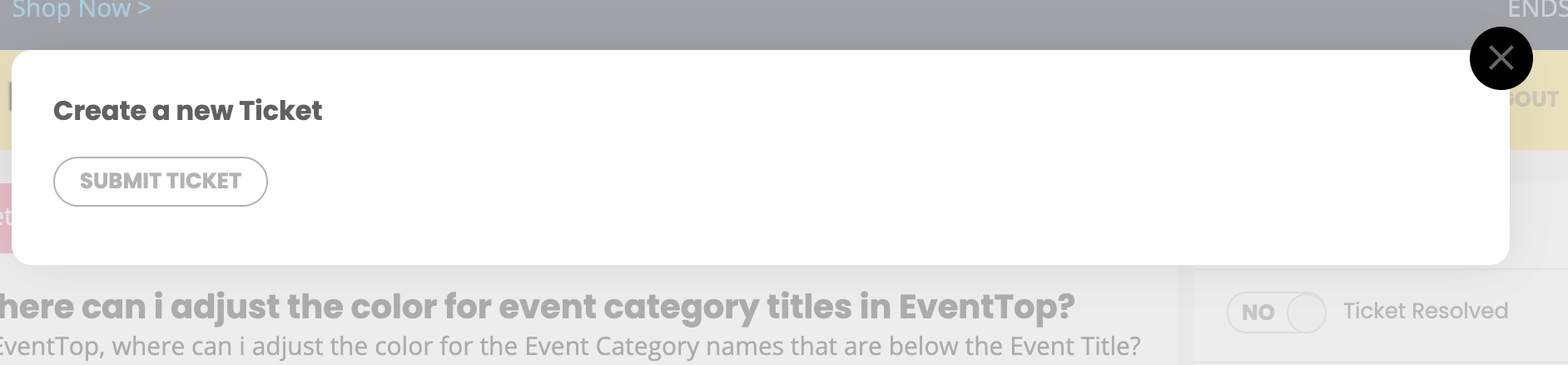
Ticket creation wizard:
The ticket creation on this helpdesk.ashanja.com website when clicking “New Ticket” above – that pops up in a modal.
Only possible to attach one screenshot, so attaching #3 – no buttons to click back to edit the ticket. Hope that’s helpful.
from the wordpress dashboard you need to resave your permalinks
so from wordpress click settings>>>>>>permalinks and simply resave the permalinks page
Very very helpful – I understood what you was saying and this was very beneficial. Sorry for the confusion but yes that was what i was after.
Now to figure out an RSVP button / External event submission (I know the plugin exists) however ill have to get traction on the site first 🙂
Than you
I think??? that you want to have a a location filter where you see all London events (regardless of the street within london) and then all plymouth events (regardless of the actual street) click 1 button for london and all london events show is this right?
if thats the case you would probably want to activate a 3rd event type and call it City and then add London, plymouth, Birmingham, Cambridge etc
The built in event location filter works with the actual address, so by using event type 3 you can make it based on City
see video
I can see the location filter however – I can only have 1 event in city: London
I have to create different areas for one city because the location tag does not let me make multiple London
I wanted to filter all London and click one london but instead im having to create multiple london.