I applied the patch here:
https://theclearing.org/wp/wp-admin/plugin-editor.php?file=eventON%2Fincludes%2Fcalendar%2Fclass-calendar_generator.php&plugin=eventON%2Feventon.php
Please check and let me know.
Replies for tickets on suppota
I applied the patch here:
https://theclearing.org/wp/wp-admin/plugin-editor.php?file=eventON%2Fincludes%2Fcalendar%2Fclass-calendar_generator.php&plugin=eventON%2Feventon.php
Please check and let me know.
Hello,
Our dev site is working on 8.2.28.
Thank you for your messages, I am going to assign this ticket to Ashan and he will be able to take it from here and find you a solution. Please allow some time for him to get back to you, we greatly appreciate your patience and thank you for being a eventon customer! Also please disable any IP blocking on your site if there are any.
Hello,
Do you see the same issues on our test site?
https://dev2.myeventon.com/test-1037/
I just checked Developer Console and no similar messages.
Could you check and let us know?
Hello Julia Olsen,
Please apply the patch from this ticket:
https://helpdesk.ashanjay.com/ticket/open-in-single-event-page-in-new-window/
Please check now. I added the patch.
In my WordPress installation nothing has changed. The visual editor still does not work as expected I tried in Chrome, Brave and Firefox developer edition. When I try to edit the template I get the error messages as shown in the screenshot.
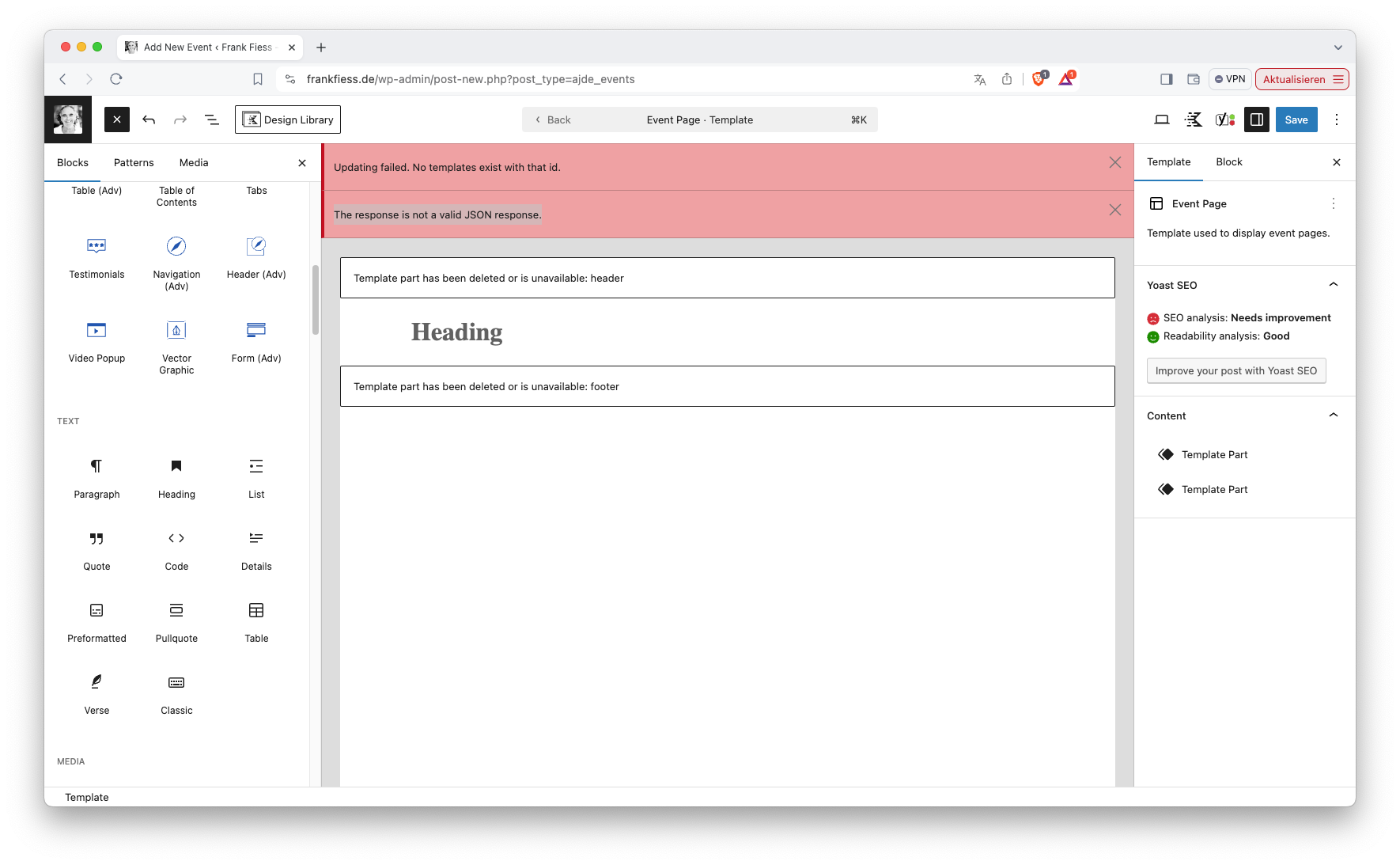
Thank you, i ll go for it with my AI Assistant!
Hello,
No issues on our test site, I am afraid.
Could you please try the instructions mentioned in this documentation?
Please send us wp-admin access to your site from “Access Info” box on right side menu, to further assist your situation.
1. The price is for SEO only. If you need to show any content on EventTop, please use Custom Meta Fields:
https://docs.myeventon.com/documentations/setup-use-custom-meta-fields-events/
2. The way I told you is the most common way. However, you can try different combinations.