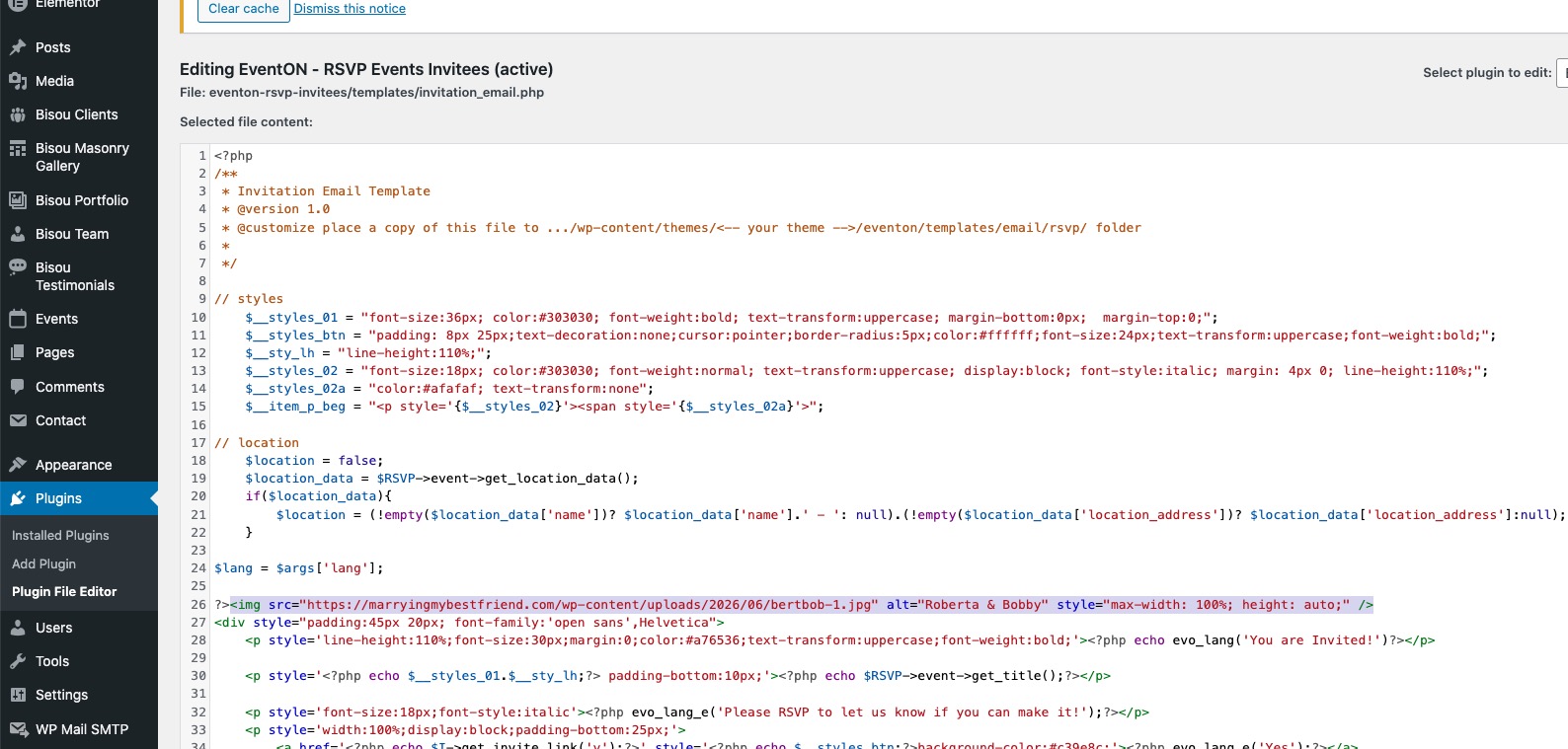
I don’t understand why even after you added <img> directly to the source code of the add-on, it still doesn’t work:
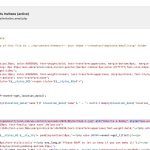
This is not normal.
Could you directly ask your hosting provider why changes to the source code of plugins aren’t reflected on the front-end of the website?
Because after all this time (cache is supposed to update in 24-48 periods), the invitation email is still the same, even so both the add-on and invitation_email.php file have been changed.
Can you explain further what you’re asking here? I don’t understand:
I’m really trying to get this for this bride-to-be.
Thank you. I’m so sad we can’t get this fixed.
Hi Team,
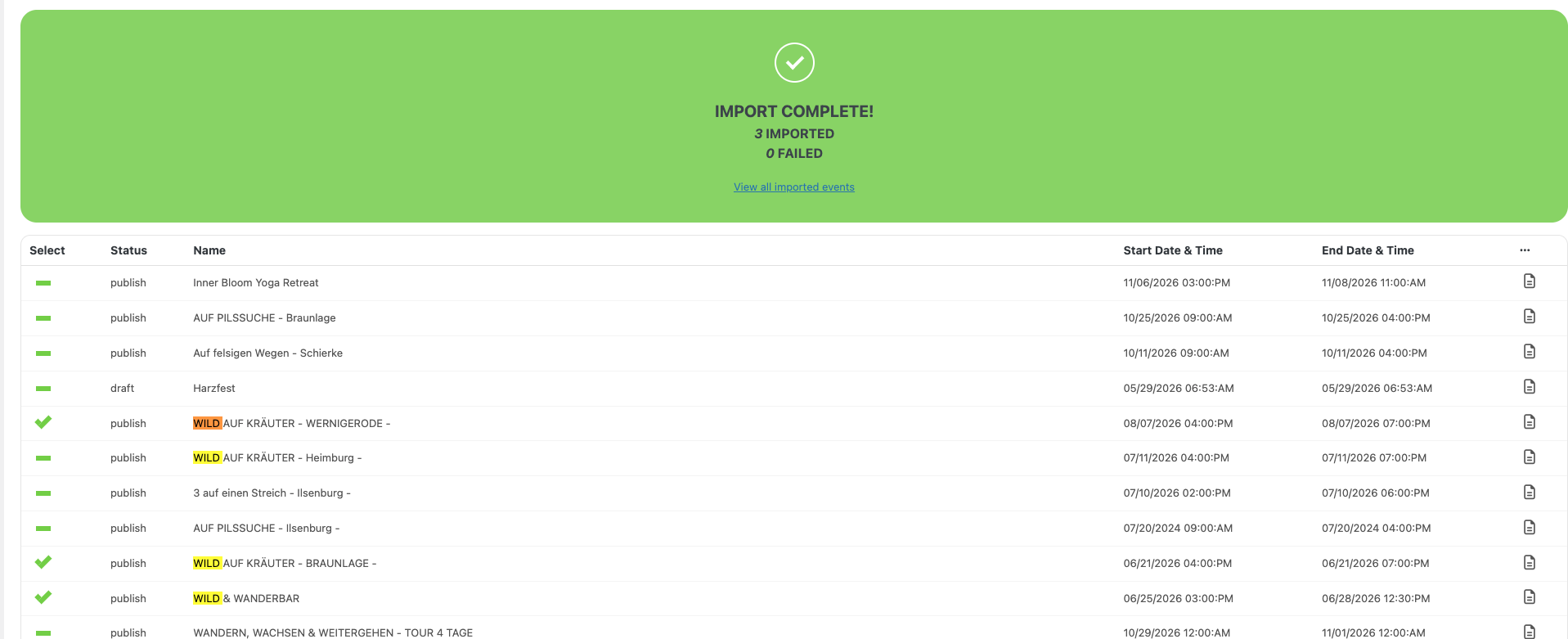
I have purchased your CSV Importer. I exported the events on the old page and tried to import the coming events. But that does not work as expected. Some events I am able to import. But some are not imported. It shows successful, but nothing in Events.
Attached is an example of three events I am trying to import.
They are not showing up in the backend in „Events->Events“. Anything I am missing?
Additionally recurring dates are not imported. We have several events with recurring custom dates. We have to add them manually. But the bigger issue is that the import does not import the events.
Anything I can do about it? Can I send you the CSV file somehow? I exported it within EventON.
Best Regards,
Ralph
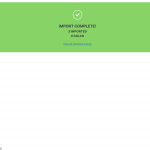
Looks like this:

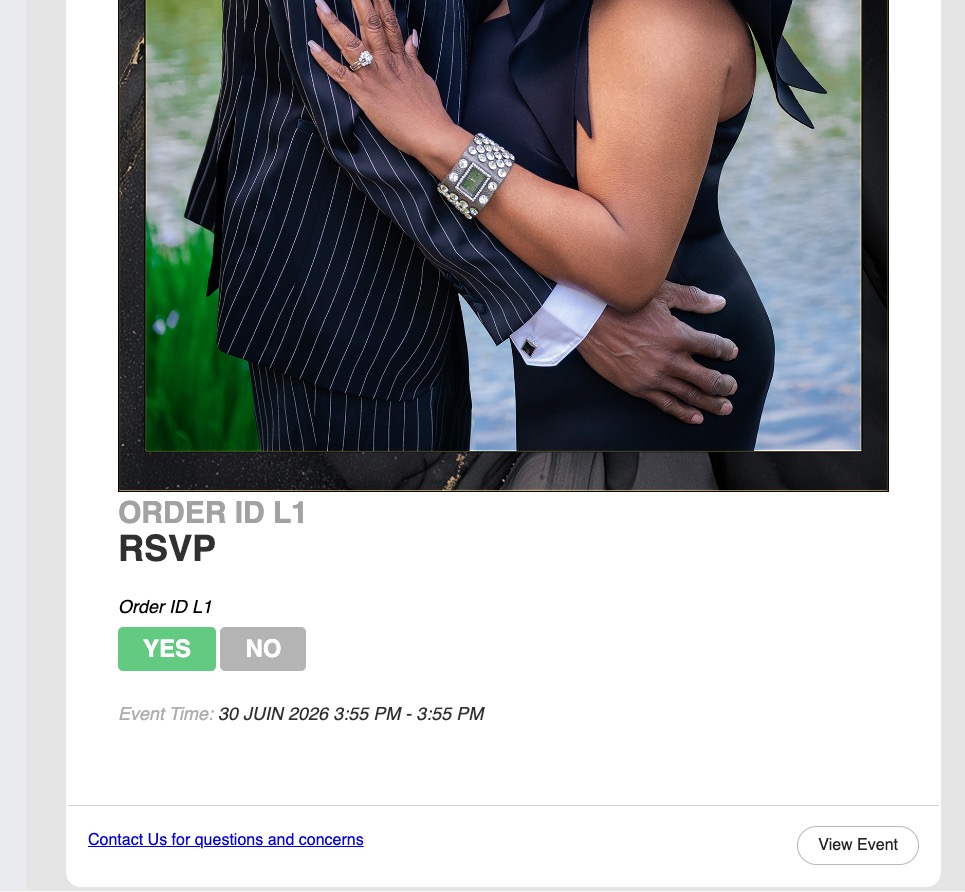
The image is fully visible, I just cropped the screenshot.
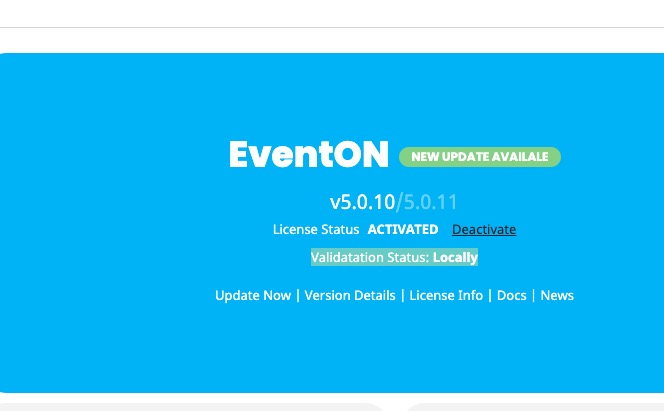
Please activate the license not just locally to be able to update automatically:

You can also update manually. This link will further explain the process it.
Each update we add more and more new functionalities so it can affect how much memory is required.
We cannot say if 129 events is too much since each server and WordPress installation is different.
Does your hosting provider has some kind of restrictions on which limit you can set?
Please customize the email by removing style=”<?php…?>” on line 75:
https://helpdeskx.s3.amazonaws.com/wp-content/uploads/2026/06/24010056/Screenshot-2026-06-24-at-10.00.20.jpg
Also remove ”height: auto” from line 76.
Please create a new ticket and select Feature Request as category so others can vote on your idea and get it moved into development faster.
Hi! I just discovered that the problem is when viewing on a very large display. On a laptop or phone the image is fine.