Thank you Ashan.
Hi Ashish, here is the event with timeslots: https://dev.citedesmetiers22.fr/events/timeslot-event/
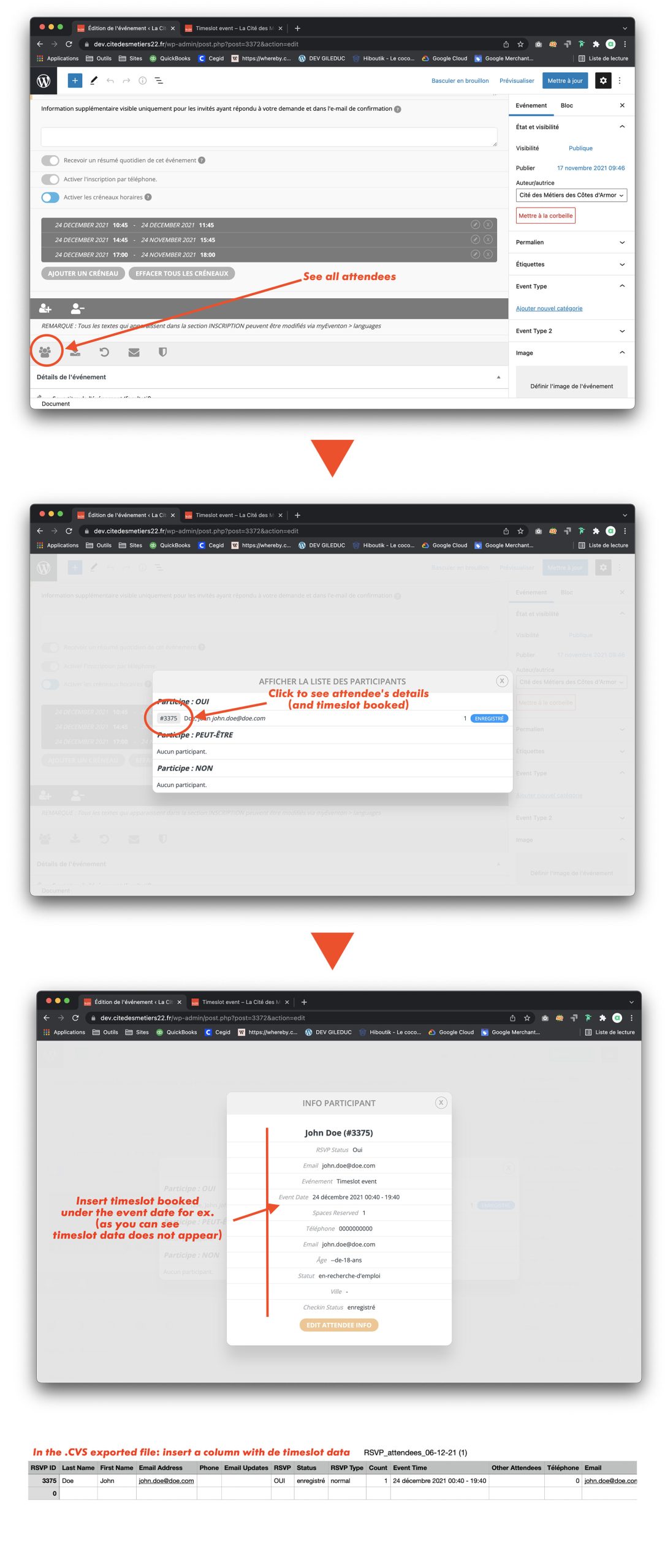
See the screenshot for the details for saving and displaying timeslot data.
Replies for tickets on suppota
Thank you Ashan.
Hi Ashish, here is the event with timeslots: https://dev.citedesmetiers22.fr/events/timeslot-event/
See the screenshot for the details for saving and displaying timeslot data.
after some more diagnosis I found the issue and the fix and a way to live with it if you want it??
I believe only the wp-admin can see it
so onto wishlist and see what Ashan says about the map issue
so the event name, time etc alighns on the right now
how did it look before- theres a few options with weekly view you need to be specific on whats different
but i’d love to diagnose from within this allows us to fix things and get it out of beta
you might not have the latest full cal version
happy to take a look
Please send us wp-admin access to your site as a private message for us to further assist your situation.
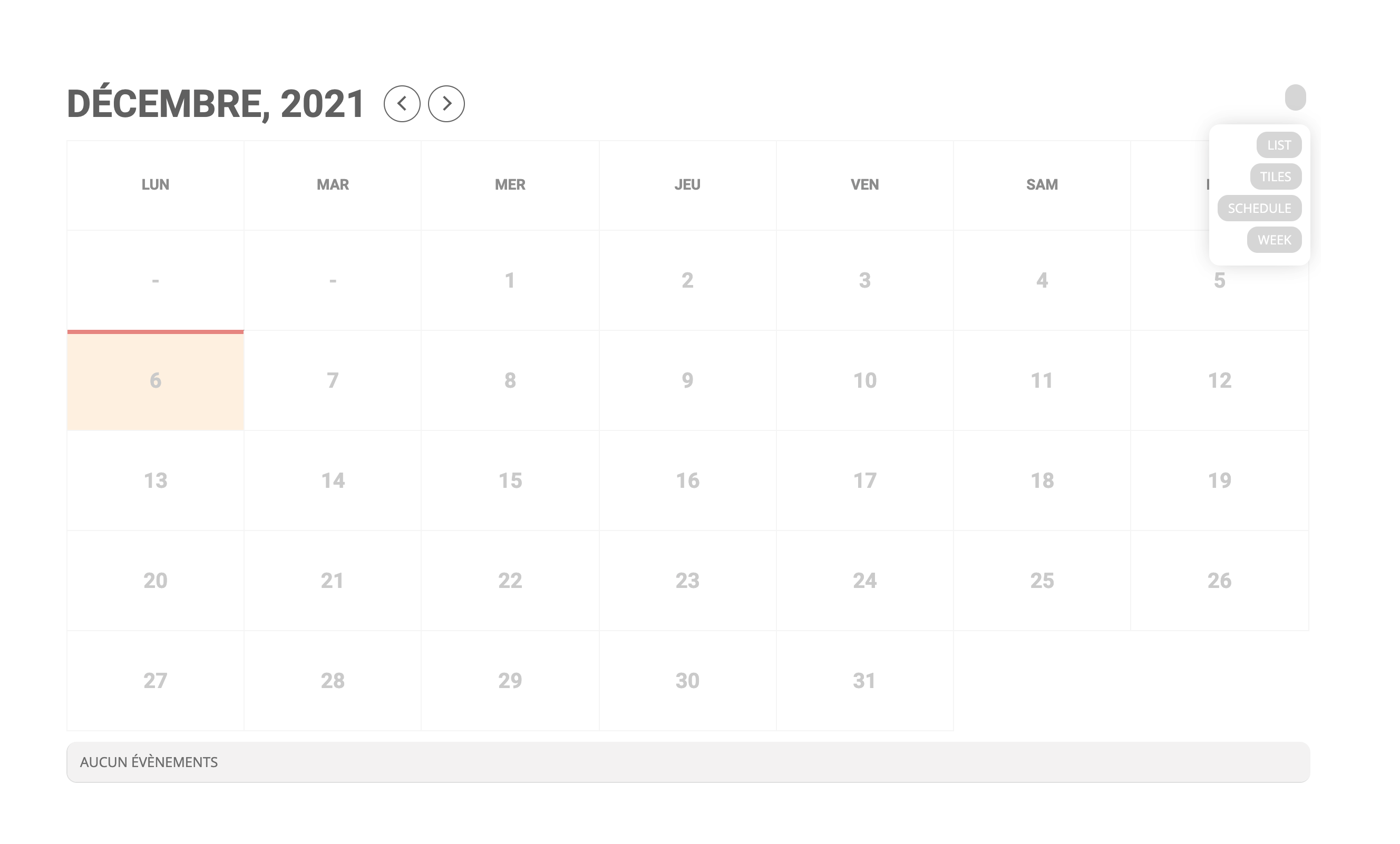
Yes, see image when I use the shortcode [add_eventon_fc view_switcher=”yes”] and when I use [add_eventon view_switcher=”yes”] only week appears like the one in my precedent post.
your current tickets addon doesn’t work too well with the latest woocommerce version so theres been 3 updates to tickets since your version
Thank you, it seems to be displaying! Two more things…
The styling is very different. I see one of the updates say’s the styling was updated. Can you provide CSS to make this look more like how it was? My client expects this to look the same as how they bought it.
• Event name, time, and type to the right of the date when viewing on mobile.
• The weekly event boxes are very different. I’d like this to look the way it did.
Thank you!
They are both correct
Option 1 or option 2 but not both
option 1 is easiest from my experience- deactivate the tickets addon then delete it- then upload the new version and activate it
the other option (2) is if you are familiar with working with ftp which many people are not unless you develop websites
no matter what method you use you should always backup the website first or better yet use a staging site so you can update and test before going live