Reply to: tickets(257256)

The update solve the problem?
Unfortunately your instructions are contradictory!
Whether it says, under 1, you should delete the add-on.
Below, under way 2, it says you must not do that in any case.
What now? Which of them is correct?

https://docs.myeventon.com/documentations/can-download-addon-updates/

That’s what it says:

How to download updates from myeventon website

Go to my account downloads in your my eventon account and in there you should see latest versions of your purchased addons available for download.


1.0 How to install update from backend

Go to  wp-admin Plugins > Installed Plugins and deactivate and delete the addon you want to update.

Now go to  Plugins > Add New > Upload Plugin and upload the downloaded addon zip file.

Once uploaded, activate the plugin within wordpress.


2.0 How to install new version of Addon files (Manually via FTP)

The best way to install updates for addons is via ftp. This way you will not need to deactivate or activate addon plugins.

Step 1: Backup your website and old version of the addon files

Step 2: Go into your FTP client and to wp-content/plugins folder and find the addon folder. Eg. ../wp-content/plugins/eventon-rsvp/

Step 3: Delete all the files inside this folder and replace with new files from the new version of the addon zip file.

Step 4: Go to wp-admin Plugins> Installed Plugins and make sure the update works.


The other method is to deactivate the addon from Plugins > Installed Plugins and delete the plugin and install new version and activate.

NOTE (warning):  you may lose all the settings stored under eventON for that specific addon with this method. 

If you are moving the addons to another website, first and foremost, be sure to deactivate your license on old website before deleting the plugin.
Reply to: tickets(261556)

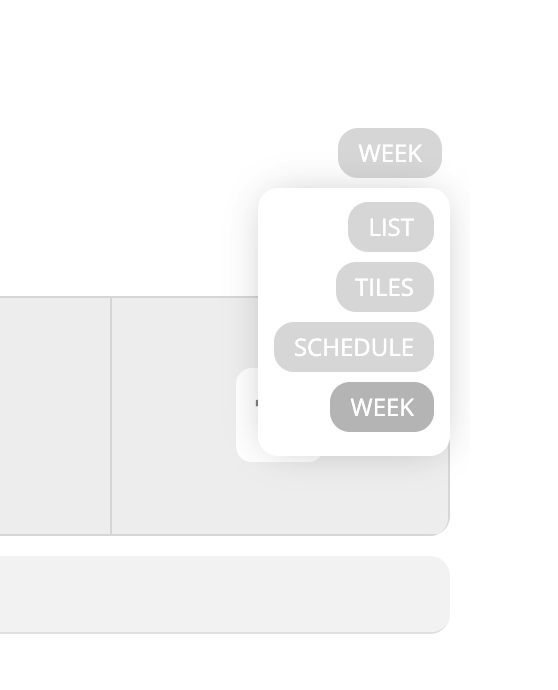
Thank you for your reply, I tried, and it works partially. I have the week view option as expected, but the month view is not detected. I understand this is a beta version. I’m waiting for the official release in the hope that this will be fixed.

Best,

Sébastien.


Reply to: tickets(261667)

Your full calendar addon is 6 nearly 7 years old

please update to 2.0.2

To update eventon addons: You can download latest eventon addons from myeventon > my account. Then you can go to your website, deactivate old addon and install new one and activate then delete the old addon. This link will further explain the process. Also you can follow us on twitter to get real-time announcements on updates!

as for the colors:
what part of the event/calednar do you want to be yellow?

Reply to: tickets(257256)

could you update tickets to the latest version

To update eventon addons: You can download latest eventon addons from myeventon > my account. Then you can go to your website, deactivate old addon and install new one and activate then delete the old addon. This link will further explain the process. Also you can follow us on twitter to get real-time announcements on updates!

Reply to: tickets(261702)

Thank you for your messages, I am going to assign this ticket to Ashan and he will be able to take it from here and find you a solution. Please allow some time for him to get back to you, we greatly appreciate your patience and thank you for being a eventon customer! Also please disable any IP blocking on your site if there are any.

Reply to: tickets(261075)

I am sending Ashan another alert to look at this error as you are on the right version of full cal (and also for the wishlist) 

Reply to: tickets(260964)

I can confirm there is a Bug within the current wishlist- I have sent an alert to Ashan (its sunday for him) detailing the issues

Reply to: tickets(260930)

We are glad your issue is resolved, if you have any further questions or concerns please create a new ticket.

If you have a moment, we would greatly appreciate if you could kindly leave us a review at codecanyon! from your account > downloads. Cheers!

Reply to: tickets(261706)

fixed

Cause of issue:

In myeventon >>>settings>>>>scripts and styles
you had activated 

Concatenate all eventon addon style files – Beta (Only supported addons)

which doesn’t work with the views in fact doesn’t work at all as its beta