Thanks, that was helpful, but still had to do a lot of CSS to get it displaying they way I liked it.
Sadly I am learning that this bookings addon, cant completely handle what I hoped it could… seems it can only add booking time periods within a scheduled event and cant make them repeating/reoccurring -> to have like a list of daily time slots that can be booked.
-or-
If the base plugin or addon had a way to set daily event with time slots for a set calendar. unless I am missing something?
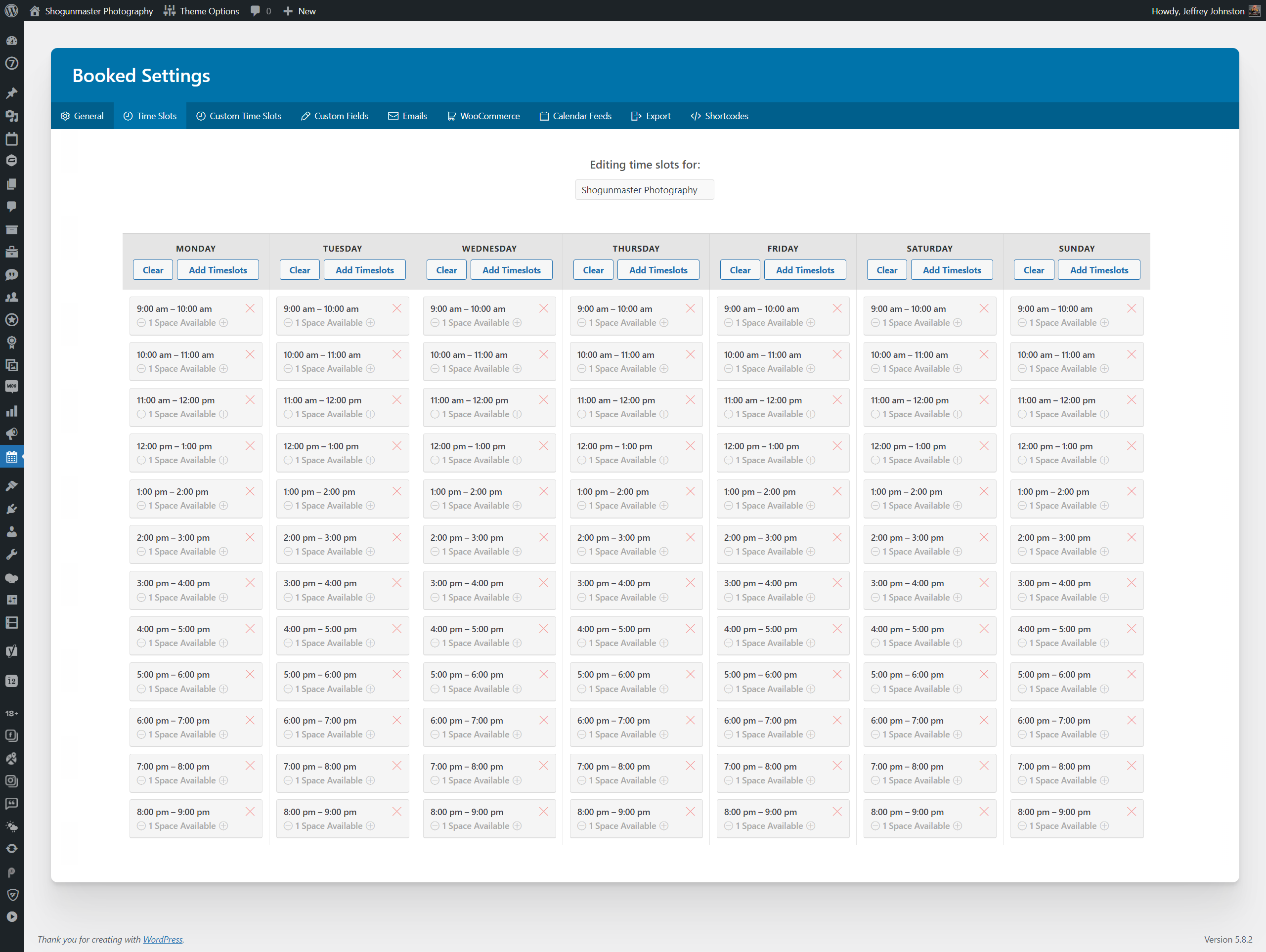
Attached is a screen shoot from admin side of the Booked plugin I am currently using and trying to eliminate with the EventOn addon -> it allows me to set timeslots on a daily basis that are assigned to a calendar and that when someone ‘books’ that slot, it schedules an event for me that I have to manually input into EventOn.
I will keep toying around and see what I can figure out, maybe this is something that can be suggested as a future enhancement.
see video
this page has the changes: https://www.myeventon.com/news/eventon-4-0/
Hi James,
You can use the custom CSS code below:
.eventon_events_list .eventon_list_event .ev_ftImg {
background-repeat: no-repeat;
width: 150px;
height: 100px;
max-height: 100px;
}
Add the code in EventON > Styles ( (If you don’t see any change, EventON > Scripts & Styling > turn off Write styles to header > save settings > turn on Write styles to header):
from wordpress
in Appearance>>>>customize>>>>additional CSS
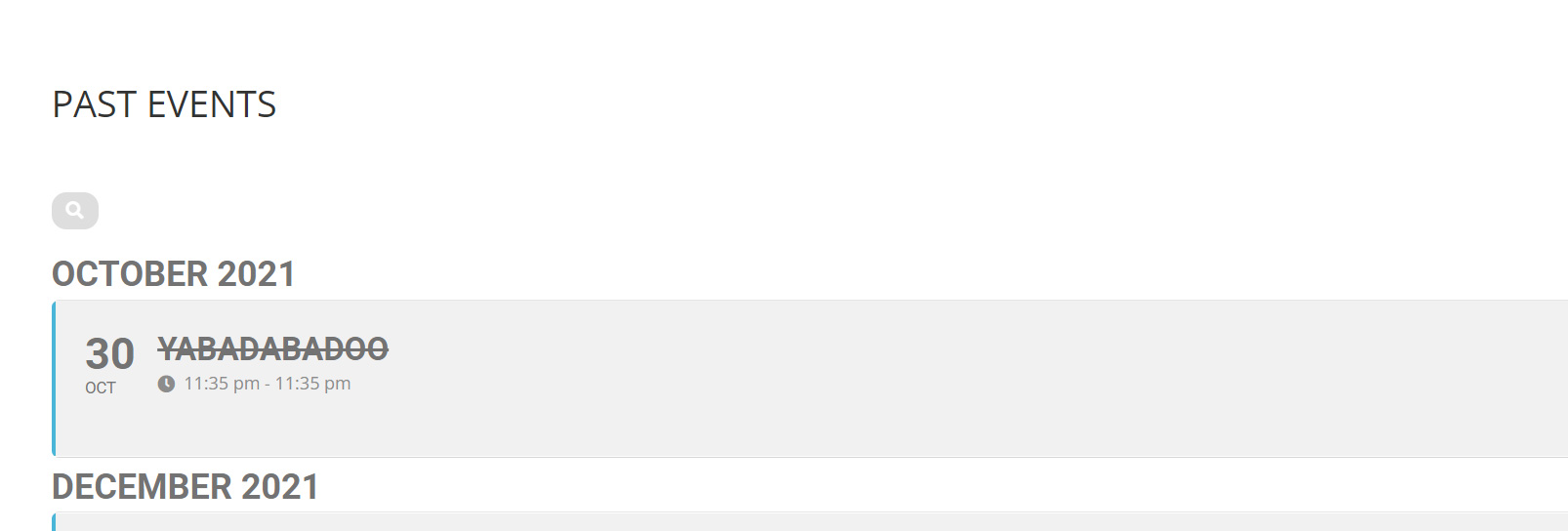
I added some css to remove the strike through
Hi James,
You are welcome. If you have any other questions, please feel free to create a new ticket.
To update eventon addons: You can download latest eventon addons from myeventon > my account. Then you can go to your website, deactivate old addon and install new one and activate then delete the old addon. This link will further explain the process. Also you can follow us on twitter to get real-time announcements on updates!
Thanks a mil.
That is a great help.
1 more question: How do I undelete the past events title.

