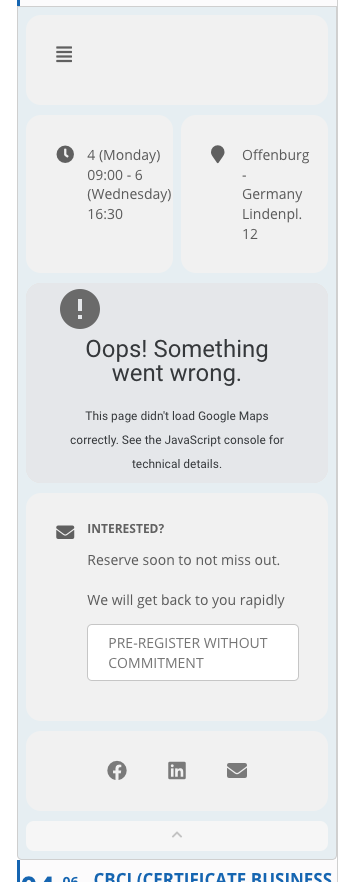
The first image is from the live site. The second from the staging where the description does not show.
The Google maps error is normal, due to the staging URL.
Thanks
Replies for tickets on suppota
The first image is from the live site. The second from the staging where the description does not show.
The Google maps error is normal, due to the staging URL.
Thanks
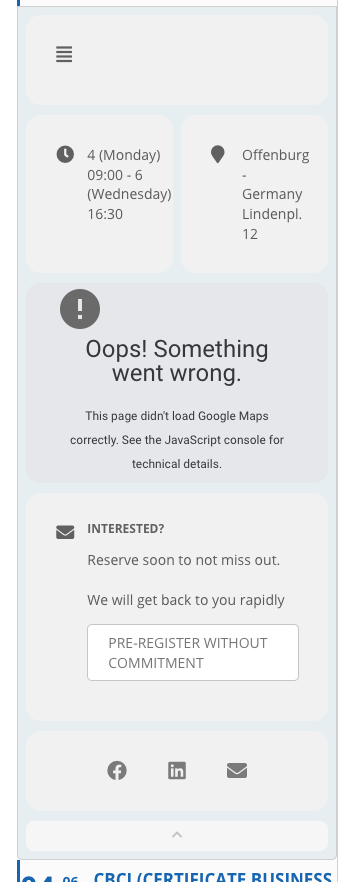
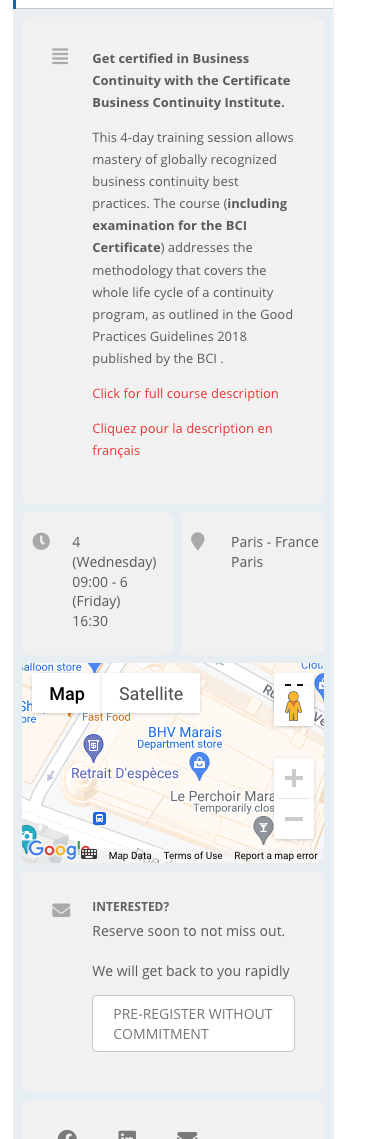
And, when you open an event, the description field is not visible.
You can add an image to an event.
On the top of the page, there are three events with images and they display correctly.
All the other events further down the page don’t have images. So the date is stuck to the left side with no margin.
Is there a manual/ guide with the changes in version 4 to help with the upgrade?
Hello,
Just use Single Event shortcode. Make sure to add show_exp_evc=”yes” to open it by default.
You can also hide everything for that specific event except the booking section by using CSS:
https://docs.myeventon.com/documentations/change-css-calendar/
Hello,
1. Please follow
https://docs.myeventon.com/documentations/general-user-guide/
Except put 0.00 as ticket price.
2. Please follow
https://docs.myeventon.com/documentations/translating-eventon-backend/
Make sure to select Custom: https://localise.biz/wordpress/plugin/beginners#add
You can follow the same guide as for Single Event Page template but use eventON/templates/taxonomy-event_type.php. Override this template by coping it to ../yourtheme/eventon/ folder.
The code hides the sidebar.
Please add this CSS code to EventON > Styles (If you don’t see any change, EventON > Scripts & Styling > turn off Write styles to header > save settings > turn on Write styles to header):
.single-ajde_events .sidebar { display: none; } .single-ajde_events .content { width: 100% !important }
You need to contact the hosting provider since in some cases they don’t let you to change these kind of configurations from your side.
Also are you sure that 2048M of memory_limit is physically available on the server.