so https://staging-actagisch.kinsta.cloud/actagis-academy/
looks like https://actagis.ch/actagis-academy/
is this ok?
Replies for tickets on suppota
so https://staging-actagisch.kinsta.cloud/actagis-academy/
looks like https://actagis.ch/actagis-academy/
is this ok?
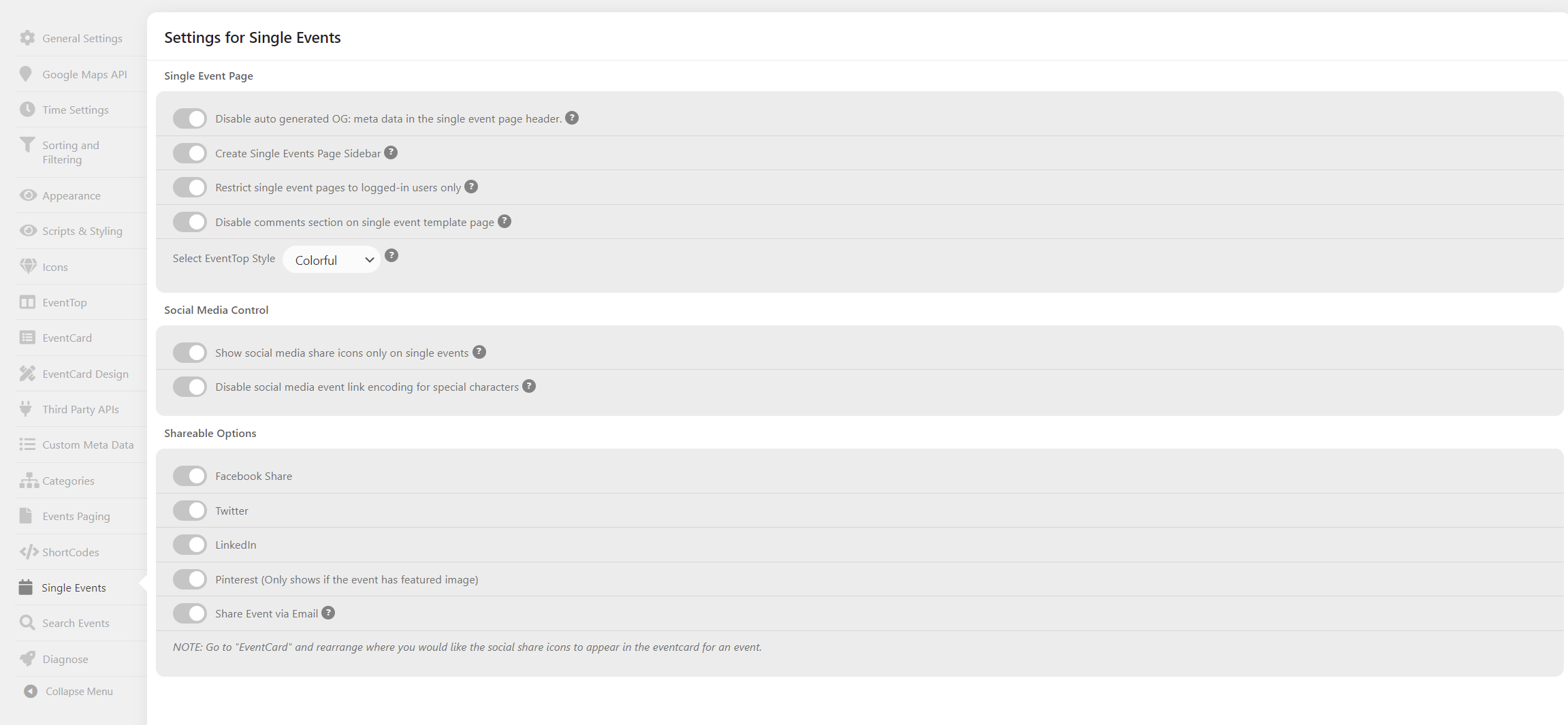
Hello !
Thank you for that explanation. I rather not rebuild all the page tight now…
In fact the sidebar setting is yet disabled but the sidebar appears on the single event page.
Also there is something I don’t understand: the single event page header is a template from Elementor that is used so you must call it somewhere when creating the single event page no ?
Thanks!
When I go to Event > Event Type I have several event types listed. I want to know if there is a way to make a template for a specific event type. Just like how we have a custom template for the single event. I want one for a single event of that specific event type
Sorry. Here you go.
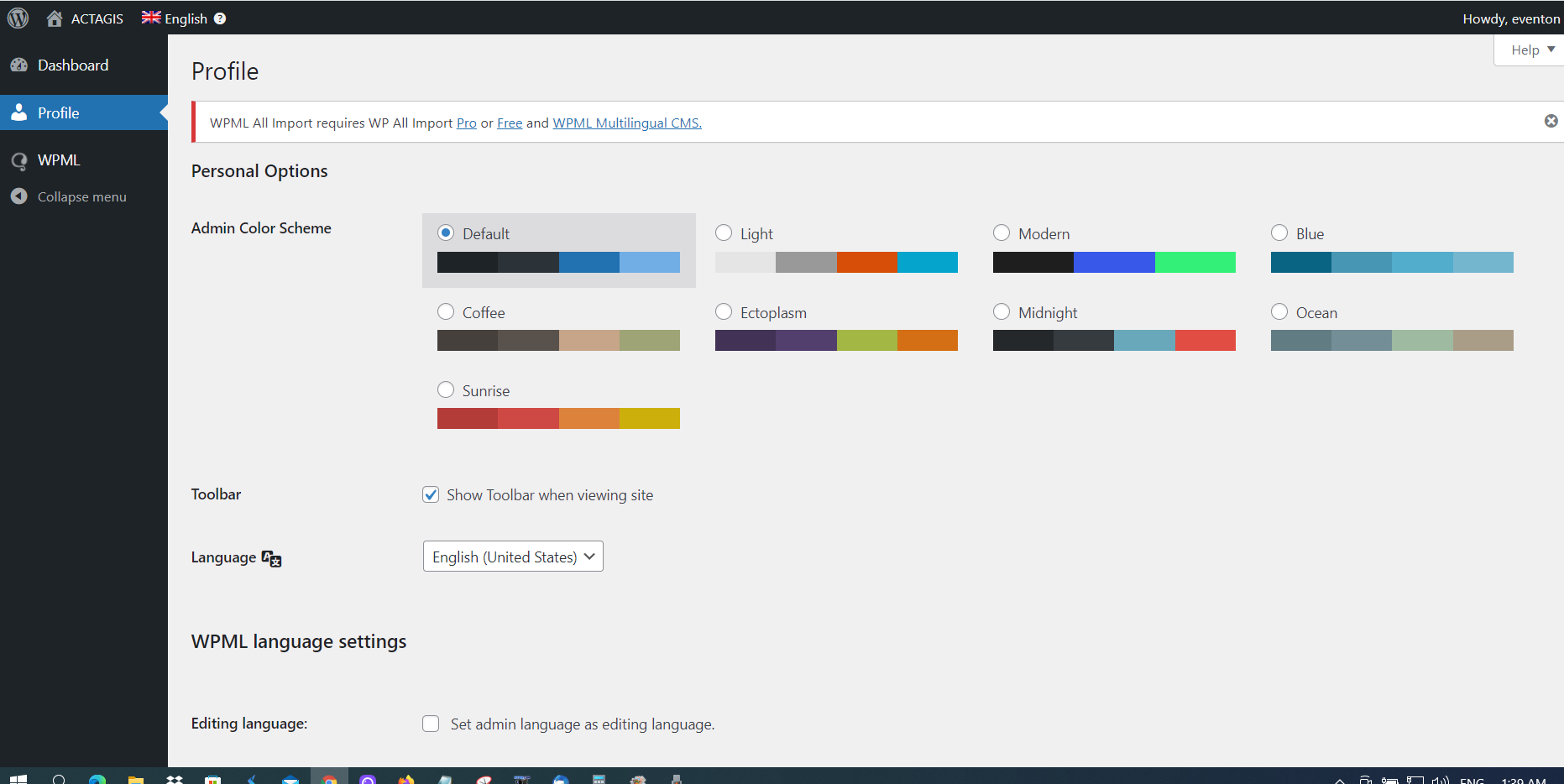
I can’t see settings when loggin in with those credentials- could you make it an admin account
Ashan theres a weird thing appearing on the full cal days when theres an event see the 31st dec it has a ‘>
But getting back to the full cal issue I am going to escalate this to Ashan – I just don’t have the knowledge sorry
I gave you the admin access in the original post. I had to change the password to be able to copy it.
Here it is again:
https://staging-actagisch.kinsta.cloud/wp-admin
eventon
bumbdy%LWdb6KwES)1*fcAD&
can you please make us admin so we can check your settings