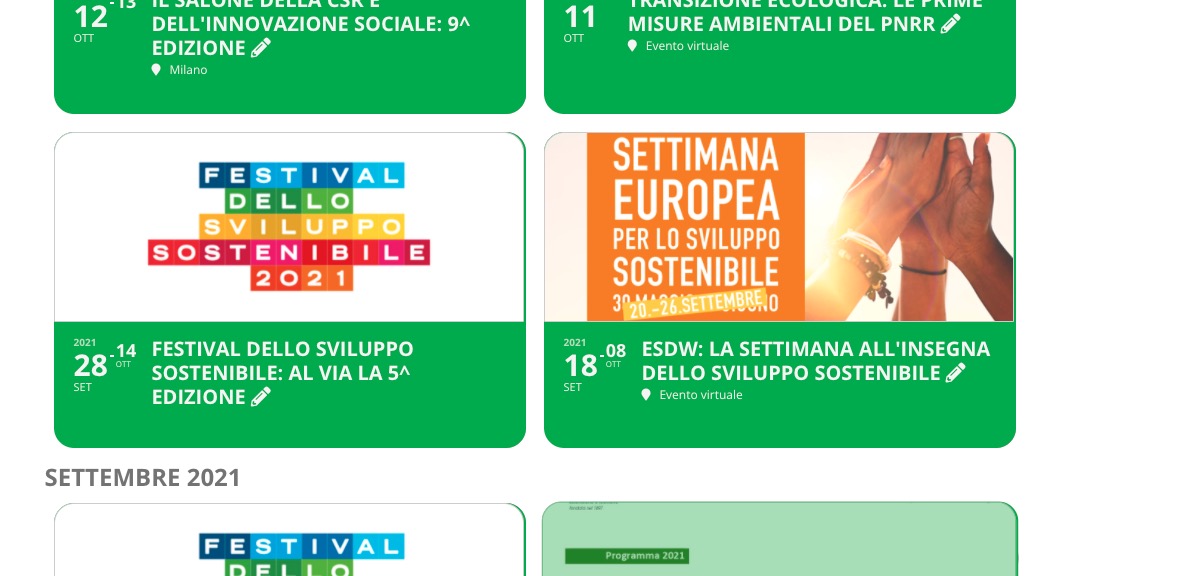
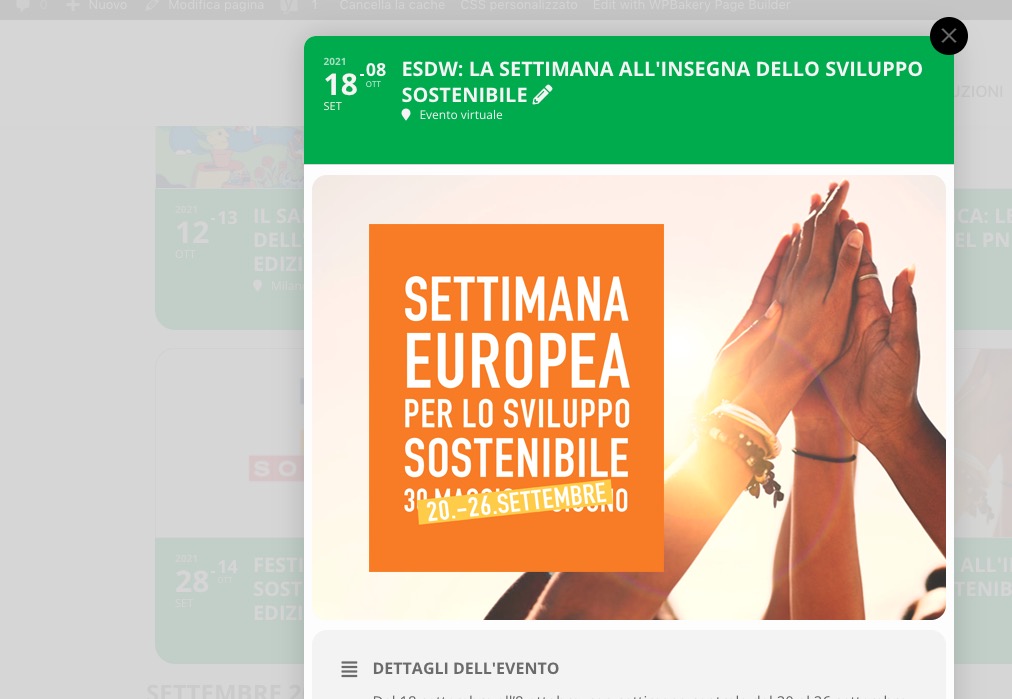
The original issue is gone on my side:

Could you send us a new screenshot if you are still having it?
https://ecologicanaviglio.it/eventi/ecologica-transizione-misure-ambientali-pnrr-webinar/?preview_id=3974&preview_nonce=2dc786efa6&preview=true&_thumbnail_id=3975
The link says that
Non hai i permessi per visualizzare le bozze in anteprima.
You need to make sure that your current role has required permissions.
I also noticed that with the display mode of the past events in ASC order it keeps the correct order while with DESC as it is displayed it keeps the correct order of the months but the first events of September are not the last months of October.
Could you also try adding event_order=”DESC” to the shortcode?
Added inside functions.php
Hello,
Could you go to EventON Settings > Event Top > Select Default Calendar EventTop Style: Clear with left border colors and gaps?
OR Try adding eventtop_style=”0″ to your shortcodes.
whats a page with a calendar without images.
yes eventon changed dramatically for version 4
I UPDATED AS REQUIRED
THE PROBLEM PERSISTS
I also noticed that with the display mode of the past events in ASC order it keeps the correct order while with DESC as it is displayed it keeps the correct order of the months but the first events of September are not the last months of October.
I tried to change the display of the internal event not as User Interaction for event click not slide down event card but open event page but it doesn’t work
https://ecologicanaviglio.it/eventi/ecologica-transizione-misure-ambientali-pnrr-webinar/?preview_id=3974&preview_nonce=2dc786efa6&preview=true&_thumbnail_id=3975
I leave the schortcode of the past events page
[add_eventon_el number_of_months=”20″ tiles=”yes” tile_bg=”1″ tile_style=”1″ tile_height=”300″ tile_count=”2″ show_year=”yes” cal_id=”withIMG” show_et_ft_img=”yes” event_past_future=”past” hide_empty_months=”yes” hide_month_headers=”yes” month_order=”DESC” el_type=”pe” hide_countdown=”yes” ux_val=”3a” hide_mult_occur=”yes” show_repeats = “no”]
hello again,
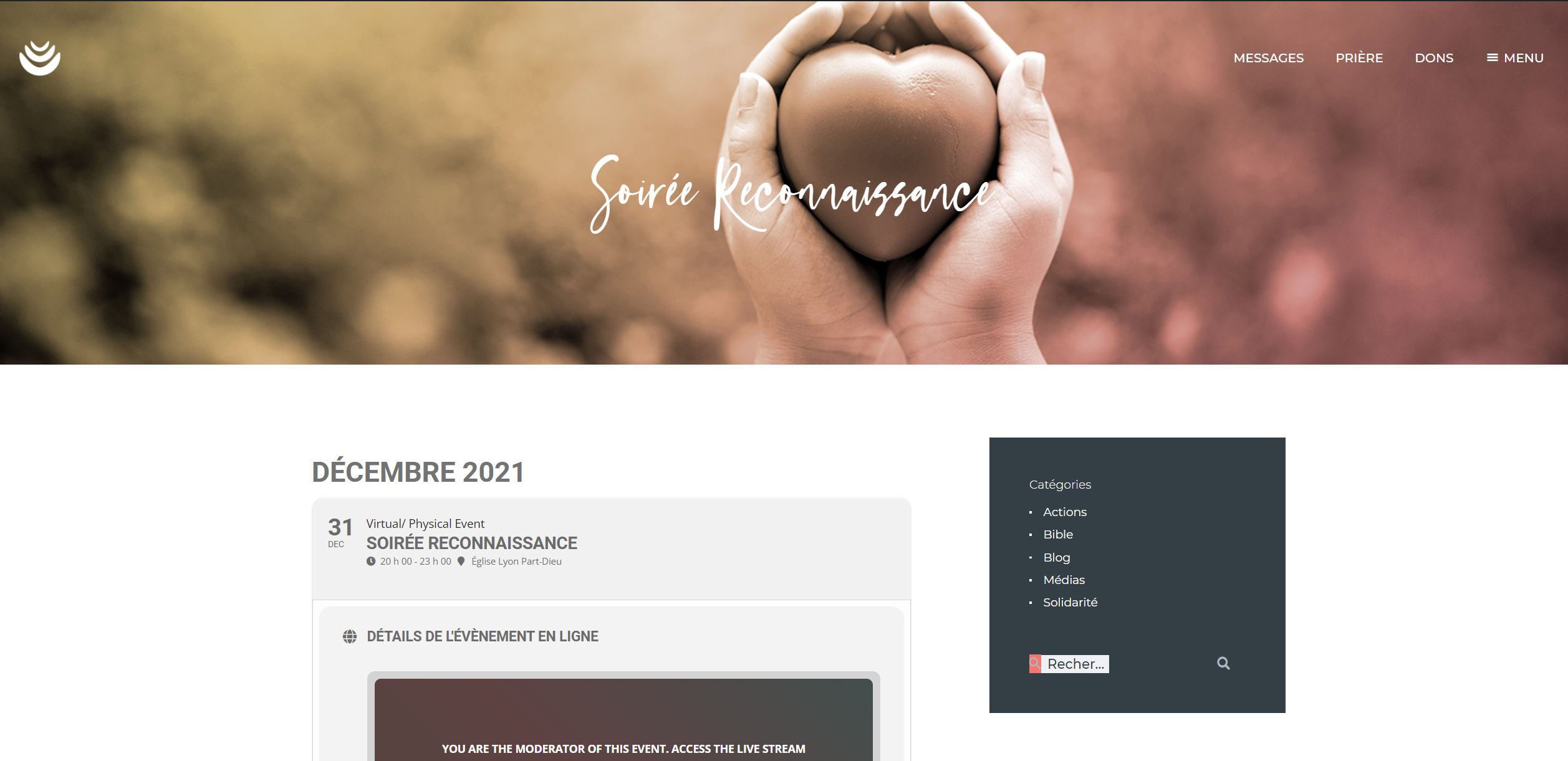
I investigated a bit the matter and the matter is not the toggle for if works and it keeps a place for another sidebar. Our matter now is that you use a theme template for creating the single event page and the question is how to change this (to affect banner and sidebar). Right now we rather not create a new single event page…
Thanks!
Starting to look good.
It’s not quite there yet. For events without images, the date is stuck to the left, without padding.
What is the issue? Have you had to rebuild things? Or was there some configuration to update? Is there something that has changed that I should know about?
Thanks for your help
I have a plugin called sticky sidebar but that has been there for a bit – as far as I can see the sidebar is working as it should. I’ll disable that plugin now. I’ve looked at it on Firefox, safari and tor and it’s good. The plugin has been there for about a week no bother. I’ve not edited or added any widgets.
Agreed 🙂 OK – let’s see what can be done.