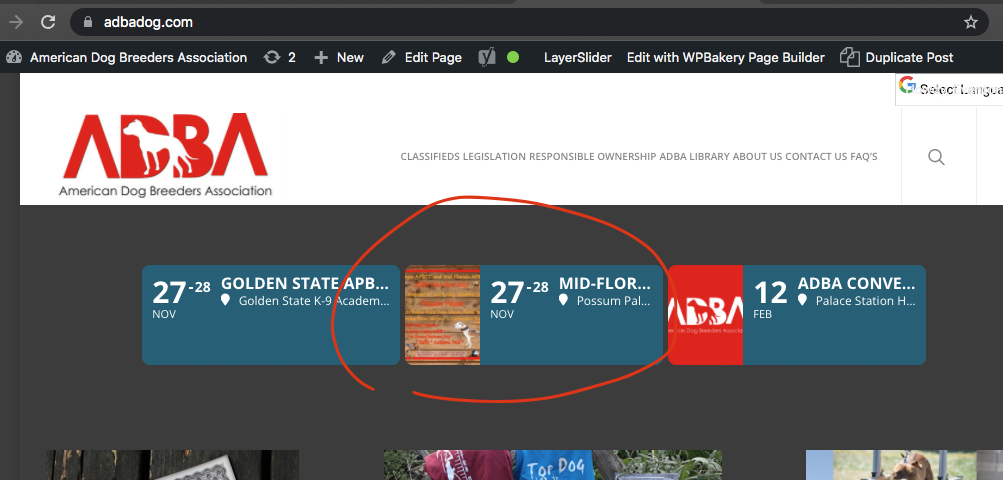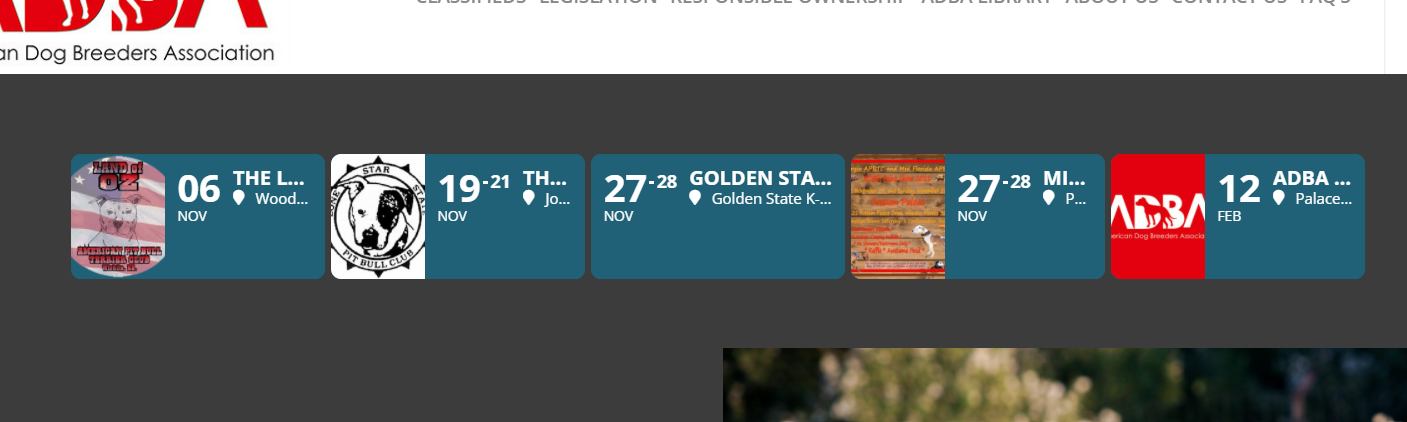
I went ahead and updated the shortcode – this is the shortcode that I have inserted:
[add_eventon_slider slider_type=”mini” slides_visible=”3″ slide_style=”imgleft” slide_loop=”no” number_of_months=”12″ hide_mult_occur=”yes” slide_auto=”yes” slide_pause_hover=”yes” slide_hide_control=”no” slide_nav_dots=”yes” event_count=”10″]
I am seeing that the number of visible slides did not change, and also it doesn’t look like the navigation dots are working either – let me know if there is something else that I should be looking at.
Thanks!
We are glad your issue is resolved, if you have any further questions or concerns please create a new ticket.
If you have a moment, we would greatly appreciate if you could kindly leave us a review at codecanyon! from your account > downloads. Cheers!
Not really, EventON works on the latest supported by WordPress version of jQuery.
Could you try updating FullCal to 1.1.13?
To update eventon addons: You can download latest eventon addons from myeventon > my account. Then you can go to your website, deactivate old addon and install new one and activate then delete the old addon. This link will further explain the process. Also you can follow us on twitter to get real-time announcements on updates!
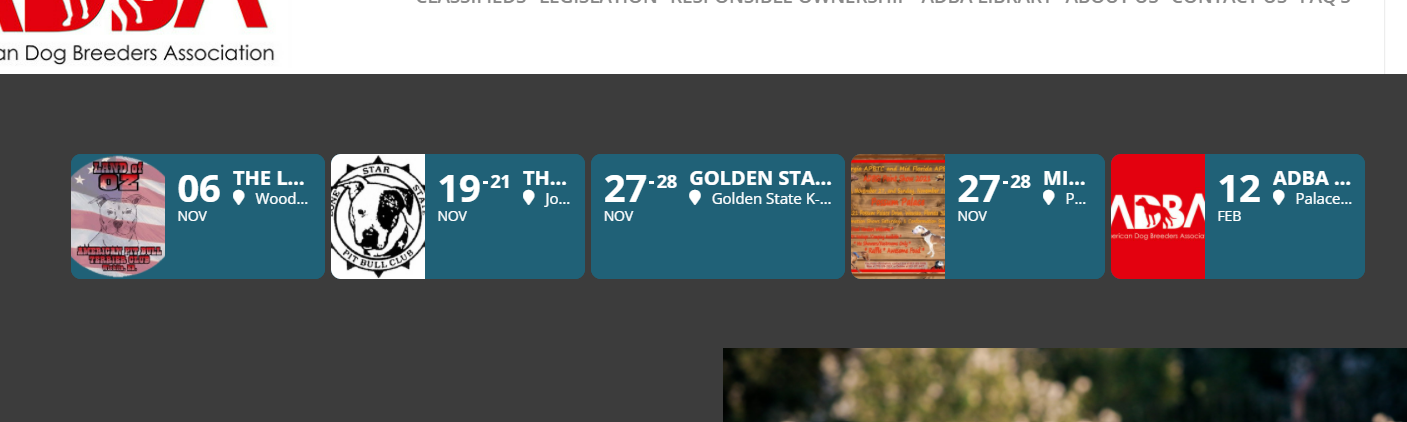
This is a lot better – I am attaching a screenshot of what I am seeing on my end so that you can get a better idea of what I am looking at. the titles and locations are still getting cut off quite a bit. Do you think that this would improve if I set the settings to show only 3 slides at once instead of 5?
That fixed it. Thank you.
Ok made some minor changes to styles and the details should be good to go now.
Images are also back. Just FYI we have removed having images in the mini slider because it is such a small slide space to have image along with other details. So in the next update we will allow it via shortcode so you may have to add that back into shortcode after updating. just FYI
I am not sure what is going on in your site. I went to the single event page and of course it is working fine haha. As dave said may be something to check on ngnix side. Something else I found.
https://www.cyberciti.biz/faq/how-to-configure-nginx-for-wordpress-permalinks/
Ashan, hi
thanks for the message. Could you please send me a larger screenshot? Because you can't see anything on it :)

Can I have two questions for you right away? Can I somehow indicate that the event is LIVE by using event bubbles? For example, in the form of a pulsating word LIVE?

And the second question: by using the event bubbles, can I indicate that the event is over? Because I know I can mean it's canceled. But is it also finished?

thank you in advance
found the issue please try this fix.

move the $SC = array() code above into location shown in the image.
We tried jquery migrate, but it did not solve the issue. I cannot switch the theme since this is a production site. Does Eventon require an old version of jquery to work properly?