yes, that’s all we’re trying to change on that quickedit – the month and year. ok, thank you – is that a change that will take place soon? by the way i’m always behind on updates because the update process is cumbersome. I wish it was a one-click update to all of your products. or maybe i’m doing something wrong?
thank you.
Hello Megan I see what is going on. So your event is month long event and the quick edit is not taking that into account. But it is showing the correct time as the event, if it was NOT month long event. You can edit the month and that will change the month.
You should be able to ignore the time and just focus on the month and year values as month long events that is what really matters. We will make the necessary changes to code to reflect month long event data in the quick edit in the coming updates.
found the issue andhere is the patch fix for that.
code:
EVO_LIGHTBOX.find(‘.evo_countdowner’).each(function(){
$(this).removeClass(‘evo_cd_on’);
$(this).evo_countdown();
});
Hello Tamara, I do not think we had the draggability for those events before. Because I do not see that in the code. I will add it in there nonetheless. Please look for this in the next version update to eventON.
Martin really sorry for the delay in getting back to you. Was able to find the issue and resolve it please update to latest versino 1.1.3
https://docs.myeventon.com/documentations/changelog-actionuserplus/
This code will fix the thumbnail issue:
.eventon_events_list .eventon_list_event .ev_ftImg { height: 65px; }
There is a lot of code in EventON > Styles. For example this line
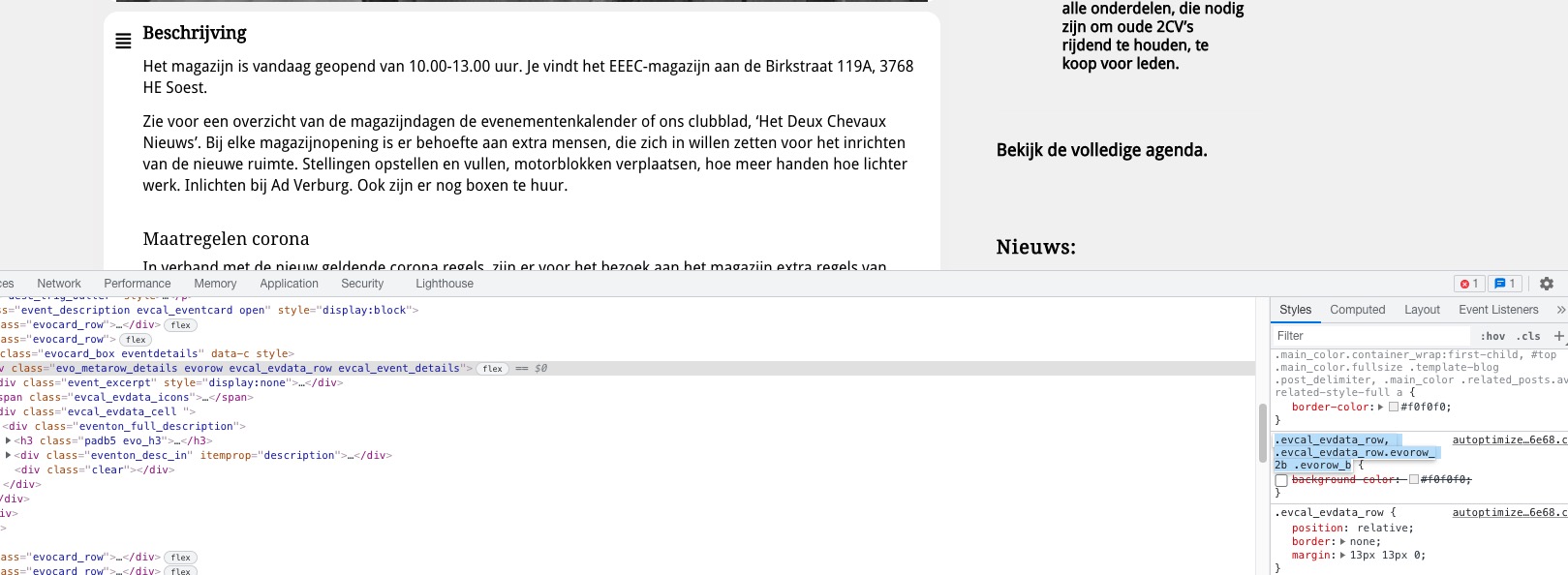
Adds another grey background, so instead of only one white there are two. Please note that you can change Event Card background from EventON > Appearance > EventCard Styles. If you don’t see any change, EventON > Scripts & Styling > turn off Write styles to header > save settings > turn on Write styles to header.
Could you comment your custom code and see it there are issues left?
Hello,
Please install Tickets:
https://www.myeventon.com/addons/event-tickets/
Then follow
https://docs.myeventon.com/documentations/set-event-tickets/
Also check
https://www.myeventon.com/addons/rsvp-events/
You can try it on https://dev.myeventon.com/wp-admin/
Hello,
Please try adding this CSS code to EventON > Styles (If you don’t see any change, EventON > Scripts & Styling > turn off Write styles to header > save settings > turn on Write styles to header):
.evo_metarow_directimg,.evcal_evdata_row.evo_event_images {height: fit-content;}
Hello,
I noticed installed Enable jQuery Migrate Helper. Does it work if you enable it?
Also could you try switching the theme to Twenty-One?
Ashan,
The same on dev2 with any shortcode that uses Ajax popup:
https://helpdeskx.s3.amazonaws.com/wp-content/uploads/2021/11/03075110/Screen-Shot-2021-11-03-at-10.46.34-AM.png
You can test
https://dev2.myeventon.com/28440-2/
You need to add ux_val=3 in order to make sure that popup’s Event Top uses eventtop_style=”0″ design.