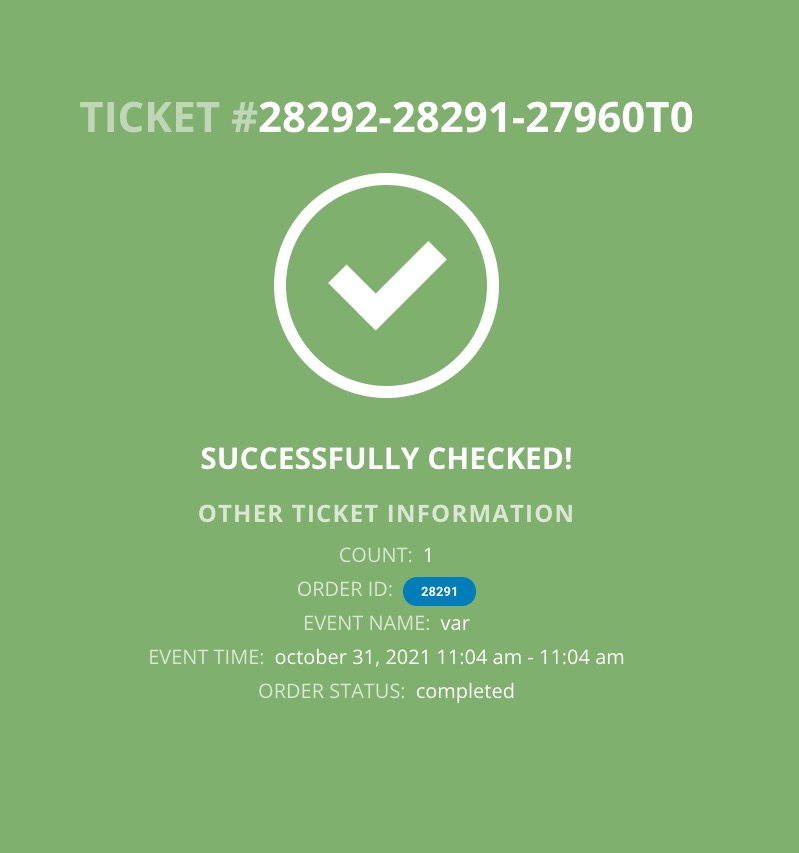
just fyi, I’m past deadline so I have to start editing the dates. If that’s going to mess up your testing I can create a clone of the site with a snap shot from yesterday. items in draft status might work for testing though – i won’t be changing those.
Archives: Replies
Replies for tickets on suppota
Reply to: tickets(251494)
Reply to: tickets(251494)
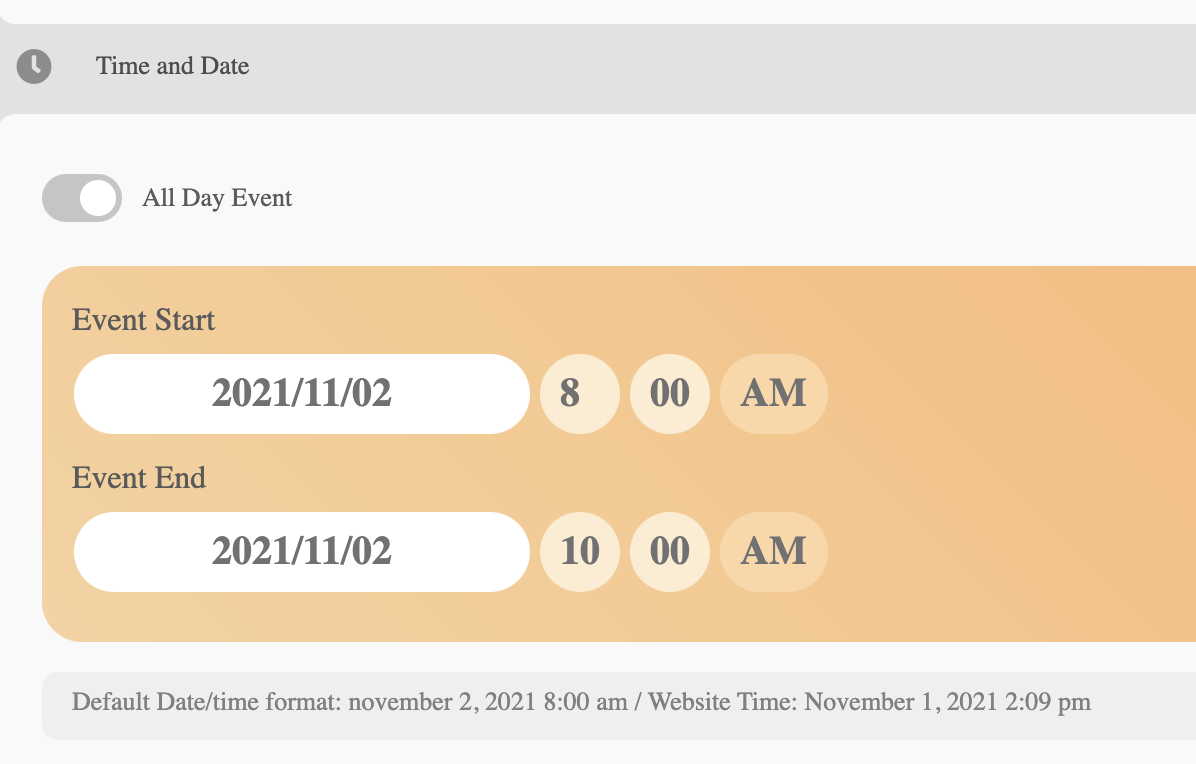
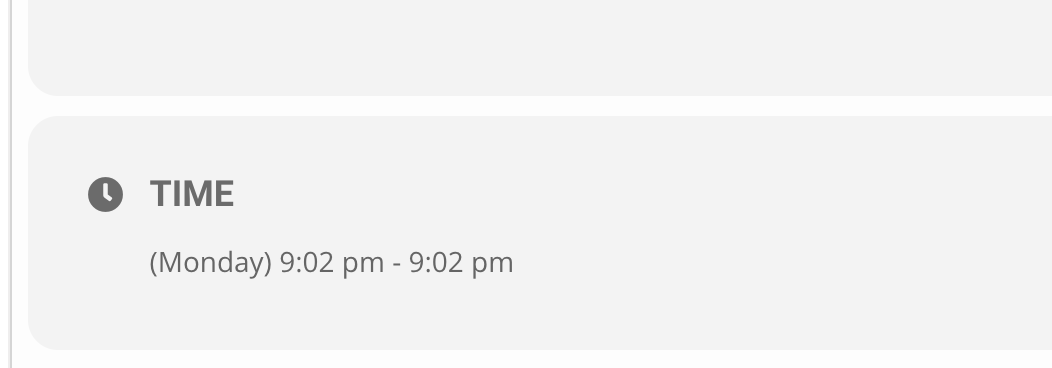
Actually it turns out that it’s still glitchy. I just had to resave an event several times before it would correctly update the actual time in live event page. Screenshots attached showing I scheduled it for 8 am – 10 am. But on the event page it said 9:02 pm – 0:02 pm. I had to keep resaving it until it finally kicked in. Now the plugin EventON is completely unresponsive on my website and won’t do anything. Calendar view keeps showing loading for ages and no links work to open events. What is going on?
Reply to: tickets(255512)
Weekly view is updated to 2.0, but it’s not working – this is the shortcode being used:
[add_eventon_wv ft_event_priority=”yes” disable_week_switch=”yes” week_style=”1″ table_style=”1″ ux_val=”3a” filter_type=”select” eventtop_style=”0″]
Reply to: tickets(257750)
Hello,
Unfortunately, we don’t have access to your account on CodeCanyon. Please contact them about the issue.
Reply to: tickets(257723)
That worked, thank you!
Reply to: tickets(257663)
Ashan,
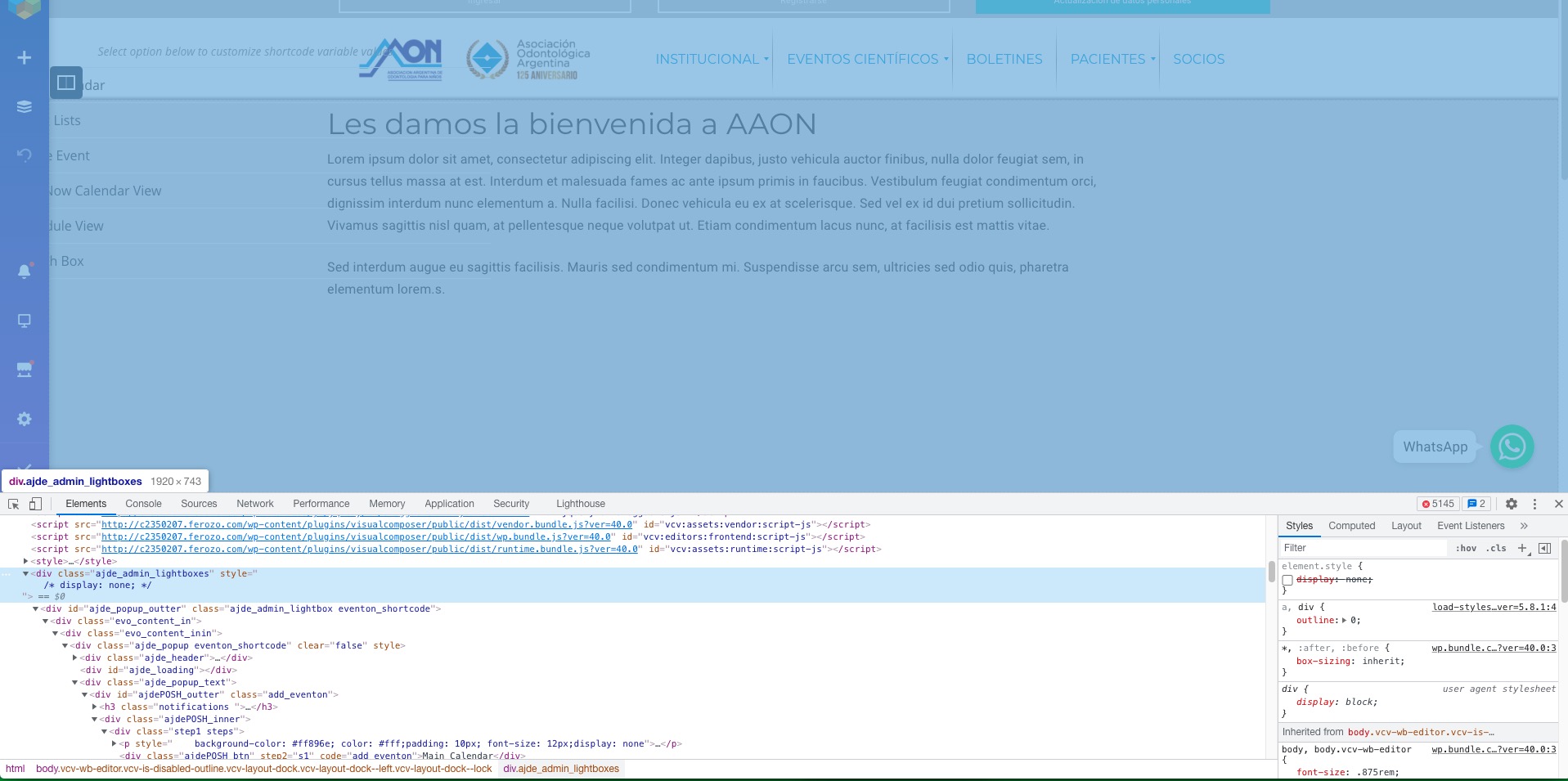
Front-end Editor mode shows ajde_admin_lightboxes:
Reply to: tickets(257663)
Thank you for your messages, I am going to assign this ticket to Ashan and he will be able to take it from here and find you a solution. Please allow some time for him to get back to you, we greatly appreciate your patience and thank you for being a eventon customer! Also please disable any IP blocking on your site if there are any.
As a temporary solution please add this CSS code to EventON > Styles or to Appearance > Additional CSS (If you don’t see any change, EventON > Scripts & Styling > turn off Write styles to header > save settings > turn on Write styles to header):
.vcv-wb-editor .ajde_admin_lightboxes { display: none; }
Reply to: tickets(257078)
Ashan,
Their other ticket with the map issue:
https://helpdesk.ashanjay.com/ticket/event-map-not-displaying-2/
Map issue is actually related to 3 because there is incompatibility with their payment add-ons and Woo’s Variations:
https://docs.myeventon.com/documentations/set-variable-prices-tickets/
I’ve given them the code to fix 2.
Reply to: tickets(257722)
Hello,
You want to show it right here, right?