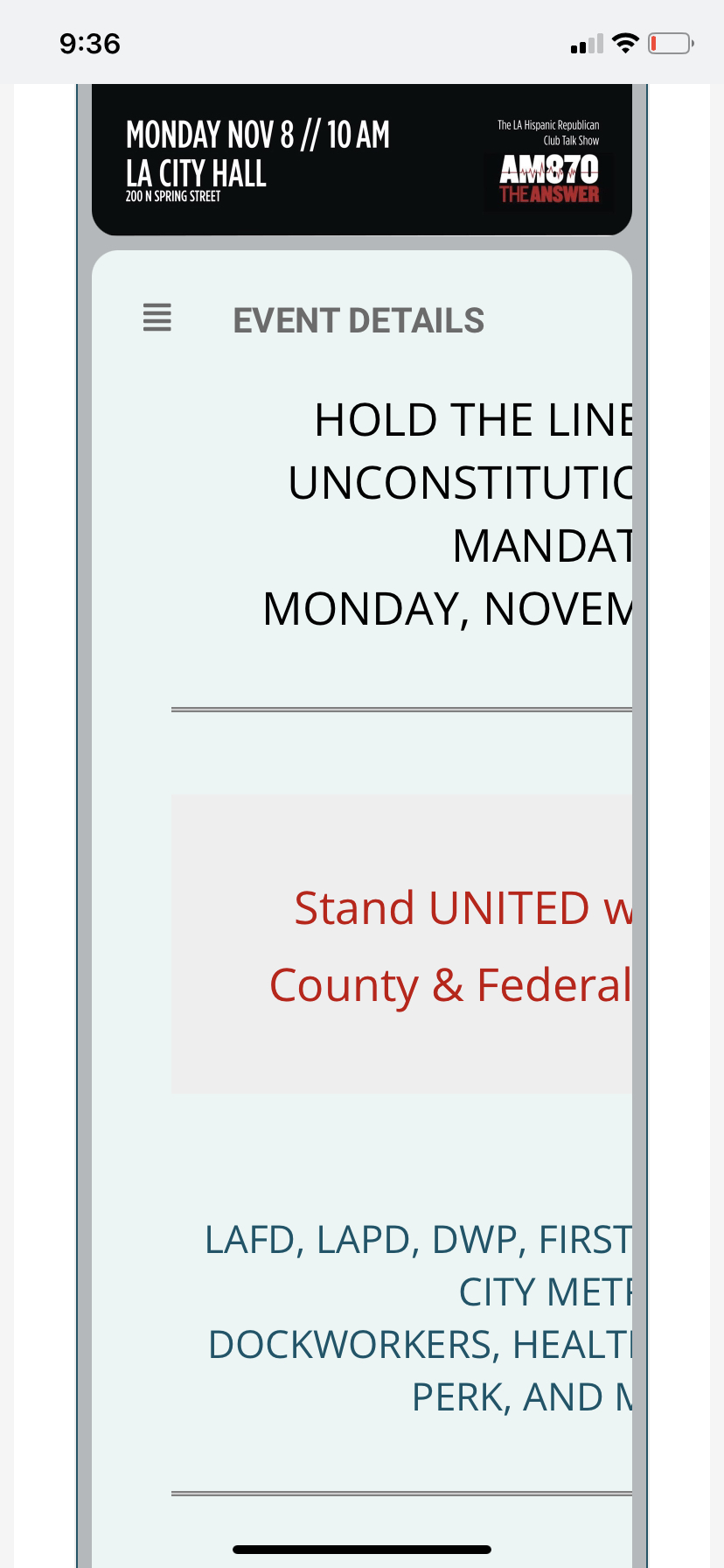
here is the view on mobile
Replies for tickets on suppota
here is the view on mobile
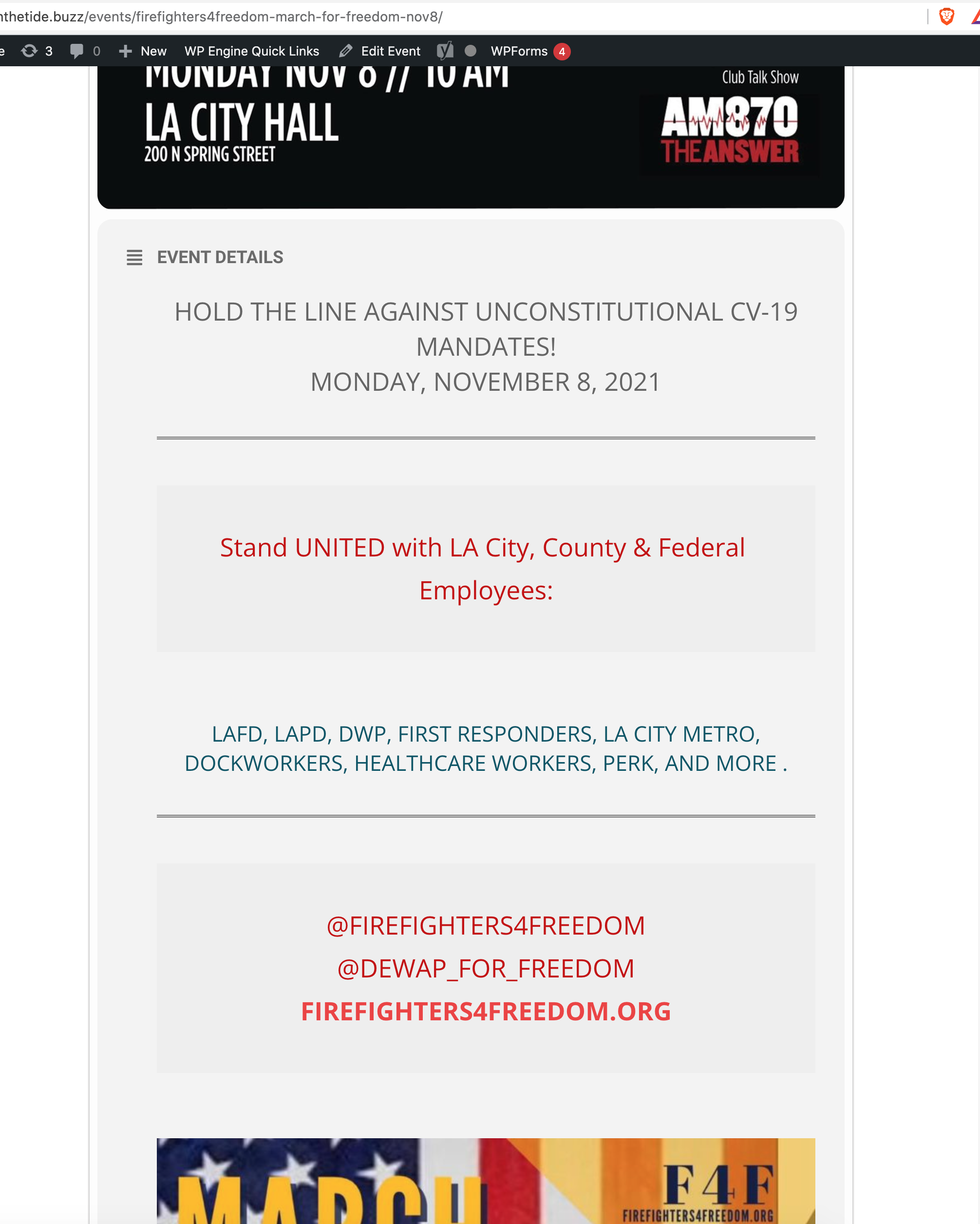
this is the desktop view
Thank you. I have fixed it with those instructions.
in the upper right corner of the dashboard you should see “screen options”
i suspect its a check box in those options
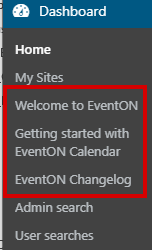
Here you go.
Thanks.
Hello,
Could you send us a screenshot?
Hello,
About the styling. Please go to EventON Settings > Single Events > Select EventTop Style: Clean White. After go to your shortcodes and add eventtop_style=”0″.
OR If you enabled Tile Design please replace tile_style=”1″ with tile_style=”2″ in the shortcode. Could you also send us a screenshot?
About other issues. Could you make sure that your version of Tickets is 1.9.4 or 1.9.5? It’s quite hard to figure this one out without the server access. If you provide us access to the server, we can check and fix this ASAP.
He should include the fix in the next version. He’ll also contact you here.
Perfect! We will add this fix to the next version of the add-on.
We are glad your issue is resolved, if you have any further questions or concerns please create a new ticket.
If you have a moment, we would greatly appreciate if you could kindly leave us a review at codecanyon! from your account > downloads. Cheers!
adding the css and turning off writing to the header worked. Thank you VERY much!!