The problem is not in the theme but in these two plugins:
WooCommerce Stripe Gateway
Payment Plugins for Stripe WooCommerce
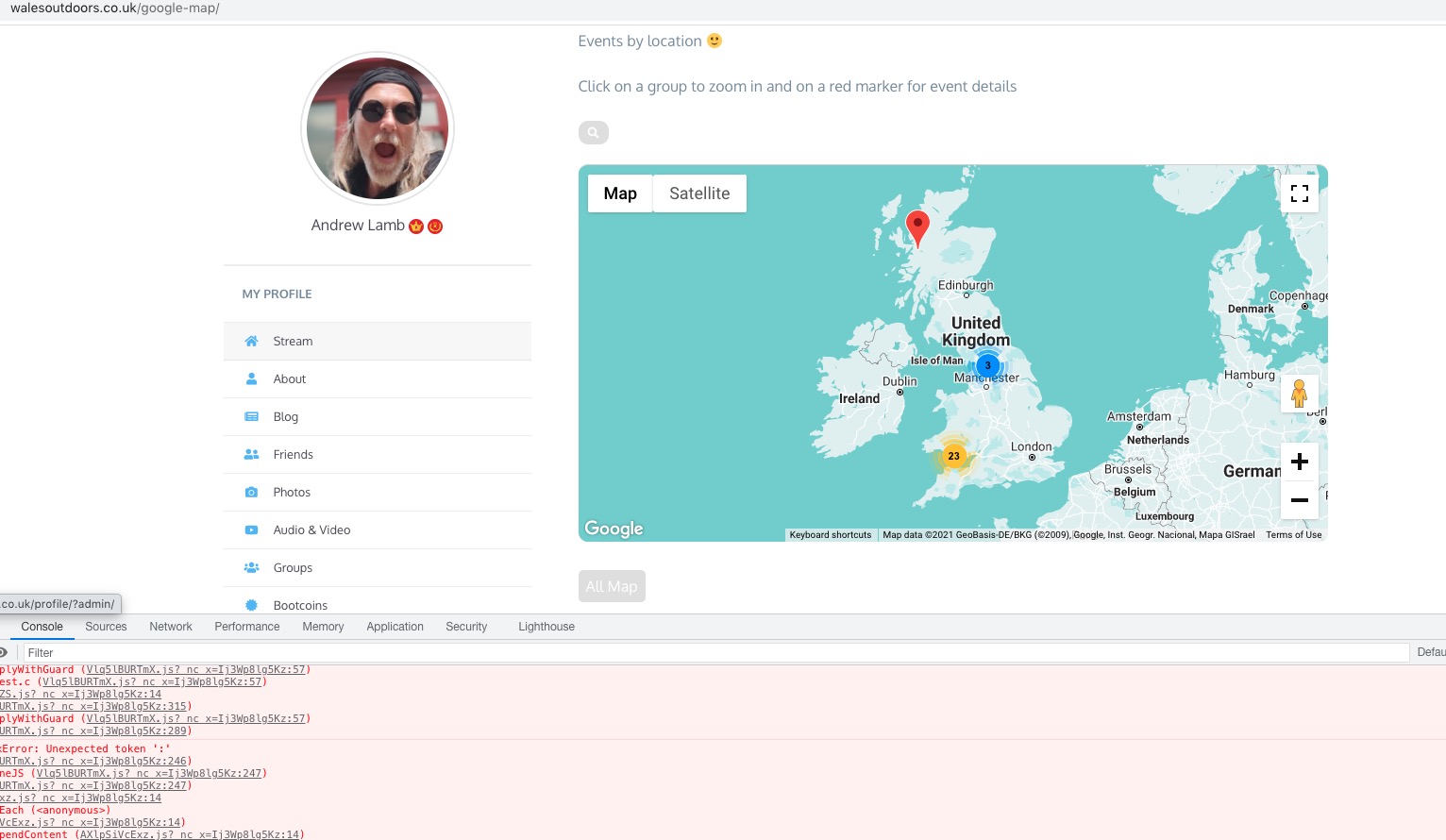
Also when I activated them again, the map still works. Could you check and let me know if it’s same on your side?
Replies for tickets on suppota
The problem is not in the theme but in these two plugins:
WooCommerce Stripe Gateway
Payment Plugins for Stripe WooCommerce
Also when I activated them again, the map still works. Could you check and let me know if it’s same on your side?
1. Can we try what I suggested in the original ticket?
2. You need somehow add this code to your website:
.evo_metarow_directimg,.evcal_evdata_row.evo_event_images {height: fit-content;}
I’ve added it to EventON Styles and Additional CSS, however it still doesn’t show on the website itself. Is there some kind of cache on the server?
3. The problem is in woo-stripe-payment plugin:
[31-Oct-2021 15:46:10 UTC] PHP Fatal error: Uncaught Error: Call to a member function get_meta() on null in /home/u778310257/domains/walesoutdoors.co.uk/public_html/wp-content/plugins/woo-stripe-payment/includes/class-wc-stripe-field-manager.php:57
Stack trace:
#0 /home/u778310257/domains/walesoutdoors.co.uk/public_html/wp-includes/class-wp-hook.php(303): WC_Stripe_Field_Manager::before_add_to_cart(”)
#1 /home/u778310257/domains/walesoutdoors.co.uk/public_html/wp-includes/class-wp-hook.php(327): WP_Hook->apply_filters(”, Array)
#2 /home/u778310257/domains/walesoutdoors.co.uk/public_html/wp-includes/plugin.php(470): WP_Hook->do_action(Array)
#3 /home/u778310257/domains/walesoutdoors.co.uk/public_html/wp-content/plugins/eventon-tickets/templates/template-add-to-cart-variable.php(26): do_action(‘woocommerce_bef…’)
#4 /home/u778310257/domains/walesoutdoors.co.uk/public_html/wp-content/plugins/eventon-tickets/includes/class-frontend.php(392): include(‘/home/u77831025…’)
#5 /home/u778310257/domains/walesoutdoors.co.uk/public_html/wp-includes/class-wp-h in /home/u778310257/domains/walesoutdoors.co.uk/public_html/wp-content/plugins/woo-stripe-payment/includes/class-wc-stripe-field-manager.php on line 57
Please deactivate it.
As I wrote in this ticket Reply to: 257119 it seems that the default WordPress timezone can be wrong, so you need to check it by going to wp-admin > Settings > General > Timezone.
The thing with such issues, when they involve timezones and multiple shortcodes that doesn’t show events, the best and quickest way is to send us your login info. No need to send us super admin, just make sure that we can access EventON Settings, general settings, pages. That’s it to test this and solve ASAP.
Please send us a screenshot of wp-admin > Settings > General > Timezone.
Also send us shortcodes with issues from https://turnthetide.buzz/events-calendar/ and https://turnthetide.buzz/events/recall-rally-at-ventura-government-center/, so we can make sure that the issue is not in them.
Hello,
The problem is that your version of WeeklyView add-on is quite old. Could you update it to 2.0?
To update eventon addons: You can download latest eventon addons from myeventon > my account. Then you can go to your website, deactivate old addon and install new one and activate then delete the old addon. This link will further explain the process. Also you can follow us on twitter to get real-time announcements on updates!
Hello,
Could you check your other #257487 ticket? I’ve already provided you with the code there.
Hello,
Please add this CSS code to EventON > Styles (If you don’t see any change, EventON > Scripts & Styling > turn off Write styles to header > save settings > turn on Write styles to header):
.evcal_evdata_row .evcal_evdata_cell h3, .evo_clik_row .evo_h3 { font-size: 18px; } .evcal_evdata_row .evcal_evdata_cell h3 a, .evo_clik_row .evo_h3 a { font-size: 18px; line-height: 1.3em !important } .evo_metarow_ICS .evcal_evdata_cell p a { color: black; }
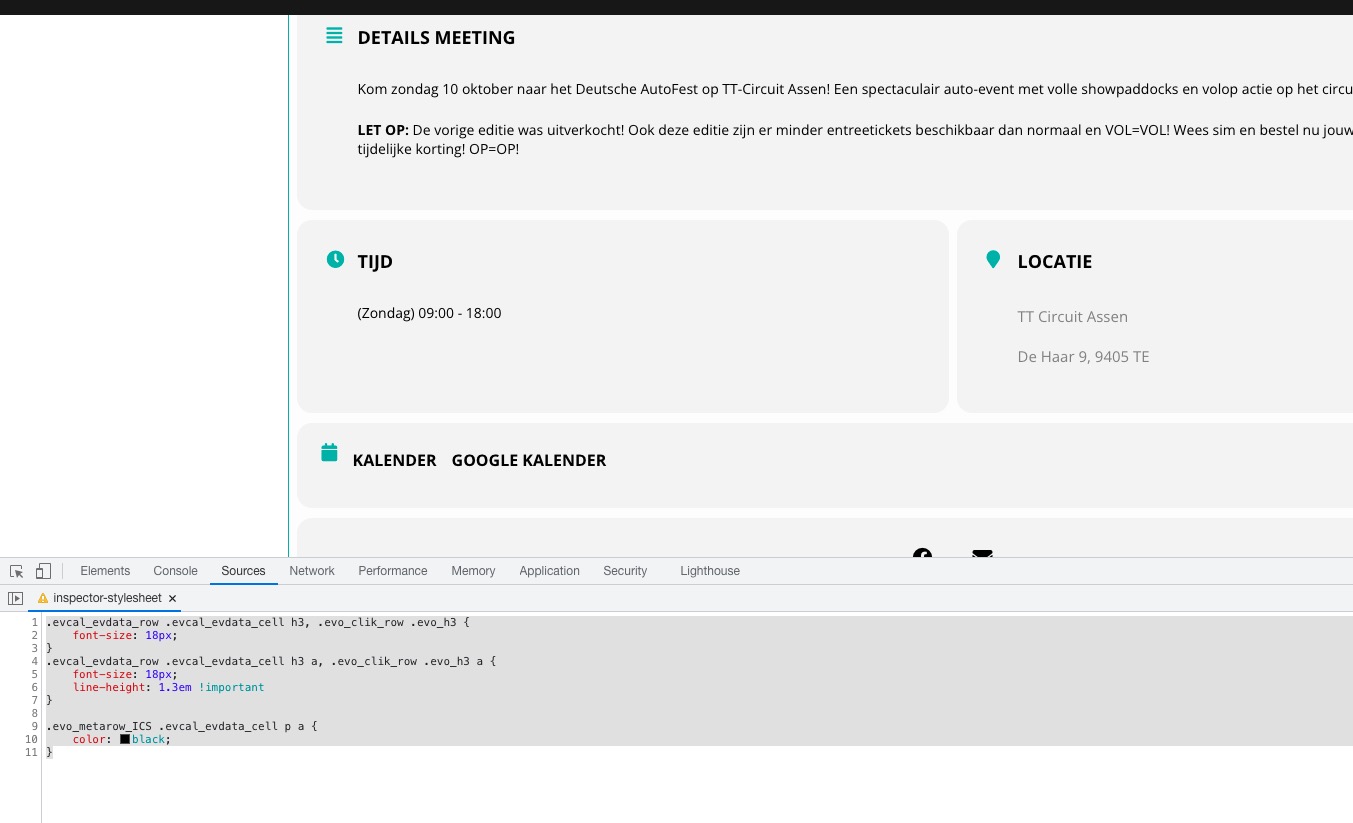
Just saying the same thing happens re viewing event pages on my other site running eventon, lifedrawingwales.co.uk
https://www.iliveinbookham.com/whats-on/ ?
bottom right of that page, an eventon code with an Evenon Shortcode Executer:
[add_eventon_wv
cal_id=”weekview”
add_eventon_wv ux_val=”3″
search=”no”
event_type_2=”NOT-604″
add_eventon show_et_ft_img=’yes’
dd_eventon eventtop_style=’4′
hide_so=”yes”
]
Hi Richard,
I am sorry but I still do not see any weekly view short code on that page. Did you remove it?