who are you hosting with?
Archives: Replies
Replies for tickets on suppota
Reply to: tickets(256433)
where did you store the custom styles?
Reply to: tickets(254916)
Thomas, we understand you manage many websites and we appreciate you using eventON on your client’s websites. If updates have caused issues in the PAST, why not try doing updates on a clone site before going live to avoid these issues in the future? – you have the option!
We are very glad the color issues have been resolved by our wonderful team! And glad to hear you have also resolved the confirmation issue.
If you have more questions, kindly send us a new ticket and we would be more than happy to help you resolve your issues!
Reply to: tickets(256494)
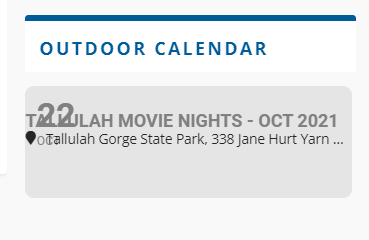
After looking at other similar tickets it’s possible my theme might be conflicting and I might need to add custom code into the Styles code section. I am just unsure of what to add. I need a small bit of margin around the entire box so the text doesn’t run to the exact edge of the box and then add small space between the month/day and the Title/location so that info doesn’t overlap. Can you suggest the code that might accomplish this? Or maybe this isn’t the right way for this issue? I have attached image of what text currently looks like.
Reply to: tickets(256494)
Thank you. Time and Location are now correct.
The slider is still running the month/day text into the Title/location text. I tried many combinations of on/off including all on and all off in the Settings/Scripts & Styling tab. But nothing seemed to affect the text. Is there any other area that impacts the rendering of text in the mini slider?
Reply to: tickets(256433)
Hi – I had a similar problem, where the update ruined all of my custom formatting as well. I did just add the eventtop_style=”0″ and that helped with the color issue, but the alignment of all my text is still off. Is there a way to revert that back, or do I need to go through and try to re-align everything?
Current calendar: https://insidetrail.com/calendar
Thanks,
Tim Stahler
Reply to: tickets(256258)
Now it is saying there is a critical error on the website and it won’t import.
Reply to: tickets(255901)
Hi Artem,
thanks for getting back to me. Appreciate your answer but unfortunately it looks I probably be clearer with my question. I have ‘add to calendar’ links on and it’s all working just fine.
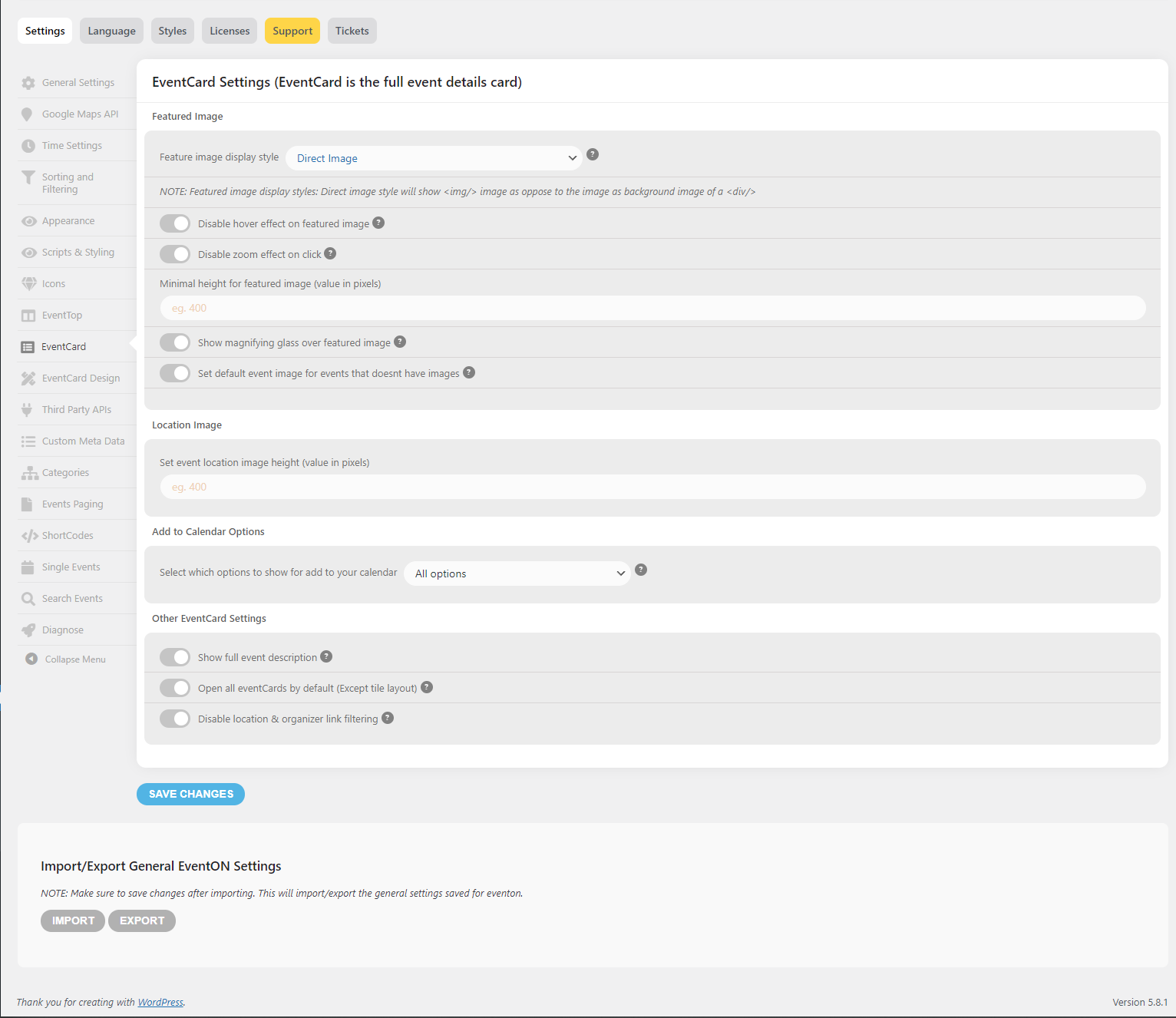
What I’m trying to achieve is change the default text ‘CALENDAR’ and ‘GOOGLECAL’ to something else, let say ‘APPLE CALENDAR’ and ‘GOOGLE CALENDAR’, so only changing a text/label for each link. Is that possible at all please? I don’t really see any options for that (I attach a screenshot)
Thank you
Milosz
Reply to: tickets(256512)
FTP:
host: blog.togethernetwork.org
login: ernesto5
psw: xoi6#FezrkA4
Reply to: tickets(256512)
Yes… it’s probably the email that you need for log in
Username: cinquenove or email: ernestocinquenove@gmail.com
psw: VpjRh4W1vjDzwBz^0t