Hi, Thanks that helped. Just wondering why does some of the custom css styles change when updating the plugin? On this page I still have a problem that the cards look different from before. Background of the card should be white, not grey. Also there should be no border radius on the cards. Also there is weird empty space now on the cards after the info.
Thanks
Hello,
I selected another another event content filter and it works!!
Thank you very much!!
Best regards.
Hi!
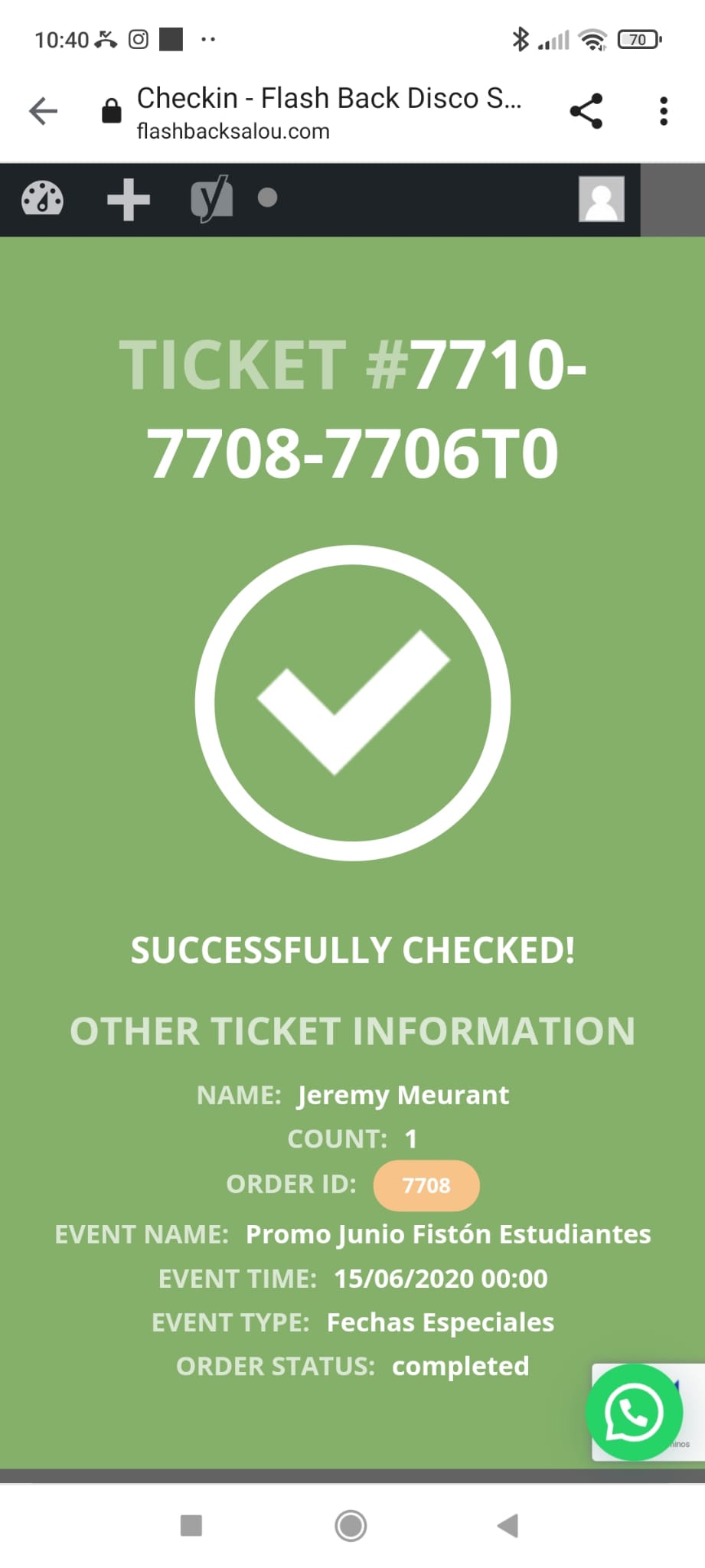
Of course QR code is to Check-in customers, I understand how it works, but I can’t see variation of ticket on Checkin Screen (attached) and we have different prices managed with your add-on.
We are selling 1500 different tickets per night (2 or 3 variations), long cues and users only show their mobile phones with QR in order to get in… need to know very fast what kind of ticket have bought in order to manage its entry…
Many thanks
Hi Carmen,
Please send us wp-admin access to your site as a private message for us to further assist your situation.
Hi Julia,
Please post the password in a private message, other people will not see then.
Okay i look forward to Ashan’s fix for this.
For the moment I have another problem as the calendar shows only 5 events in Oktober. It is supposed to be always 6 events visible.
Can you help me please? and the events all have the category color red shown. But it should change according to the category.
https://bettfedernfabrik-oberwaltersdorf.com/
if I put the password here it will show to other people
in myeventon>>>>>>language>>>>>>>rsvp
you’ll have a list of phrases you can alter
(remember to clear cache afterwards)
password didn’t work for me if we could take a quick look in the settings we may be able to quickly get them to the color #ff0000