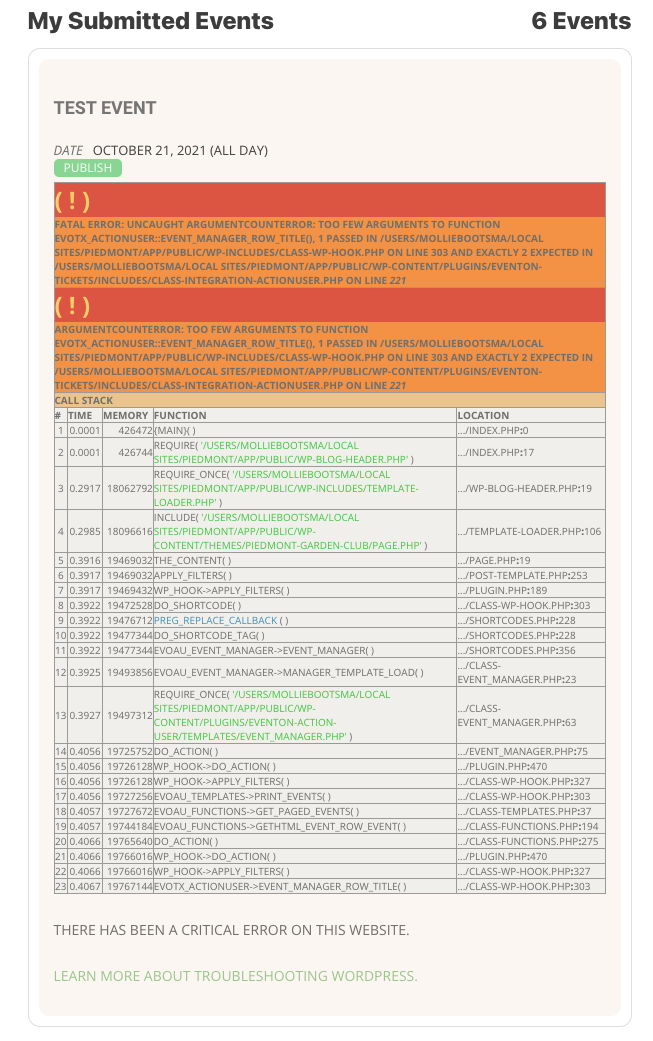
Hello,
Could you update EventON to 4.0.1?
To update eventon to latest version: If you are unable to do autoupdate, you can go to codecanyon your account > download and get the latest eventon version as zip file. Then you can go to your website, deactivate old eventon, activate (Do not delete eventon settings & data when EventON is uninstalled) from eventon settings, delete old eventon, install new one and activate. This link will further explain the process it. Also you can follow us on twitter to get real-time announcements on updates!
Hello,
Could you update EventON to 4.0.1?
To update eventon to latest version: If you are unable to do autoupdate, you can go to codecanyon your account > download and get the latest eventon version as zip file. Then you can go to your website, deactivate old eventon, activate (Do not delete eventon settings & data when EventON is uninstalled) from eventon settings, delete old eventon, install new one and activate. This link will further explain the process it. Also you can follow us on twitter to get real-time announcements on updates!
After the update please make sure to update other add-ons as well.
To update eventon addons: You can download latest eventon addons from myeventon > my account. Then you can go to your website, deactivate old addon and install new one and activate then delete the old addon. This link will further explain the process. Also you can follow us on twitter to get real-time announcements on updates!
We are sorry for the delay. Could you check this:
If you go to https://www.myeventon.com/my-account/edit-address/billing/ you can edit the address and add VAT number under company name. And then apply it to all the active subscriptions and see if generating invoice make correctly with vat.
Thanks,
I downloaded the eventon-reminders from git-hub, replaced the folder in my plugins folder with the new one, and set up a test event.
Not sure why, but the reminder came through with the same issue:
Subject line:
Reminder of {event-name}
Hello there,
This is a reminder of your registration in the following:
test event
{event-date} – {event-end-date}
{event-time} – {event-end-time}
Location
{event-location}
Additional Information
{event-additional-information}
We look forward to seeing you there!
I really need to resolve this or move on to another solution.
Is it possible to get someone to look at my wordpress install and see if they can make sense of what is happening?
I had paid for a customization job to allow the reminder email to contain the additional information field from the event details form as well as the event location. These seem like basic things that most people would want. So perhaps improving the basic reminder email to include those would resolve this issue for me?
I look forward to hearing from you soon.
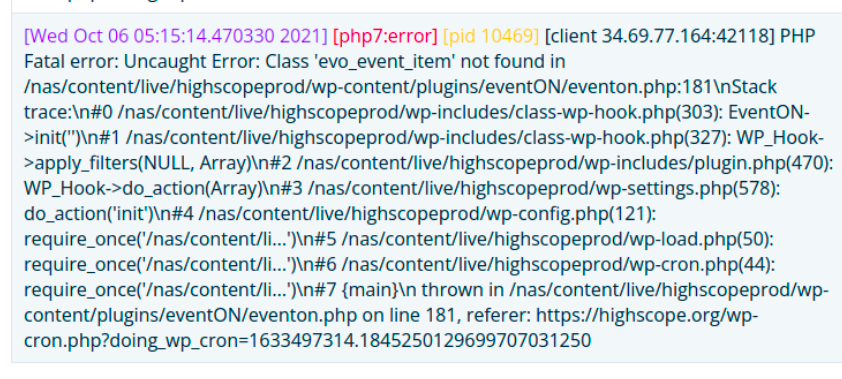
this is the screen shot of the issue
Hello Artem, what do you mean ? , yes it is just a password protected site , you just need to add the user and the password once the type the website address at the browser it will ask you for the credentials , then it is just normal wordpress website
Hello there!
Here are our credentials:
kenneth
NThlsf(Q1Vj&vJoP4Tp%qfvf
Hope it helps.
Thanks!
Guillaume
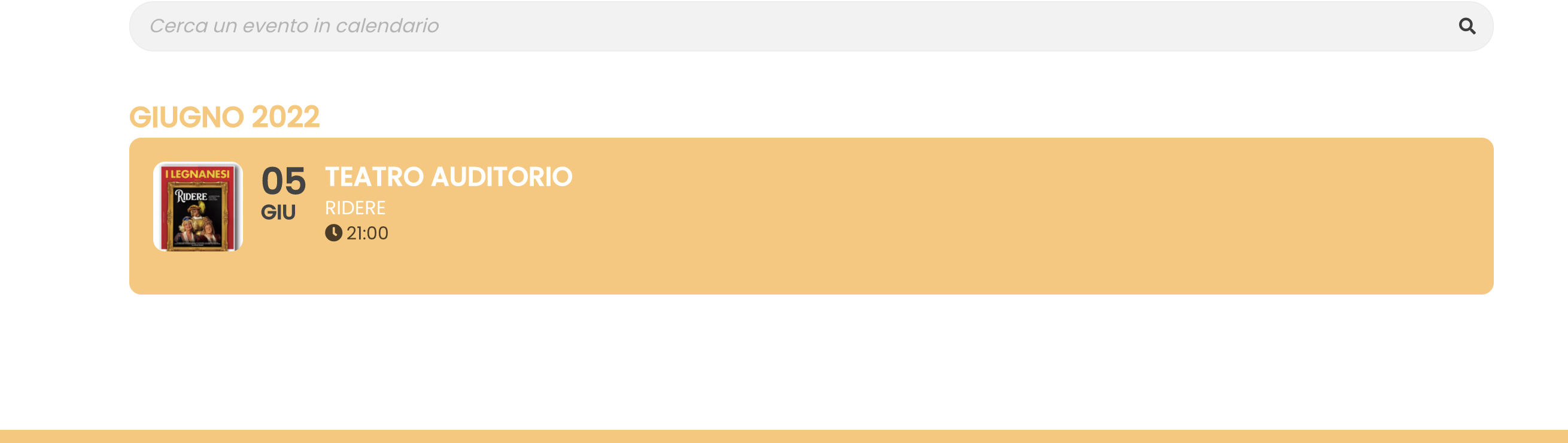
Hello. I somehow solved it by myself. Thanks for the assistance.
If I still need help, I’ll write to you.
Thanks 🙂
Is there a way to make sure at least the paragraphs stay? Right now when it is added to a calendar, the description is just a block of text with no paragraphs.