Hello,
Please take a look at our Refund Policy: https://docs.myeventon.com/documentations/terms-and-conditions-and-refund-policy/ > 8. Refund Policy.
Replies for tickets on suppota
Hello,
Please take a look at our Refund Policy: https://docs.myeventon.com/documentations/terms-and-conditions-and-refund-policy/ > 8. Refund Policy.
Now I succedded seeing button adding view_switcher=’yes’ in the shortcode however the “Full Calendar” view option is not accessible on the dropdown list.
Can you help us please ?
Thanks,
Guillaume
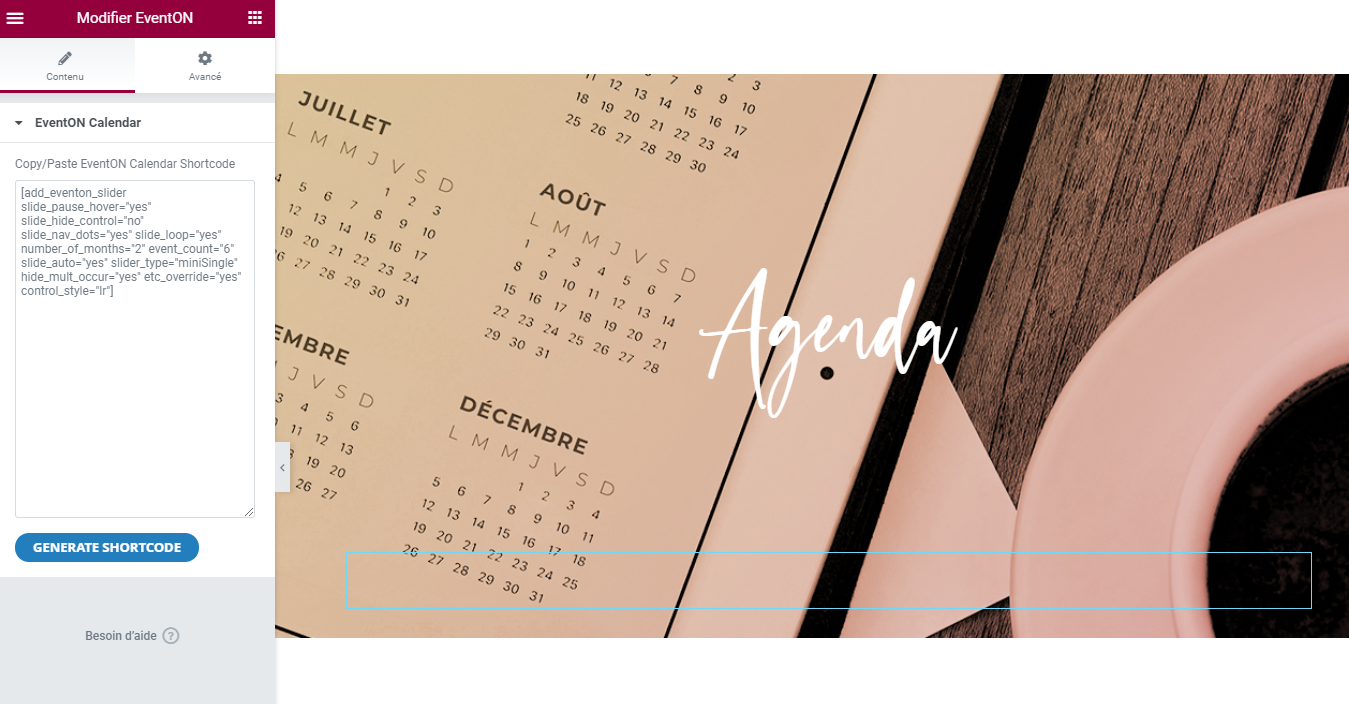
This is this button appearing on a page edited with Elementor.
Thanks!
If I get these add ons and they dont work for my client can I get my money back?
Hello again,
I solved the problem of text alignement adding these lines to CSS :
.evosliderbox.ajde_evcal_calendar .eventon_events_list .eventon_list_event .evcal_list_a,.evosliderbox.ajde_evcal_calendar .eventon_events_list .eventon_list_event .evcal_list_a:hover
{
display:flex;
}
I solved the background color of slides too setting background color on this tag class :
.desc_trig
We waits for the update anyway to have not to set this code in future revisions.
Thanks.
Best regards,
Guillaume
Hello there !
I see that with new version of Event On we can havea drowpdown list for switching display mode but I don’t where to activate this for its not showing on our site.
Thank you,
Guillaume
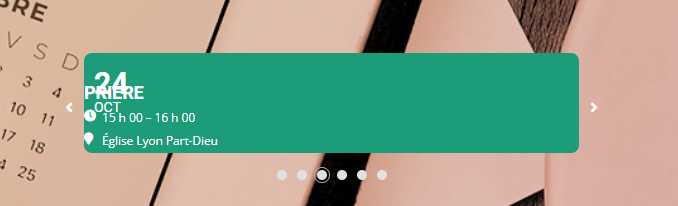
Here is a screenshot of a slide : nor the background color, nor the infos are correctly displayed !!
Thank you,
Guillaume
Hi,
Yes I’m using EventON 4.0.1.
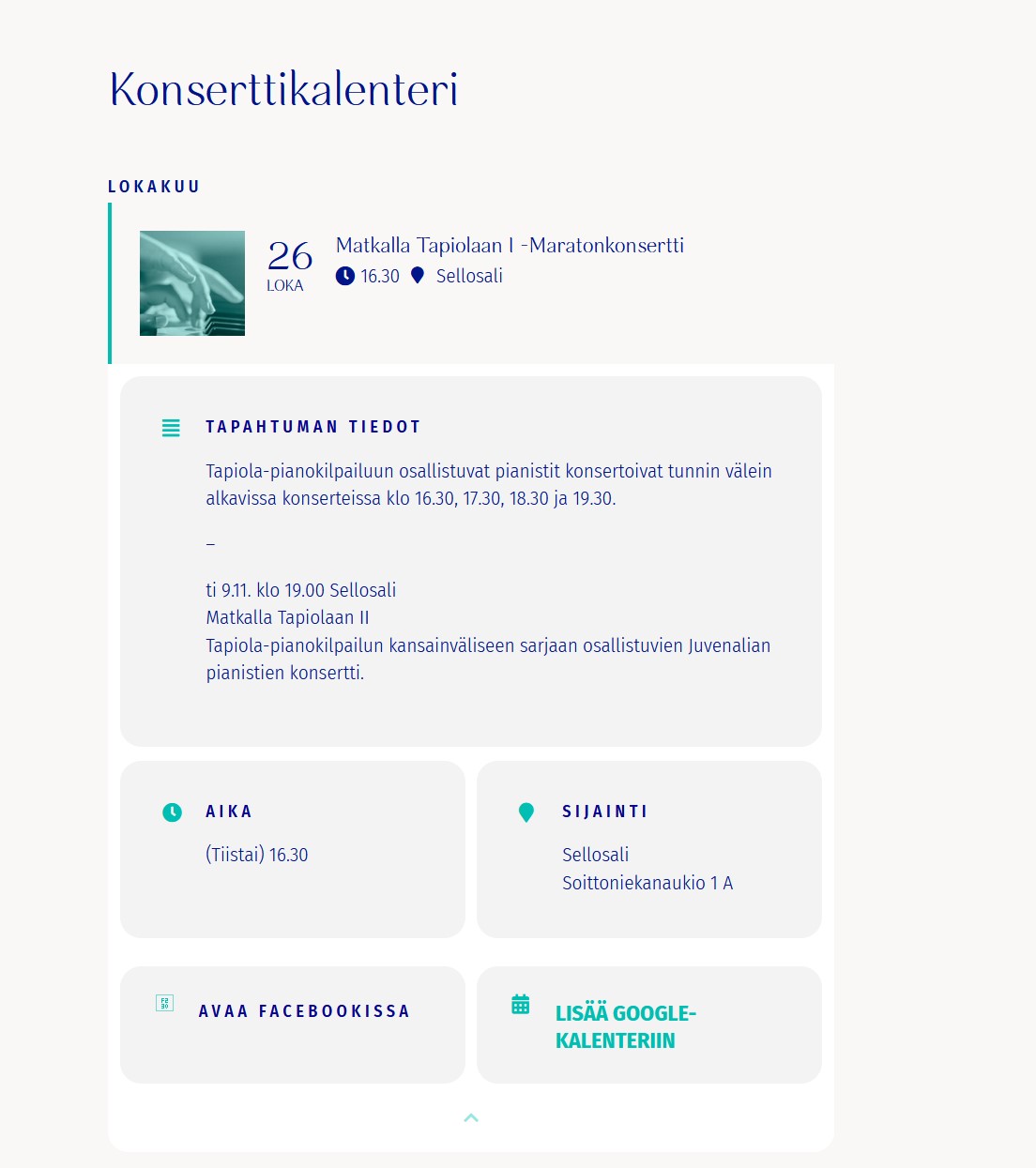
I did go to EventON Settings > Single Events > select Select EventTop Style: Clean White, but this didn’t fix the issue. The event cards are still looking different than before and the names of the events are missing on the events page https://juvenalia.fi/konserttikalenteri/
Thanks!
Hello,
I am sorry but after updating you will have to do some style adjustments in order to achieve the previous style.
Please let us know if you need help after updating and we will be happy to help.
Hi Fred,
Please take a look at this video on how to do that https://youtu.be/8uVxHE8vIxE?list=PLj0uAR9EylGrROSEOpT6WuL_ZkRgEIhLq