So if people are registering for free events- you would use the rsvp addon for registration
if people are buying tickets to attend then you would want the tickets addon instead
we have the reminders addon that can send out an email to the people however a document wont be attached (you could provide a link in that email to download the documents from your site however)
the email is however generic and not customized per event and you control when its sent- you can include the event name and link to the event but its generic other than that in that all events get sent the same email (with the title and link changing for each event)
see long video below
Hi,
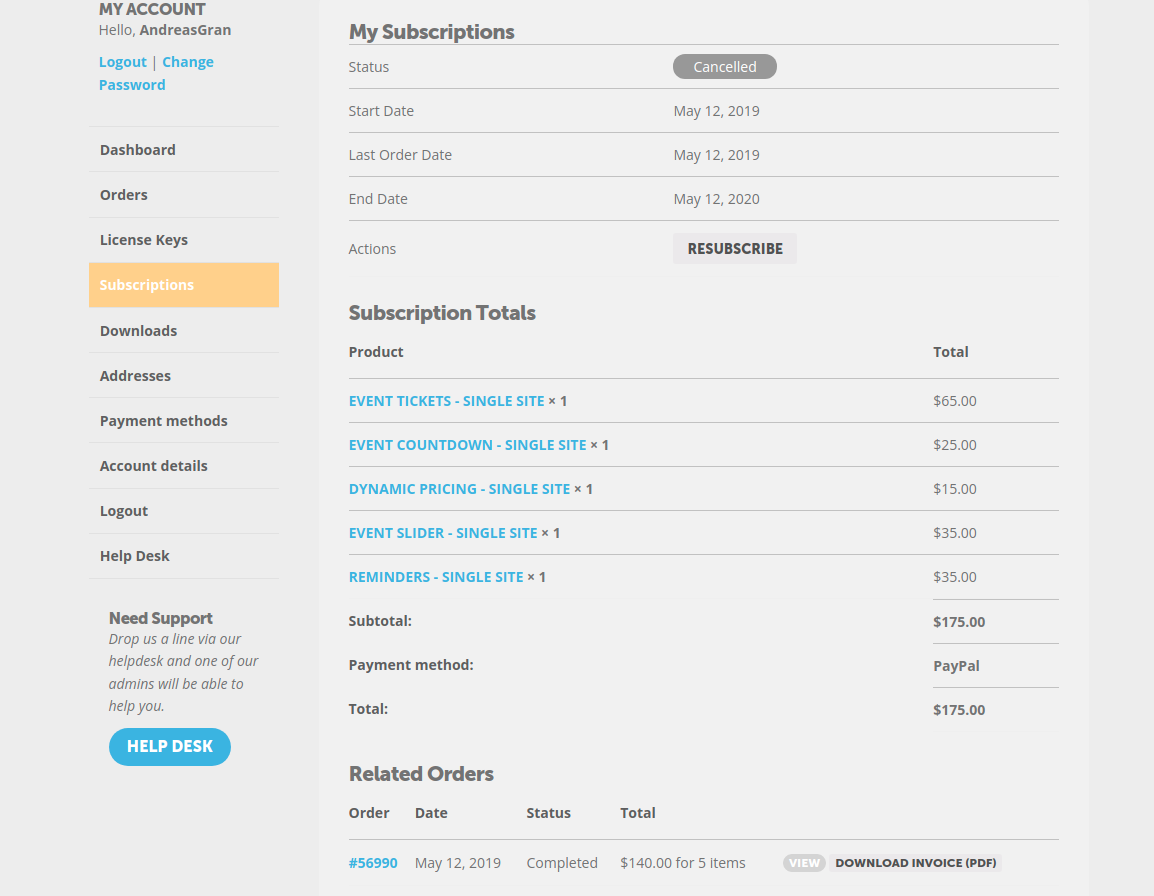
It seems the eventOn addons are unavailable to me now. I am a bit confused, I should be able to download the addons after subscribing one time, right? Or are they unavailable after the expiration of subscription? Please let me know about it. Thank you for your support.
OK that worked. Too bad that is not the default!
Hi:
I updated the plugin, but it’s still not displaying the Event Title or Date – – so not sure what else to do.
Here are login credentials if you would like to try to fix it for me:
https://explorepeoria.com/wp-admin
TrixieOct2017
0qdmZbO29rAZwDu
Please let me know.
Thanks for your help.
Amy Blain
Last time you just changed it in the invoice, see #199335 ticket. Maybe this is the solution?
Found how to get a pop up – just need to know how to see months and years above calendar
Thanks
OK, thanks for your help, it’s appreciated
Helen
Thanks for your help, it’s appreciated. Is there a way to get the event to open over the top of the calendar – currently when a customer clicks the event opens below the calendar and users can’t see the info without scrolling.
Also, is there a way of getting the months and years to show above the calendar – at the moment it shows as text saying scroll months but I’d prefer to see the months and years
Thanks
Helen
My apologies. I should have mentioned that I have already attempted this. Unfortunately, this doesn’t have the desired results.
I need the entire header colored, as per this screenshot:
https://www.dropbox.com/s/r4ekxav988p0e2b/Screen%20Shot%202021-10-19%20at%2012.51.10%20PM.png?dl=0
Adding the option give me this:
https://www.dropbox.com/s/be6lu9xtz9sazbc/Screen%20Shot%202021-10-19%20at%2012.52.25%20PM.png?dl=0
IMPORTANT: I had to change the password for the user if you need to access the admin. It is now:
b03SkP)AB6ledMvRuvu*JcVA
Thank you!
Great! Could you try adding the code to Appearance > Customize > Additional CSS?